Manual Samsung SGH-C450 Mobile Phone

Need a manual for your Samsung SGH-C450 Mobile Phone? Below you can view and download the PDF manual for free in English. This product currently has 16 frequently asked questions, 0 comments and has 0 votes. If this is not the manual you want, please contact us.

Is your product defective and the manual offers no solution? Go to a Repair Café for free repair services.

Manual

Loading…
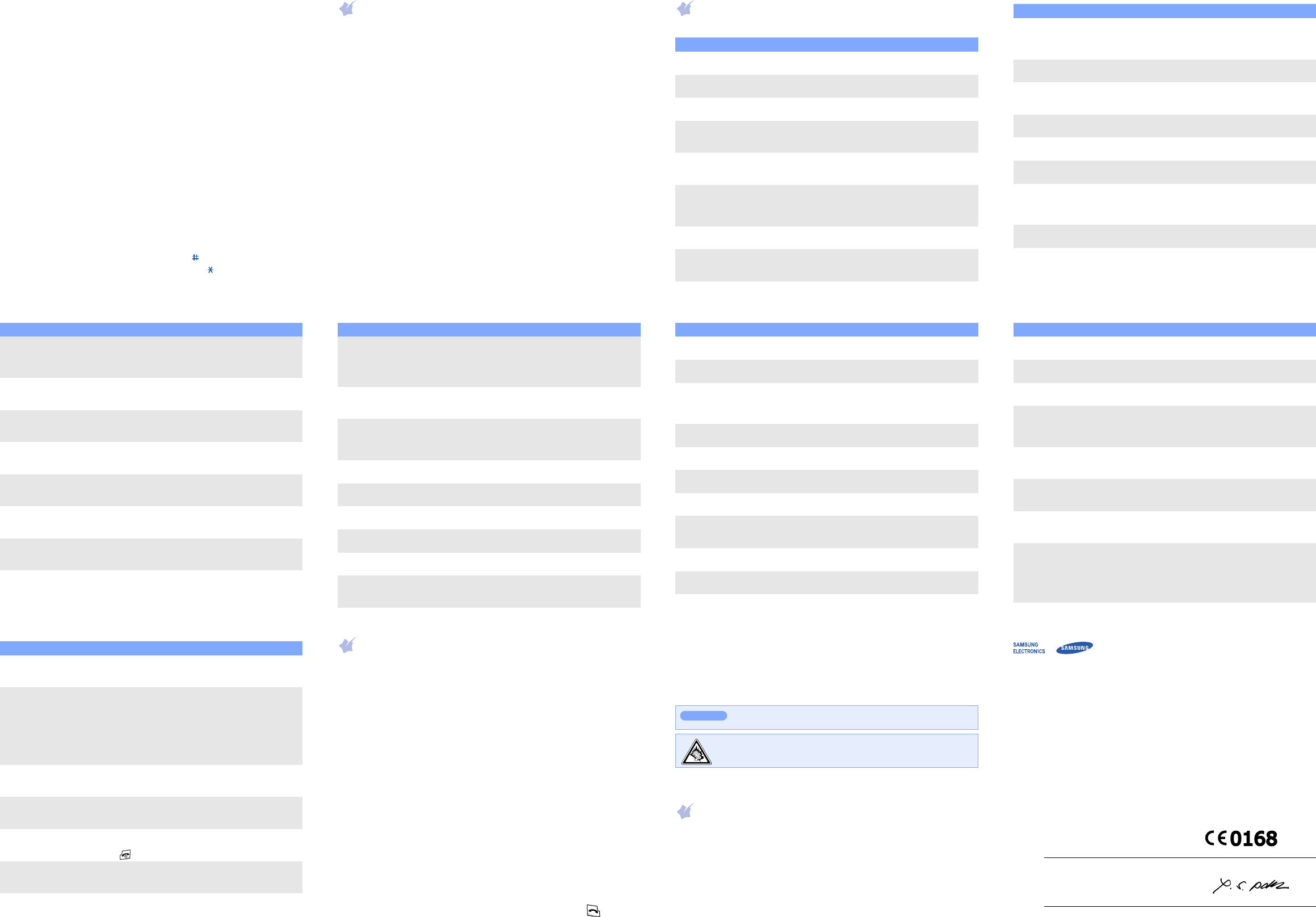
ABC mode
Press the keys labelled with the character you want:
- once for the first character
- twice for the second character
- and so on.
For example, press
2
three times to enter “C” and
5
two times to enter
“K”.
Number mode
Press the keys corresponding to the digits you want.
Symbol mode
Press the number keys corresponding to the symbol you want and press
the
OK
soft key. You can press
Up
or
Down
to display more symbols.
Tips for entering text
To move the cursor, press the Navigation keys.
To delete characters one by one, press
C
. To delete all of the characters,
press and hold
C
.
To insert a space between characters, press .
To change case in T9 mode or ABC mode, press .
To enter punctuation marks in T9 mode or ABC mode, press
1
.
Sending an SMS message
1. In Idle mode, press
Left
.
2. Enter the message text.
3. Press the
Options
soft key and add items using the following options:
Add media
: add sounds, images, or animated images.
Add emoticon
: add emoticons.
Preset messages
: add text templates.
4. Press the
Options
soft key and select
Send
.
5. Select an empty location.
6. Enter a destination number and press the
OK
soft key.
7. Press the
Send
soft key to send the message.
Quick feature reference
This section provides brief explanations of features on your phone.
Feature Description Select
Find a contact Search for contacts in Phonebook. Phonebook
> Find name
FDN list Create a list of contacts to be used in
FDN (Fixed dialling Number) mode.
Phonebook
> FDN list
Add a new
contact
Add a new contact to Phonebook. Phonebook
> Add entry
Speed dial Assign speed dial numbers (2 to 9)
for eight of your most frequently
dialled numbers.
Phonebook
> Speed-dial list
Check your
own phone
numbers
Check your phone numbers or assign
a name to them.
Phonebook
> Own number
Change
properties of a
caller group
Select a ringtone and image for
incoming calls and messages from
members of a group. Also change the
group name.
Phonebook
> Group setting
Management Manage contacts in Phonebook. Phonebook
> Management
SDN (Service
Dialling
Numbers)
Access the list of service numbers
assigned by your service provider.
Phonebook > SDN
View recent
calls
View the most recent calls you have
dialled, received, or missed.
Menu > Call log
> Missed calls,
Received calls, or
Dialled calls
Delete recent
calls
Delete the call logs in each call type,
or all logs at once.
Menu > Call log
> Delete all
Call time
display
View the duration of recent calls you
have dialled and received. Also reset
the time counter.
Menu > Call log
> Call time
Call cost
display
View the cost of your calls. Menu > Call log
> Call costs
Network
services
Access network services offered by
your service provider.
Menu > Network
services
Voice memo Record voice memos and listen to
them.
Menu > Applications
> Voice recorder
FM radio Listen to music or news via the FM
radio on your phone. First, you must
connect your phone with the headset,
which serves as a radio antenna.
Menu > Applications
> FM radio
Use the SIM
service
Use a variety of additional services
offered by your service provider.
Menu > Applications
> SIM-AT
Select ringtone
and volume
Select a ringtone for incoming calls, a
volume level, or an alert type.
Menu
> Sound settings
> Incoming calls
Feature Description Select
Select a
message tone
Select the alert ringtone and alert
type for incoming messages or set
how often you are informed of a new
message.
Menu
> Sound settings
> Messages
Power on/off
tone
Set the phone to sound when it is
switched on or off.
Menu
> Sound settings
> Power on/off
Connection
tone
Set the phone to beep when a call is
connected to the system.
Menu
> Sound settings
> Connection tone
Select key tone
and volume
Select a tone which the phone sounds
when you press a key or adjust the
key tone volume.
Menu
> Sound settings
> Keypad tone
Minute minder Set the phone to beep every minute
during a call to keep you informed of
the length of your call.
Menu
> Sound settings
> Minute minder
Silent mode Set how the phone acts to alert you
to a specific event while in Silent
mode.
Menu
> Sound settings
> Silent mode
Alerts on call Set the phone to alert you when you
receive a new message or when the
time for an alarm comes during a call.
Menu
> Sound settings
> Alerts on call
Send SMS or
MMS messages
Create and send messages to other
mobile phones.
Menu > Messages
> Text messages or
Multimedia messages
> Create
Feature Description Select
Read SMS or
MMS messages
Read received, sent, or saved
messages.
Menu > Messages
> Text messages or
Multimedia messages
> Inbox, Outbox,
Draft, or My folder
Emoticon
templates
Preset messages of frequently used
emoticons.
Menu > Messages
> Text messages
> Emoticon templates
Delete
messages
Delete messages in each message
folder, or all messages at once.
Menu > Messages
> Text messages or
Multimedia messages
> Delete all
Push message Change the settings for the service,
and access or delete push messages.
Menu > Messages
> Push messages
Message
templates
Preset templates of frequently used
messages.
Menu > Messages
> Preset messages
Voicemail Access your voicemail server and
listen to messages on the network.
Menu > Messages
> Voice mail
Broadcast
message
Change settings for the service and
access broadcast messages.
Menu > Messages
> Broadcast
Messaging
options
Set options for using messaging
services.
Menu > Messages
> Settings
SOS message Activate the SOS message feature.
Enter recipients and select the repeat
mode.
Menu > Messages
> SOS messages
Feature Description Select
Message
memory status
Check memory information for
messages.
Menu > Messages
> Memory status
Web browser Launch and configure the web
browser.
Menu > Fun box
> WWW services
Access media
files
Access images and sounds in your
phone’s memory. You can also delete
images or sounds, and check memory
information.
Menu > Fun box
> Media box
Java
applications
Access the embedded Java games
and downloaded Java applications.
Menu > Fun box
> JAVA world
Schedule an
item
Create a new item. Menu > Planner
> New memo
Calendar Keep track of daily or monthly
schedule.
Menu > Planner
> Calendar
Task list Create a list of tasks and assign a
deadline to each task.
Menu > Planner
> To do list
Time and date Set the current time and date
manually and set your local time
zone.
Menu > Planner
> Clock
Alarm Set an alarm to sound at a specific
time.
Menu > Planner
> Alarm
Calculator Perform basic arithmetic functions. Menu > Planner
> Calculator
Feature Description Select
Converter Do conversions such as currency and
temperature.
Menu > Planner
> Converter
Timer Set a period of time for the phone to
count down.
Menu > Planner
> Timer
Stopwatch Measure elapsed time. The maximum
measurement time is 10 hours.
Menu > Planner
> Stopwatch
Camera Take photos in various modes, and
access saved photos in jpeg format.
You can also delete photos or check
memory information for photos.
Menu > Camera
Display
settings
Change settings for the display and
backlight.
Menu
> Phone settings
> Display
Greeting
message
Enter the greeting message to be
displayed when the phone is switched
on.
Menu
> Phone settings
> Greeting message
Language
selection
Select a language to be used for the
display text or text input mode.
Menu
> Phone settings
> Language
Offline mode Switch the phone to Offline mode.
This mode is helpful when you want
to use your phone in a place where
you are not allowed to use mobile
devices, such as in an airplane and at
a hospital.
Menu
> Phone settings
> Offline mode
Feature Description Select
Security Protect the phone against
unauthorised use.
Menu
> Phone settings
> Security
Mobile tracker Track your phone when it is stolen or
lost. When someone tries to use your
phone with other SIM card, the phone
will automatically send the preset
tracking message to your family or
friends. This feature may be
unavailable due to certain features
supported by your service provider.
Menu
> Phone settings
> Security
> Mobile tracker
Auto redial Set the phone to make up to ten
attempts to redial a phone number
after an unsuccessful call.
Menu
> Phone settings
> Auto redial
Voice clarity Remove extraneous noise and
increase call quality so that the other
person can hear you clearly.
Menu
> Phone settings
> Voice clarity
Anykey answer Answer an incoming call by pressing
any key, except for the
Spkr on/off
soft key and .
Menu
> Phone settings
> Anykey answer
Auto keypad
lock
Set the phone to automatically lock
the keypad in times of inactivity.
Menu
> Phone settings
> Auto keypad lock
Reset the
phone
Reset the phone to the factory default
settings.
Menu
> Phone settings
> Reset settings
Feature Description Select
Important safety precautions
Read these guidelines before using your wireless phone. Failure to comply with
them may be dangerous or illegal.
Drive safely at all times
Do not use a hand-held phone while driving; park your vehicle first.
Switching off when refuelling
Do not use the phone at a refuelling point (service station) or near fuels or
chemicals.
Switching off in an aircraft
Wireless phones can cause interference. Using them in an aircraft is both illegal
and dangerous.
Switching off near all medical equipment
Hospitals and health care facilities may be using equipment that could be sensitive
to external RF energy. Follow any regulations or rules in force.
Interference
All wireless phones may be subject to interference, which could affect their
performance.
Special regulations
Follow any special regulations in force in any area and always switch off your phone
whenever it is forbidden to use it.
Water resistance
Your phone is not water-resistant. Keep it dry.
Sensible use
Use only in the normal position (held to your ear). Avoid unnecessary contact with
the antenna when the phone is switched on.
Emergency calls
Key in the emergency number for your present location, then press . Do not
end the call until given permission to do so.
Small children and your phone
Keep the phone and all its parts including accessories out of reach of small
children.
Accessories and batteries
Use only Samsung-approved batteries and accessories, such as headsets and PC
data cables. Use of any unauthorised accessories could damage your phone and
may be dangerous.
Qualified service
Only qualified service personnel may repair your phone.
SAR information
Your wireless phone is a radio transmitter and receiver. It is designed and
manufactured not to exceed the emission limits for exposure to radio frequency
(RF) energy set by the European Union (EU) Council. These limits are part of
comprehensive guidelines and establish permitted levels of RF energy for the
general population. The guidelines are based on the safety standards that were
developed by independent scientific organisations through periodic and thorough
evaluation of scientific studies.
The standards include a substantial safety margin designed to assure the safety of
all persons, regardless of age and health.
The exposure standard for wireless phones employs a unit of measurement known
as Specific Absorption Rate (SAR). The SAR limit set by the EU Council is 2.0 W/kg.
The highest SAR value for this model phone was 0.932 W/kg.
Risk of explosion if a battery is replaced by an incorrect type.
Dispose used batteries according to the instructions.
At very high volume, prolonged listening to a headset can damage
your hearing.
CAUTION
Declaration of Conformity (R&TTE)
We,
Samsung Electronics
declare under our sole responsibility that the product
GSM Mobile Phone : SGH-C450
to which this declaration relates, is in conformity with the following standards and/or other
normative documents.
SAFETY EN 60950- 1 : 2001 +A11:2004
EMC EN 301 489- 01 V1.4.1 (08-2002)
EN 301 489- 07 V1.2.1 (08-2002)
SAR EN 50360 : 2001
EN 62209-1 : 2006
RADIO EN 301 511 V9.0.2 (03-2003)
We hereby declare that [all essential radio test suites have been carried out and that] the above
named product is in conformity to all the essential requirements of Directive 1999/5/EC.
The conformity assessment procedure referred to in Article 10 and detailed in Annex[
IV
] of Directive
1999/5/EC has been followed with the involvement of the following Notified Body(ies):
BABT, Balfour House, Churchfield Road,
Walton-on-Thames, Surrey, KT12 2TD, UK
Identification mark: 0168
The technical documentation kept at:
Samsung Electronics QA Lab.
which will be made available upon request.
(Representative in the EU)
Samsung Electronics Euro QA Lab.
Blackbushe Business Park, Saxony Way,
Yateley, Hampshire, GU46 6GG, UK
2007.06.18
Yong-Sang Park / S. Manager
(place and date of issue) (name and signature of authorised person)
It is not the address of Samsung Service Centre. For the address or the phone number of Samsung Service
Centre, see the warranty card or contact the retailer where you purchased your phone.
Download manual in English (PDF, 0.47 MB)
(Consider the environment and only print this manual if it is really necessary)

Loading…

Rating

Let us know what you think about the Samsung SGH-C450 Mobile Phone by leaving a product rating. Want to share your experiences with this product or ask a question? Please leave a comment at the bottom of the page.
Are you satisfied with the Samsung SGH-C450 Mobile Phone?
Yes No
Be the first to rate this product
0 votes

Join the conversation about this product

Here you can share what you think about the Samsung SGH-C450 Mobile Phone. If you have a question, first carefully read the manual. Requesting a manual can be done by using our contact form.

More about this manual

We understand that it’s nice to have a paper manual for your Samsung SGH-C450 Mobile Phone. You can always download the manual from our website and print it yourself. If you would like to have an original manual, we recommend you contact Samsung. They might be able to provide an original manual. Are you looking for the manual of your Samsung SGH-C450 Mobile Phone in a different language? Choose your preferred language on our homepage and search for the model number to see if we have it available.

Specifications

Brand Samsung
Model SGH-C450
Category Mobile Phones
File type PDF
File size 0.47 MB

All manuals for Samsung Mobile Phones
More manuals of Mobile Phones

Frequently Asked Questions about Samsung SGH-C450 Mobile Phone

Our support team searches for useful product information and answers to frequently asked questions. If you find an inaccuracy in our frequently asked questions, please let us know by using our contact form.

My SIM card doesn't fit my mobile phone, why is that? Verified

There are several SIM card sizes, regular, micro and nano. It is possible to use an adapter or to have the SIM card made smaller.

This was helpful (1533) Read more

Can I use my mobile phone while charging it? Verified

Yes, you can use your mobiele phone while charging it. The charging process will go slower when you do this.

This was helpful (1354) Read more

What is a PUK code? Verified

PUK stands for Personal Unblocking Code and is needed to unblock your phone after entering an incorrect PIN code three times. If the PUK is no longer available it can often be requested from the provider.

This was helpful (790) Read more

My phone is in good condition, but when I call people the have trouble hearing me, why is that? Verified

It is possible that dirt has amassed in the grid of the microphone, muting the sound. The best way to clean this is with compressed air. When in doubt, have this done by a professional.

This was helpful (684) Read more

When I connect my device to the charger it charges bad or not at all, why is that? Verified

It is possible that dirt has amassed in the opening where the charger is connected, preventing it from making proper contact. The best way to clean this is with compressed air. When in doubt, have this done by a professional.

This was helpful (376) Read more

Is it necessary to drain my lithium-ion battery before recharging it again? Verified

No, this is not necessary. With older batteries this was the case. Lithium-ion batteries can be charged after use and be taken off the charger when needed.

This was helpful (370) Read more

What does IMEI stand for? Verified

IMEI stands for International Mobile Equipment Identity and is a (often) unique number that is used to identify mobile devices such as tablets and smartphones and protect them against theft.

This was helpful (332) Read more

When I connect a headphone to my device it doesn't work properly, what can I do? Verified

It is possible that dirt has amassed in the opening where the headphone is connected, preventing it from making proper contact. The best way to clean this is with compressed air. When in doubt, have this done by a professional.

This was helpful (291) Read more

Does bluetooth work through walls and ceilings? Verified

A bluetooth signal will work through walls and ceiling, unless these are made from metal. Depending on the thickness and the material of the wall the signal can lose in strength.

This was helpful (273) Read more

The battery of my phone runs out quickly when I am outside, why is that? Verified

Lithium-ion batteries can't handle low temperatures. If the outside temperatures are close to freezing, the battery will get depleted faster than normal, even without using the phone. When the phone has returned to room temperature, it will probably show a battery percentage close to what it was.

This was helpful (263) Read more

What can I best use to clean the screen of my mobile device? Verified

It's best to use a microfiber cloth, possibly with a specialized detergent. Never use kitchen towels or other paper cloths, these will leave scratches!

This was helpful (246) Read more

What is the best way to store a lithium-ion battery for a long period? Verified

The best way to store a lithium-ion battery is at a temperature between 5 and 45 degrees Celcius. It's also a good idea make sure the battery is about 67% charged before it is stored away.

This was helpful (241) Read more

What does VoIP mean? Verified

VoIP stands for Voice over IP (Internet Protocol) and is a technology that transports speech over the internet or other IP-networks.

This was helpful (240) Read more

Under what conditions will my lithium-ion battery function optimally? Verified

Lithium-ion batteries function optimally at a temperature between 5 and 45 degrees Celcius. With very cold or warm weather you may notice that the battery will drain quicker. Charging is not recommended at temperatures lower than 5 or higher than 45 degrees Celcius.

This was helpful (237) Read more

Do I need to clean the screen of my device before I apply a screen protector? Verified

Yes, a screen protector attaches best to grease and dust free surfaces.

This was helpful (231) Read more

How can I perform a hard reset on my Samsung mobile phone? Verified

On most models you can use the following combination: Press the on/off button, the volume+ button and the home button all at the same time while starting up your phone. IMPORTANT: Doing this will erase all data. These can't be recovered.

This was helpful (119) Read more
Manual Samsung SGH-C450 Mobile Phone

Related products

Related categories

×
Download