Manual Philips SPM3702BB Mouse

Need a manual for your Philips SPM3702BB Mouse? Below you can view and download the PDF manual for free in English. This product currently has 4 frequently asked questions, 0 comments and has 0 votes. If this is not the manual you want, please contact us.

Is your product defective and the manual offers no solution? Go to a Repair Café for free repair services.

Manual

Loading…
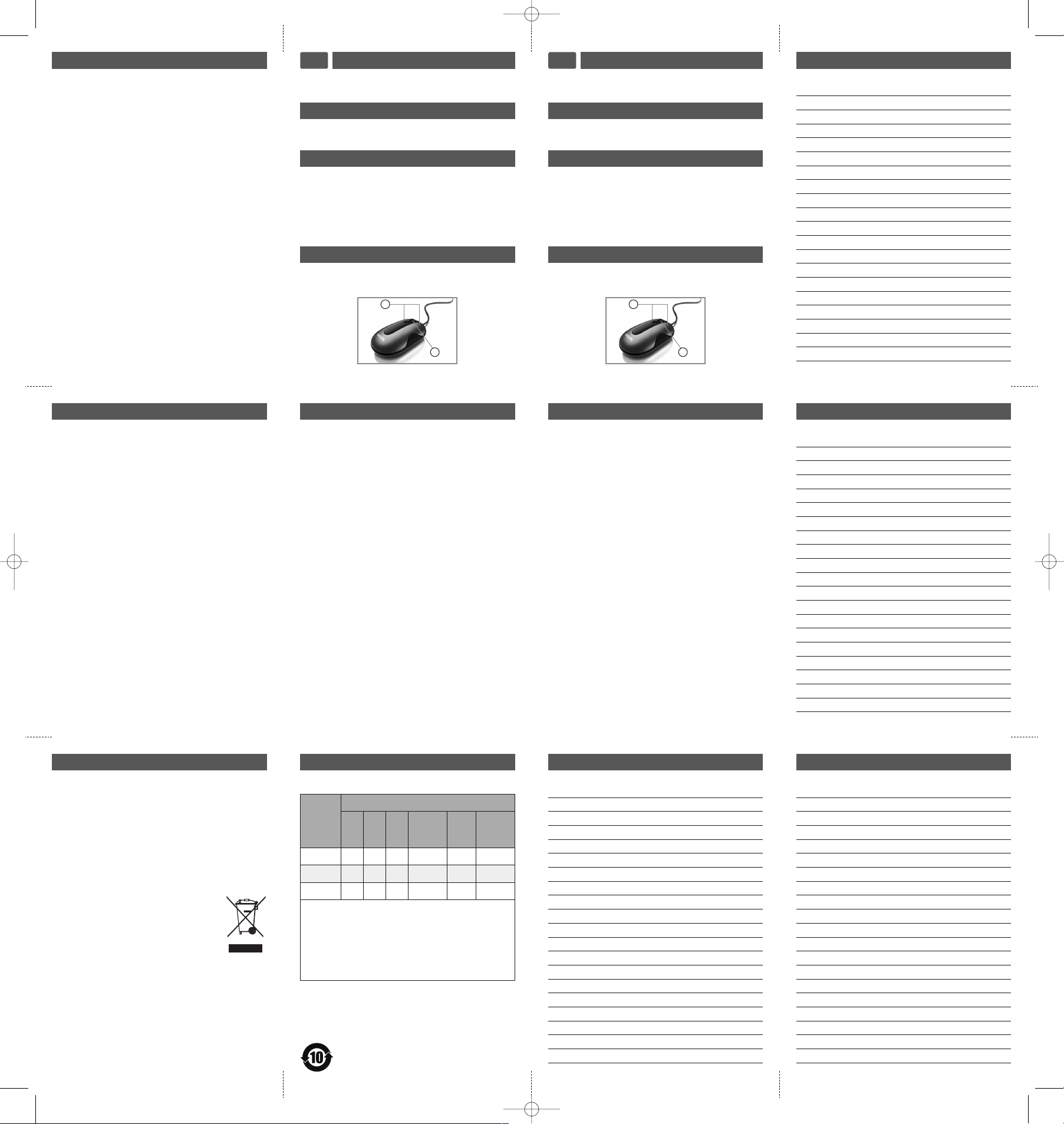
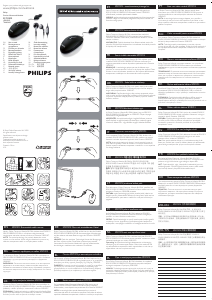
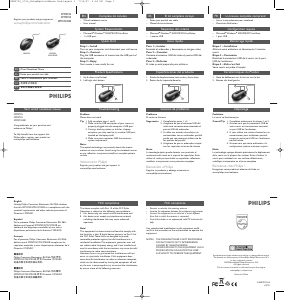
整套装包括
C
S
有线笔记本鼠标
使用手冊
快速入门
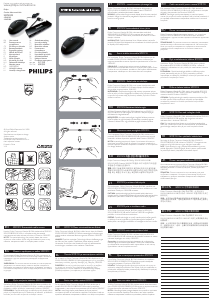
1 安装
打开电脑并拔出原鼠标
2 连接
将鼠标的 USB 连接起插入电脑的 USB 接口
3
您的鼠标现在可以使用
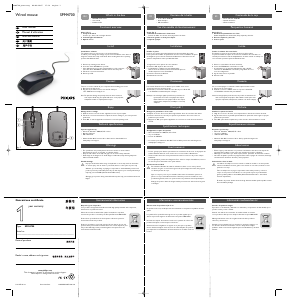
快速安裝
1
啟動您的電腦並拔除您的舊滑鼠
2
將滑鼠的 USB 連接器插入電腦的 USB
3
您現在可開始使用您的滑鼠
整套裝包括
C
T
筆記型電腦光學滑鼠
使用手冊
Notes
Notes
Notes
产品规格
1. 上下滚轮
2
. 左/右键
1
2
產品規格
1. 上下滾輪
2
. /右鍵
1
2
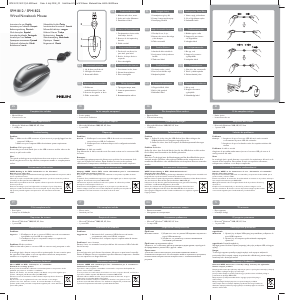
故障排除
标不工作
1. 完成步骤 1 2
2
. 确保鼠标的 USB 连接器正确插入电脑的 USB
接口
3
. 如果笔记本电脑使用扩展坞或网络集线器,您
可能需要试着使用笔记本电脑的其他 USB 接口
4
. 确保您的电脑满足系统的最小需求
光学技术能精确检测鼠标在大多表面上的移动。避免在
任何反光的、透明金属的或复杂样式的表面使用笔记本
标。
欢迎访问飞利浦!
通过此网站注册您的产品并获得支持:
www.philips.com/welcome
故障檢修
滑鼠無法正常操作
指示 1. 完成第 1 步和第 2
2
. 確定滑鼠的USB連接器已正確插入電腦的USB
3. 如果您使用的筆記型電腦上的擴充基座或
USB
4. 確定您的電腦符合最低系統條件
注意:
光學感應技術可精確感應滑鼠在大部份表面上的動作。
避免在任何反射性、透明金屬或樣式複雜的表面上使
用此筆記型電腦滑鼠
歡迎來到飛利浦!
在以下位置註冊您的產品並獲得支援:
www.philips.com/welcome
E
MF
E
lectric-, Magnetic and Electromagnetic Fields (EMF)
1
. Philips Royal Electronics manufactures and sells many
p
roducts targeted at consumers, which, like any
electronic apparatus, in general have the ability to emit
a
nd receive electro magnetic signals.
2
. One of Philips’ leading Business Principles is to take all
n
ecessary health and safety measures for our products,
to comply with all applicable legal requirements and to
s
tay well within the EMF standards applicable at the
t
ime of producing products.
3
. Philips is committed to develop, produce and market
products that cause no adverse health effects.
4. Philips confirms that if its products are handled properly
f
or their intended use, they are safe to use according to
s
cientific evidence available today.
5
. Philips plays an active role in the development of inter-
national EMF and safety standards, enabling Philips to
a
nticipate further developments in standardization for
e
arly integration in its products.
RoHS information
Health Warning
I
mproper work habits when using of a keyboard or mouse
m
ay result in discomfort or serious injury such as strain to
your hands, wrists or other parts of your body.
Whether you are working or playing, it is important to
a
void awkward postures and position your body comfort-
a
bly. Not only can this improve your overall productivity, it
may help you avoid MSDs (Musculoskeletal Disorders).
Changing your posture during extended tasks may also help
y
ou avoid discomfort and fatigue.
Environmental Information
Disposal of your old product
Your product is designed and manufactured with high
quality materials and components, which can be recycled
and reused.
When this crossed-out wheeled bin symbol is attached to a
product it means the product is covered by the European
Directive 2002/96/EC.
Please inform yourself about the local separate collection
system for electrical and electronic products.
Please act according to your local rules and do
not dispose of your old products with your
normal household waste.The correct disposal
of your old product will help prevent potential
negative consequences for the environment and
human health.
产品中有毒有害物质或元素的名称及含量
部件名称
有毒有害物质或元素
(Pb)
(Hg)
(Cd)
六价铬
(Cr (VI))
多溴
联苯
(PBB)
多溴
二苯醚
(PBDE)
塑料 O
O O O O O
PCB
O O O O O O
电子零件
X
O O O O O
O: 表示该有毒有害物质在该部件所有均质材料中的
均在 SJ/T11363-2006 标准规定的限量要求以下。
X:
中的含量超出 SJ/T11363-2006 标准规定的限量要求。
但符合欧盟豁免表准。部分电子陶瓷零件含铅。
[lead in electronic ceramic parts (e.g. piezoelectronic
devices)]
系统要求
Microsoft
®
W
indows
®
2
000/ME/XP/Vista Basic
1 USB 端口
系統要求
Microsoft
®
W
indows
®
2
000/ME/XP/Vista Basic
1 x USB 接口
Notes
SPM2702_3702_WiredOpticalMouse 2nd:Layout 1 7/30/07 4:24 PM Page 5
Download manual in English (PDF, 0.34 MB)
(Consider the environment and only print this manual if it is really necessary)

Loading…

Rating

Let us know what you think about the Philips SPM3702BB Mouse by leaving a product rating. Want to share your experiences with this product or ask a question? Please leave a comment at the bottom of the page.
Are you satisfied with the Philips SPM3702BB Mouse?
Yes No
Be the first to rate this product
0 votes

Join the conversation about this product

Here you can share what you think about the Philips SPM3702BB Mouse. If you have a question, first carefully read the manual. Requesting a manual can be done by using our contact form.

More about this manual

We understand that it’s nice to have a paper manual for your Philips SPM3702BB Mouse. You can always download the manual from our website and print it yourself. If you would like to have an original manual, we recommend you contact Philips. They might be able to provide an original manual. Are you looking for the manual of your Philips SPM3702BB Mouse in a different language? Choose your preferred language on our homepage and search for the model number to see if we have it available.

Specifications

Brand Philips
Model SPM3702BB
Category Mice
File type PDF
File size 0.34 MB

All manuals for Philips Mice
More manuals of Mice

Frequently Asked Questions about Philips SPM3702BB Mouse

Our support team searches for useful product information and answers to frequently asked questions. If you find an inaccuracy in our frequently asked questions, please let us know by using our contact form.

What is the best surface to use a mouse on? Verified

A traditional trackball mouse will work best on a padded surface such as a mouse pad. An optical mouse will work on almost any flat surface, with the exception of transparent or reflective surfaces. Surfaces with a printed repetitive pattern might interfere with the functioning of the mouse.

This was helpful (129) Read more

What is an ergonomic mouse? Verified

Daily use of a regular mouse over long periods of time can result in pain in the arm and wrist. This is also called RSI (Repetitive Strain Injury). An ergonomic mouse is shaped to reduce these issues or prevent them.

This was helpful (61) Read more

What is the difference between a normal mouse and a gaming mouse? Verified

Every gaming mouse can be used asa regular mouse. However, a gaming mouse often has additional buttons in specific places to make gaming easier. There even are gaming mice that have buttons that are meant to better play a specific game.

This was helpful (59) Read more

What size mouse is best for my hand? Verified

This partially depends on personal preference and necessity, but in general a mouse should be around 60% of the size of your hand. This is the most comfortable and most ergononical.

This was helpful (55) Read more
Manual Philips SPM3702BB Mouse

Related products

Related categories

×
Download