

Manuals for Philips LED Monitors
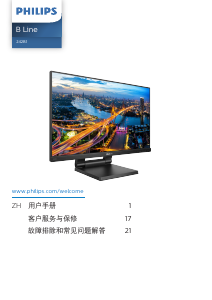
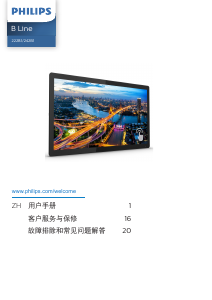
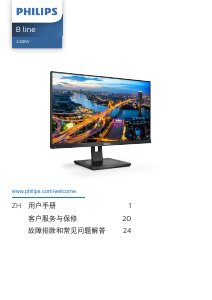
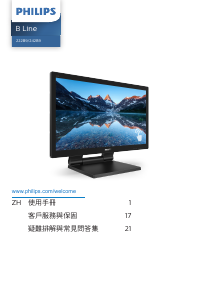
Below you can find all models Philips LED Monitors for which we have manuals available. Also view the frequenty asked questions at the bottom of the page for useful tips about your product. Is your model not on the list? Please contact us.
Is your product defective and the manual offers no solution? Go to a Repair Café for free repair services.










































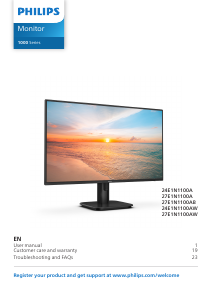

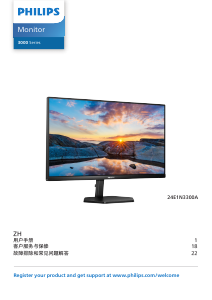
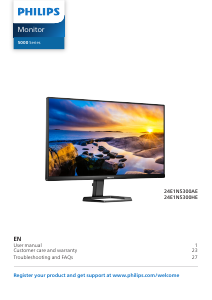










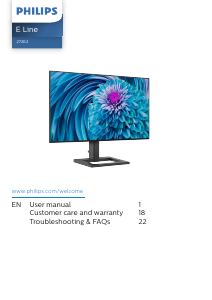
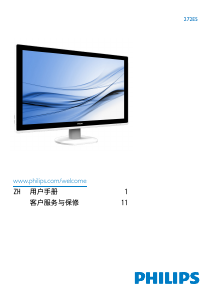
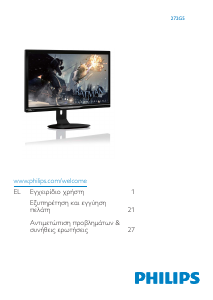
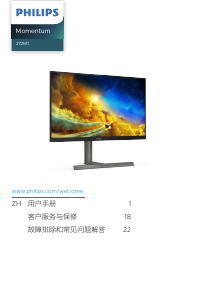






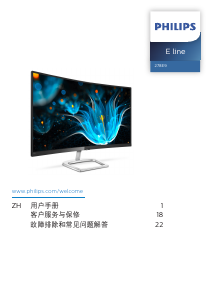
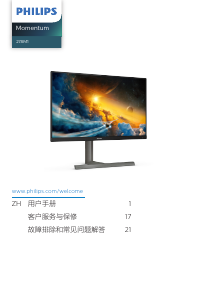
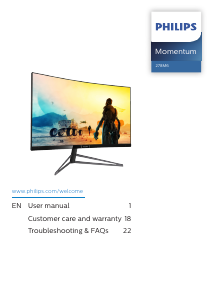
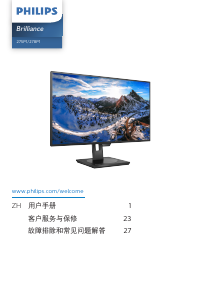


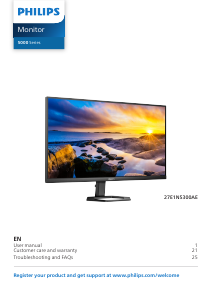
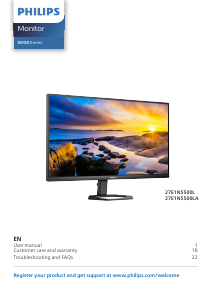
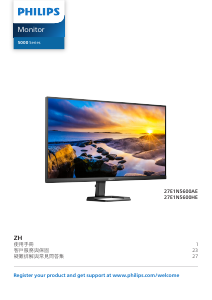
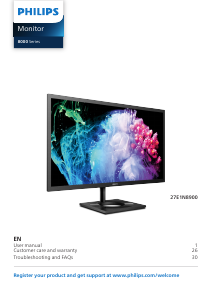
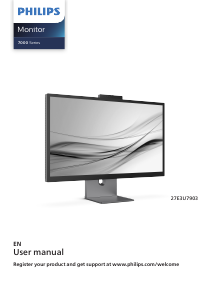
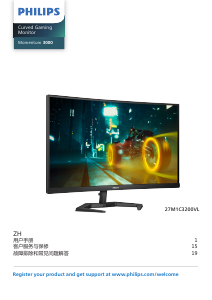
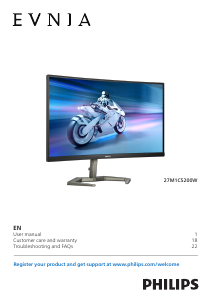
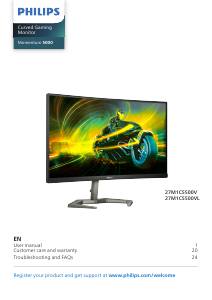




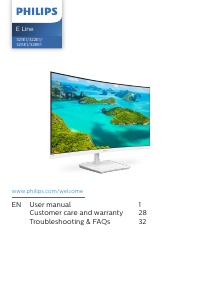
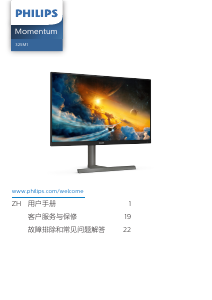
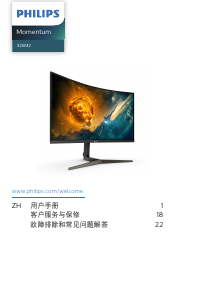
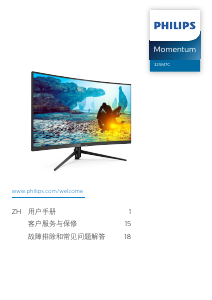


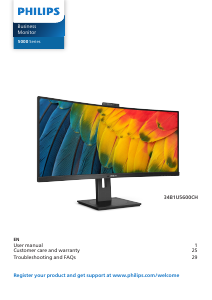
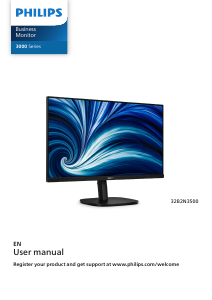


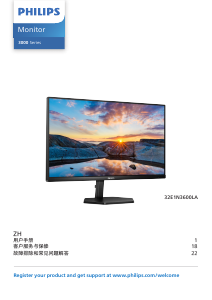
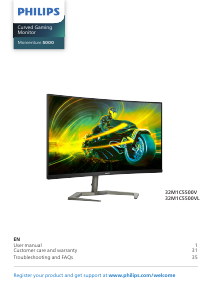
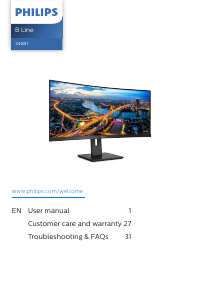
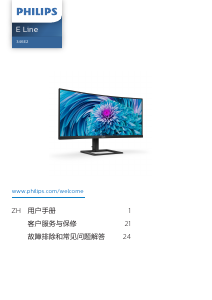
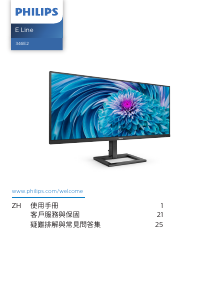
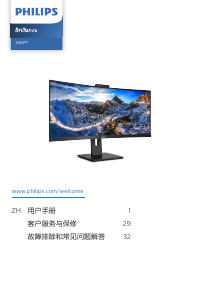
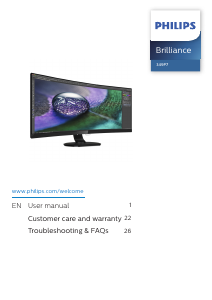
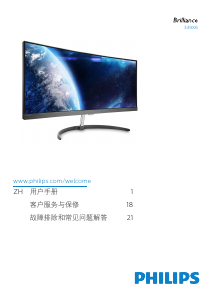
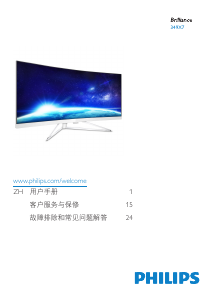
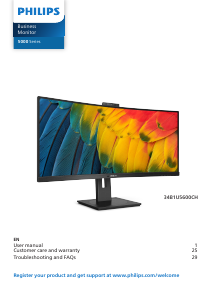
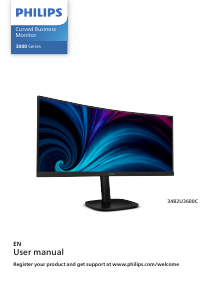
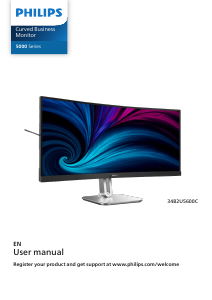
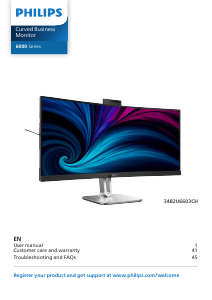
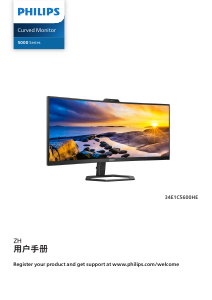





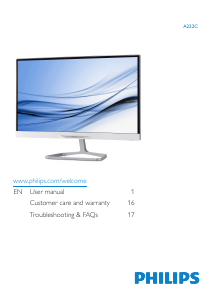
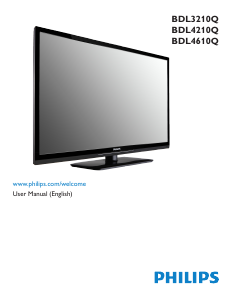
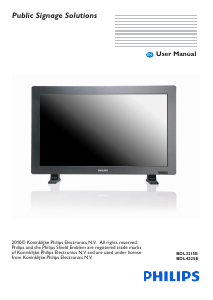
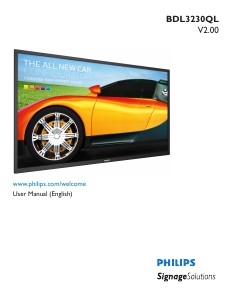
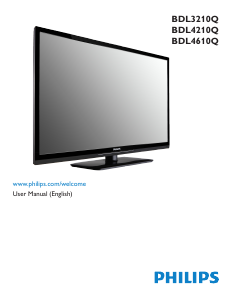

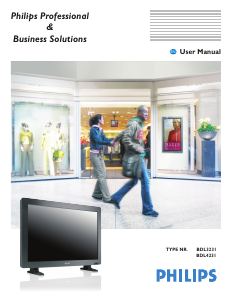
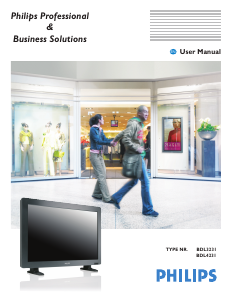

Frequently Asked Questions
Our support team searches for useful product information and answers to frequently asked questions. If you find an inaccuracy in our frequently asked questions, please let us know by using our contact form.
Can I repair a dead pixel myself? Verified
There is a difference between a dead pixel and a stuck pixel. A stuck pixel is still coloured and might be fixed by applying light pressure exactly onto the pixel until it restores itself. A dead pixel is always black or white and can't be repaired by yourself.
This was helpful (44) Read moreWhat does HDMI stand for? Verified
HDMI stands for High-Definition Multimedia Interface. HDMI is a connection to send high quality video and audio from one device to another.
This was helpful (41) Read moreWhat is the contrast ratio? Verified
The contrast ratio tells how far the whitest white is from the blackest black. A contrast ratio of for example 400:1 means that the blackest black on screen is 400 times darker than the whitest white. A high contrast ratio contributes to the sharpness of the image.
This was helpful (26) Read moreWhat is the difference between LCD and LED? Verified
Both techniques use an LCD screen that emits no light by itself. The difference is in the lighting behind the screen. With LCD screens this is done by CCFL (cold-cathode fluorescent lamp) and LED makes use of LED lights.
This was helpful (19) Read moreHow can I properly clean my LED monitor? Verified
Turn off the television and wipe dust and dirt off the screen with a microfiber cloth. Do not use paper, this can cause scratches. Do not apply too much pressure or you might cause damage to pixels. Use a specialized detergent or make one by mixing 1 part vinegar with 1 part water. Moisten the cloth with the detergent and clean the screen. Make sure the cloth is not too wet. Remove stains by making rotating movements. Dry the screen with a second microfiber cloth to prevent stripes.
This was helpful (18) Read moreHow do I measure the inches of my LED monitor? Verified
Measuring the inches on your LED monitor is done by measuring the diagonal distance between for example the upper left corner and the lower right corner of the screen (not the edge). One inch equals 2,54 centimeter, so when you measure 99 centimeter, this means your LED Monitor is 39 inches.
This was helpful (14) Read moreLatest comments
(Translated by Google)
Philips 34B2U3600C LED Monitor