Manual Panasonic RC-CD350 CD Player

Need a manual for your Panasonic RC-CD350 CD Player? Below you can view and download the PDF manual for free in English. This product currently has 1 frequently asked question, 1 comment and has 0 votes. If this is not the manual you want, please contact us.

Is your product defective and the manual offers no solution? Go to a Repair Café for free repair services.

Manual

Loading…
1
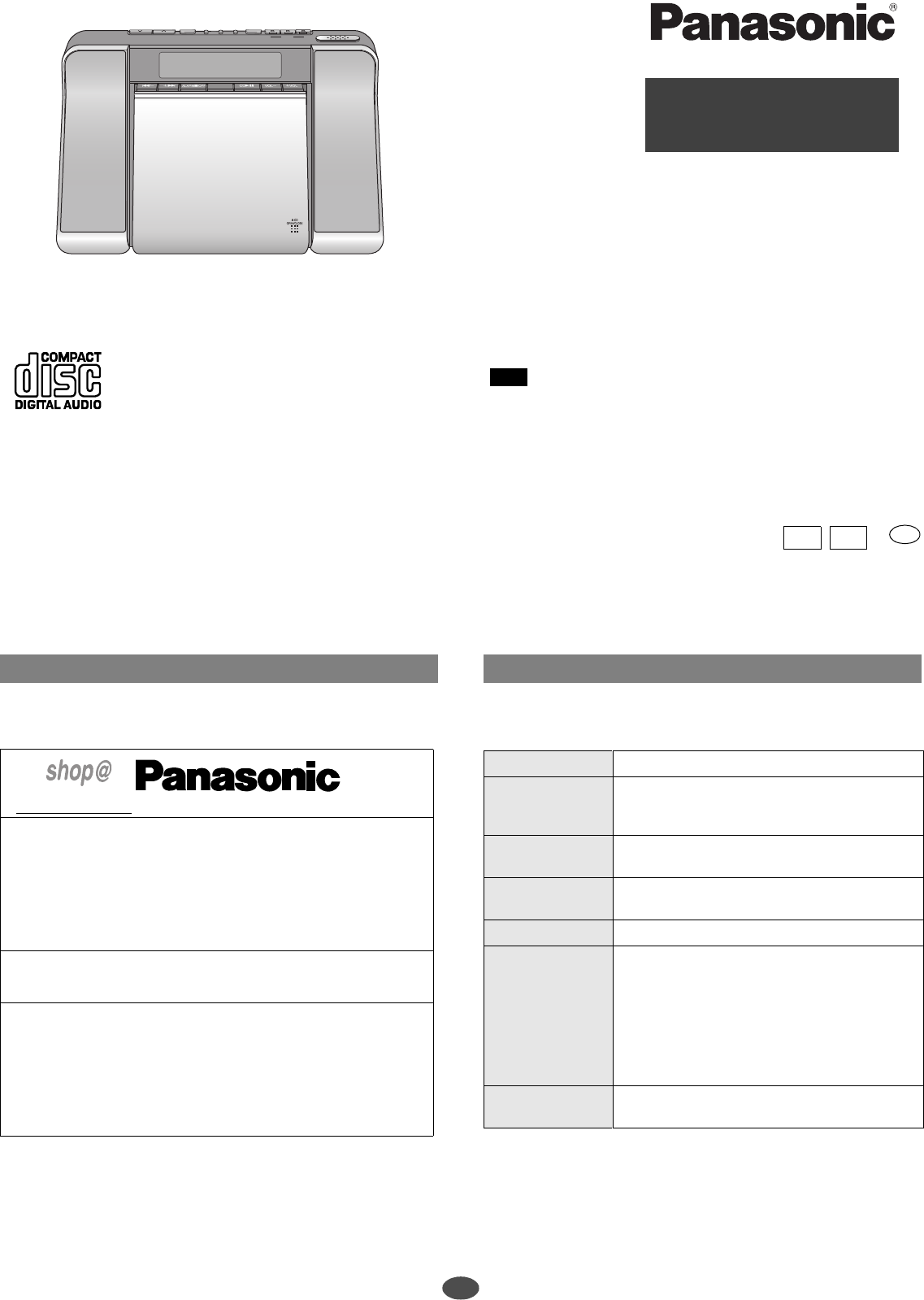
Model No. RC-CD350
Operating instructions
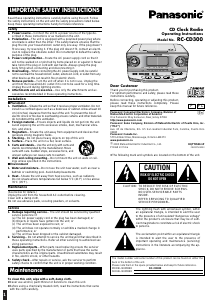
CD Clock Radio
PRESET TUNING
-
PRESET
SOUND EQ
-
S.VIRTUALIZER
SLEEP
CLOCK/ALARM
ALARM
.
CHECK
-
ON/OFF
DOZE
TUNER/BAND
-AUTO PRESET
ADJUST
PLAY MODE
2
1
3
DISPLAY
-
DIMMER
Dear customer
Thank you for purchasing this product.
Before connecting, operating or adjusting this product, please read these
instructions completely. Please keep this manual for future reference.
Note
“EB” on the packaging indicates the United Kingdom.
Matsushita Electric Industrial Co., Ltd.
Web Site: http://www.panasonic.co.jp/global/
RQT7608-1B
H0204ZZ1026
EB GN
En
Supplied accessories
1 loop antenna: RSA0031
Use the numbers indicated when asking for replacement parts.
www. panasonic.co.uk
(for UK customers only)
Order accessory and consumable items for your product with ease and
confidence by telephoning our Customer Care Centre Mon-Friday 9:00am-
5:30pm. (Excluding public holidays.)
Or go on line through our Internet Accessory ordering application.
Most major credit and debit cards accepted.
All enquiries transactions and distribution facilities are provided directly by
Panasonic UK Ltd.
It couldn’t be simpler!
Customer Care Centre
For UK customers: 08705 357357
For Republic of Ireland customers: 01 289 8333
Technical Support
For UK customers: 0870 1 505610
This Technical Support Hot Line number is for Panasonic PC software
related products only.
For Republic of Ireland, please use the Customer Care Centre number listed
above for all enquiries.
For all other product related enquiries, please use the Customer Care
Centre numbers listed above.
Troubleshooting guide
Before requesting service, make the below checks. If you are in doubt about some of
the check points, or if the remedies indicated in the chart do not solve the problem,
consult your dealer for instructions.
The clock shows “-:--”. Set the clock.
There is a lot of
noise.
• Keep away from mobile phones, televisions, and other
tuners.
Extend and change the direction of the antenna.
The alarm doesn’t
sound at the set time.
Ensure the alarm’s indicator is on (“ALARM 1”, “ALARM
2”, or “ALARM 3”).
The memory has
been cleared.
Reset the items into the memory.
Insert a battery to preserve the memory contents.
“no dISC” appears. You haven’t inserted a CD.
Play doesn’t start or
display is incorrect.
•Clean the CD.
Clean the lens with a blower (SZZP1038C
recommended). If the lens gets marked with
fingerprints, gently wipe them off with a cotton swab.
Wait an hour for condensation to dry, then try again.
Make sure the label is facing out.
Replace the CD if it is scratched, warped, or irregularly
shaped.
The CD or radio
display disappears.
These displays disappear after a few seconds. To show
them again, press [DISPLAY, –DIMMER].
For the United Kingdom and Republic of Ireland
Download manual in English (PDF, 0.49 MB)
(Consider the environment and only print this manual if it is really necessary)

Loading…

Rating

Let us know what you think about the Panasonic RC-CD350 CD Player by leaving a product rating. Want to share your experiences with this product or ask a question? Please leave a comment at the bottom of the page.
Are you satisfied with the Panasonic RC-CD350 CD Player?
Yes No
Be the first to rate this product
0 votes

Join the conversation about this product

Here you can share what you think about the Panasonic RC-CD350 CD Player. If you have a question, first carefully read the manual. Requesting a manual can be done by using our contact form.

Юрий вальщиков 21-08-2024
Doesn't read dis no dick reason?

reply | This was helpful (0) (Translated by Google)

More about this manual

We understand that it’s nice to have a paper manual for your Panasonic RC-CD350 CD Player. You can always download the manual from our website and print it yourself. If you would like to have an original manual, we recommend you contact Panasonic. They might be able to provide an original manual. Are you looking for the manual of your Panasonic RC-CD350 CD Player in a different language? Choose your preferred language on our homepage and search for the model number to see if we have it available.

Specifications

Brand Panasonic
Model RC-CD350
Category CD Players
File type PDF
File size 0.49 MB

All manuals for Panasonic CD Players
More manuals of CD Players

Frequently Asked Questions about Panasonic RC-CD350 CD Player

Our support team searches for useful product information and answers to frequently asked questions. If you find an inaccuracy in our frequently asked questions, please let us know by using our contact form.

Can I repair scratches on a CD myself? Verified

Scratches prevent de laser from reading the disc correctly. When the scratches are only superficial it is possible to repair them yourself by polishing the disc with a slightly abrasive compound. Ideally you use a professional abrasive compound but it’s also possible to use regular toothpaste. After polishing the disc it needs to be washed and let to dry. There are specialised businesses that can do this.

This was helpful (42) Read more
Manual Panasonic RC-CD350 CD Player

Related products

Related categories

×
Download