
Manual Trust 18002 Pen Tablet

Need a manual for your Trust 18002 Pen Tablet? Below you can view and download the PDF manual for free in English. This product currently has 0 frequently asked questions, 0 comments and has 0 votes. If this is not the manual you want, please contact us.

Is your product defective and the manual offers no solution? Go to a Repair Café for free repair services.

Manual

Loading…
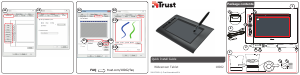
Fresco Widescreen Tablet – User’s Manual
2
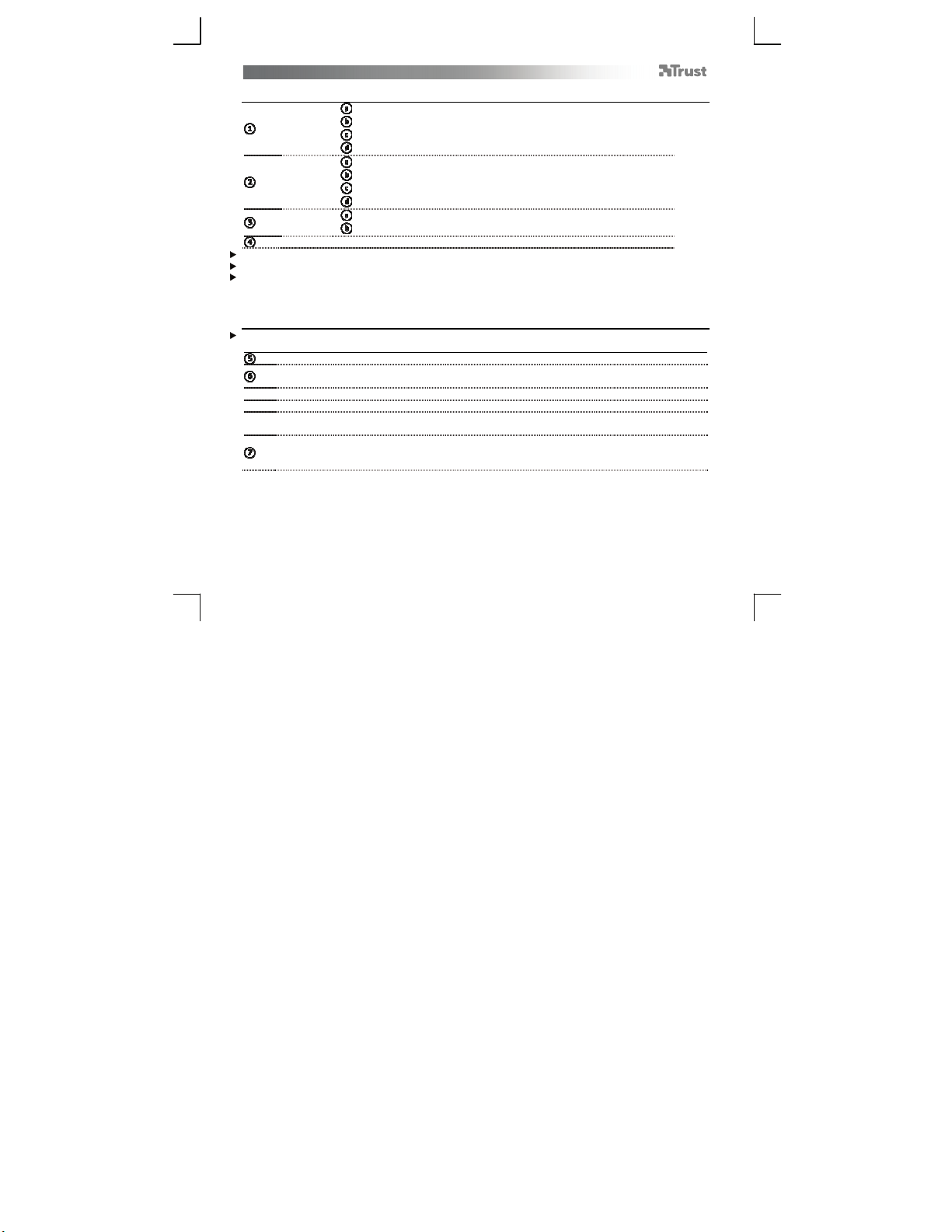
Package contents (Package contents)
T
ablet:
USB connection
Express keys
Hot cells (programmable)
Working area
Pen:
Upper pen button
Lower pen button
Battery holder
On/Off button
Pen holder:
Pen-tip removal tool
4x Spare pen-tips
USB Cable
Screw the pen open and place the battery in the pen. Power on the pen by pressing the on/off button.
Cleaning: Clean the tablet with a dry cloth. Do not use or spill water on the tablet, or its pen.
Storage: Store the pen so that it does not rest on its tip, preferably in its holder. Do not store the pen on the
tablet.
Install tablet (Install tablet)
It might be necessary to restart your computer at the end of the driver’s installation. It is therefore preferable
that you save and close all opened documents and applications before starting the installation.
Insert the Trust CD-ROM into your CD drive.
Click “Run Setup.exe – Published by Trust International BV”
Click “Install driver”
Trust Tablet driver installation: To continue, Click “OK”
Trust Tablet driver was successfully installed: Click “OK”
Y
ou must restart your computer: Click “OK” to restart your computer. (If you have unsaved
documents and files, select “Cancel” to restart your computer later)
Once your computer has restarted, the tablet can be connected to a USB port.
After the driver has been successfully installed (this may take some time), and the message “USB input
device ready to use” appears, the tablet can be used.
Download manual in English (PDF, 6.91 MB)
(Consider the environment and only print this manual if it is really necessary)

Loading…

Rating

Let us know what you think about the Trust 18002 Pen Tablet by leaving a product rating. Want to share your experiences with this product or ask a question? Please leave a comment at the bottom of the page.
Are you satisfied with the Trust 18002 Pen Tablet?
Yes No
Be the first to rate this product
0 votes

Join the conversation about this product

Here you can share what you think about the Trust 18002 Pen Tablet. If you have a question, first carefully read the manual. Requesting a manual can be done by using our contact form.

More about this manual

We understand that it’s nice to have a paper manual for your Trust 18002 Pen Tablet. You can always download the manual from our website and print it yourself. If you would like to have an original manual, we recommend you contact Trust. They might be able to provide an original manual. Are you looking for the manual of your Trust 18002 Pen Tablet in a different language? Choose your preferred language on our homepage and search for the model number to see if we have it available.

Specifications

Brand Trust
Model 18002
Category Pen Tablets
File type PDF
File size 6.91 MB

All manuals for Trust Pen Tablets
More manuals of Pen Tablets
Manual Trust 18002 Pen Tablet
×
Download