
© Copyright 2019 TRENDnet. All Rights Reserved.
Contents
Product Overview ........................................................................... 1
Package Contents .......................................................................................................... 1
Features ......................................................................................................................... 1
Product Hardware Features........................................................................................... 3
Primary Product Application ........................................................... 5
Application Diagram ...................................................................................................... 5
Minimum Installation Requirements ............................................... 6
Wireless Installation Tips................................................................. 6
Quick Reference .............................................................................. 7
TEW-841APBO ............................................................................................................... 7
TEW-841APBO Basic Installation and Configuration (Basic Access Point
Setup) ............................................................................................. 8
Hardware Setup ............................................................................................................. 8
Basic Access Point Configuration ................................................................................... 8
TEW-841APBO Basic Installation and WDS Configuration (5GHz WDS
Bridge & 2.4GHz AP) ...................................................................... 12
Note the WiFi MAC Addresses ..................................................................................... 12
Hardware Setup ........................................................................................................... 13
TEW-841APBO #1 Configuration ................................................................................. 13
TEW-841APBO #2 Configuration ................................................................................. 18
Confirm Connectivity ................................................................................................... 19
Completed Installation Reference ............................................................................... 20
Hardware and Mounting Installation ............................................. 21
Waterproof Kit Installation .......................................................................................... 21
Pole Mount Installation ............................................................................................... 22
Application Modes ........................................................................ 23
Access Point (AP) ......................................................................................................... 23
Client Bridge ................................................................................................................ 23
WDS Access Point (WiFi Distribution System) ............................................................. 24
WDS Station ................................................................................................................. 24
WDS Bridge .................................................................................................................. 25
Accessing your access point management page ............................. 26
Access your access point management page .............................................................. 26
Overview ...................................................................................... 27
Device Status ............................................................................................................... 27
Connections ................................................................................................................. 29
Real-time ..................................................................................................................... 29
Network ....................................................................................... 30
Basic ............................................................................................................................. 30
Wireless ....................................................................................................................... 31
Management ................................................................................ 37
Advanced ..................................................................................................................... 37
Time Zone .................................................................................................................... 38
WiFi Scheduler ............................................................................................................. 39
Tools ............................................................................................................................ 40
System Manager ........................................................................... 42
Account ........................................................................................................................ 42
Firmware ..................................................................................................................... 42
System Log ................................................................................................................... 44
System Log ................................................................................................................... 44
Technical Specifications ................................................................ 45


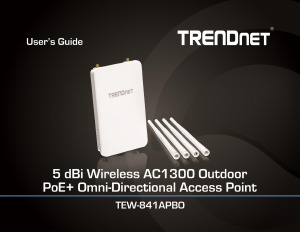
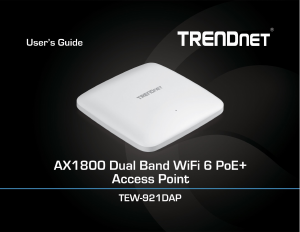
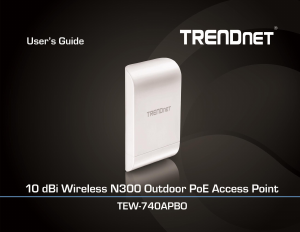
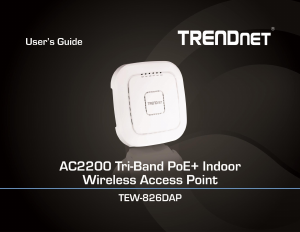
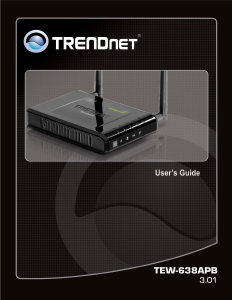
Join the conversation about this product
Here you can share what you think about the TRENDnet TEW-841APBO Access Point. If you have a question, first carefully read the manual. Requesting a manual can be done by using our contact form.