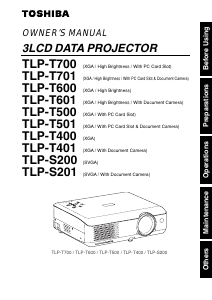
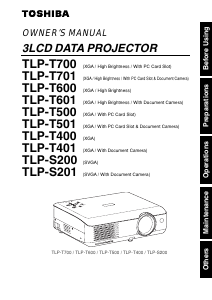
Manual Toshiba TLP-T600 Projector

Need a manual for your Toshiba TLP-T600 Projector? Below you can view and download the PDF manual for free in English. This product currently has 3 frequently asked questions, 0 comments and has 0 votes. If this is not the manual you want, please contact us.

Is your product defective and the manual offers no solution? Go to a Repair Café for free repair services.

Manual

Loading…
Before Using
6 7
IMPORTANT SAFETY INSTRUCTIONS (Continued)
16. Damage Requiring Service
Unplug this product from the wall
outlet and refer servicing to
qualified service personnel under
the following conditions:
a) When the power-supply cord or
plug is damaged.
b) If liquid has been spilled, or
objects have fallen into the
product.
c) If the product has been exposed to
rain or water.
d) If the product does not operate
normally by following the operating
instructions. Adjust only those
controls that are covered by the
operating instructions as an
improper adjustment of other
controls may result in damage and
will often require extensive work by
a qualified technician to restore
the product to its normal
operation.
e) If the product has been dropped or
damaged in any way.
f) When the product exhibits a
distinct change in performance -
this indicates a need for service.
17. If glass components,
including lens and lamp,
should break, contact your
dealer for repair service.
This product incorporates glass
components, including a lens and
a lamp. If such parts should
break, please handle with care to
avoid injury and contact your
dealer for repair service. The
broken pieces of glass may cause
to injury. In the unlikely event of
the lamp rupturing, thoroughly
clean the area around the
projector and discard any edible
items placed in that area.
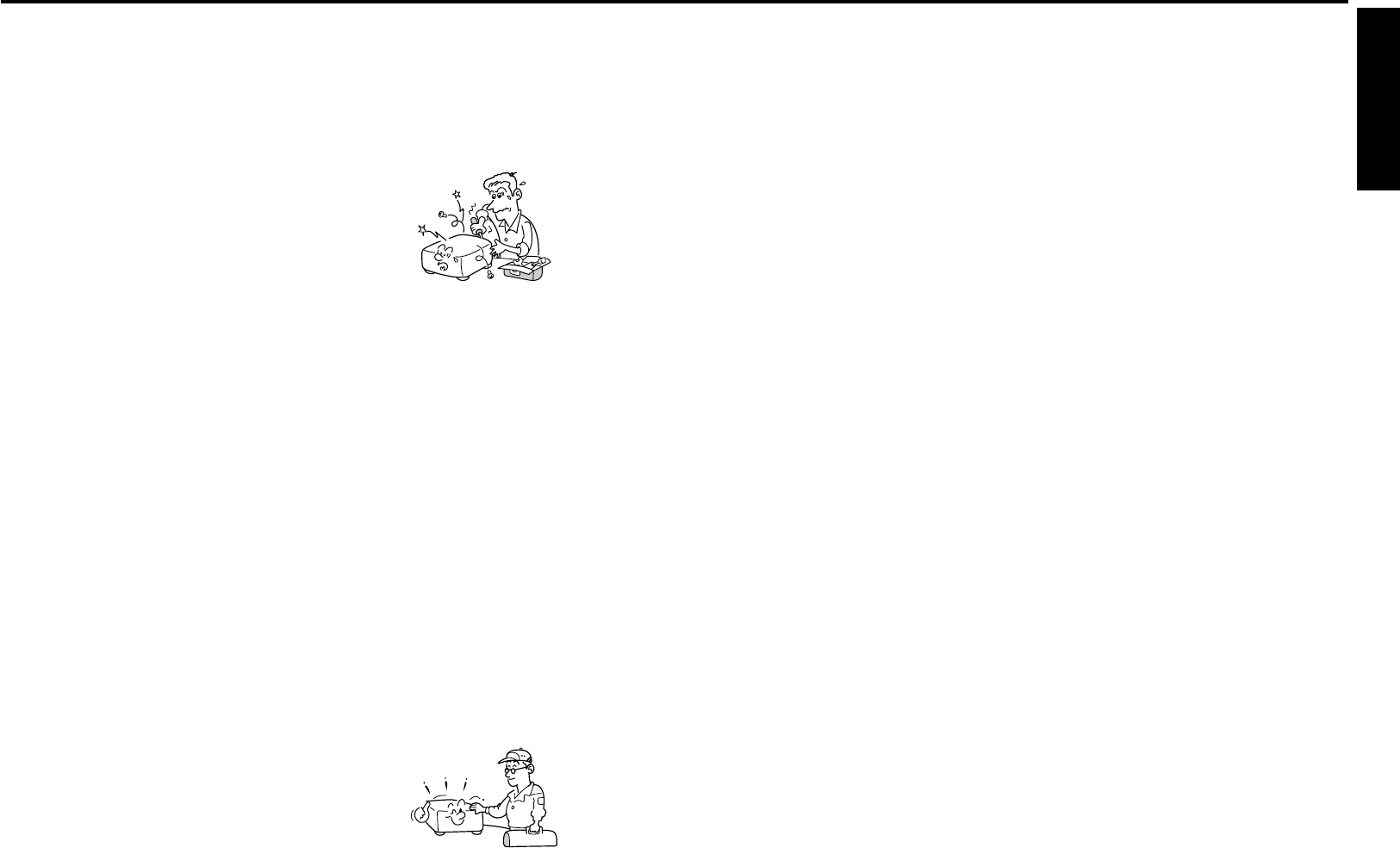
18. Servicing
Do not attempt to service this
product yourself as opening or
removing covers may expose you
to dangerous voltage or other
hazards. Refer all servicing to
qualified service personnel.
19. Replacement Parts
When replacement parts are
required, be sure the service
technician has used replacement
parts specified by the
manufacturer or have the same
characteristics as the original part.
Unauthorized substitutions may
result in fire, electric shock, or
other hazards.
(Replacement of the lamp only
should be made by users.)
20. Safety Check
Upon completion of any service or
repairs to this product, ask the
service technician to perform
safety checks to determine that
the product is in proper operating
condition.
21. Do not leave thermal-paper
documents or easily
deformed items on top of
the unit or near the air
exhaust for long periods of
time.
The heat from the unit could erase
the information on the thermal
paper, or cause deformation or
warping.
22. When using a wireless
LAN PC card (Models
equipped with PC card slot):
Do not use near people
with heart pacemakers
Do not use near electronic
medical equipment, or in
hospitals or other medical
institutions
Do not use inside aircraft
or in places where the
wireless LAN card could
interfere with
electromagnetic signals.
The electromagnetic interference
could cause a malfunction,
resulting in an accident.
23. If the use of a wireless
LAN PC card interferes
with another device’s
electromagnetic signals,
cease use immediately.
(Models equipped with PC card
slot)
The electromagnetic interference
could cause a malfunction,
resulting in an accident.
24. Do not get your hands
between the camera arm
and the main unit when
setting the camera arm
back in its original
position. (Models equipped
with document camera)
To avoid injury, be careful not to
get your hands caught when
setting the camera arm back in its
original position.
Families with children should be
particularly careful.
25. Do not carry by the camera
arm. (Models equipped with
document camera)
Do not carry the projector by the
camera arm. Doing so can result
in damage or injury.
26. Do not move the projector
while the arm is still erect.
(Models equipped with
document camera)
Always store the arm back in
position when moving the
projector. Otherwise injury or
damage may result.
27. Do not look into the arm
light while it is lit. (Models
equipped with document
camera)
The strong light may cause
damage to your eyes or sight.
28. Do not carry the projector
by having the terminal
cover parts or the PC card
cover part
Doing so, the projector may fall if
that cover comes off, and injury or
damage may result.
Download manual in English (PDF, 3.34 MB)
(Consider the environment and only print this manual if it is really necessary)

Loading…

Rating

Let us know what you think about the Toshiba TLP-T600 Projector by leaving a product rating. Want to share your experiences with this product or ask a question? Please leave a comment at the bottom of the page.
Are you satisfied with the Toshiba TLP-T600 Projector?
Yes No
Be the first to rate this product
0 votes

Join the conversation about this product

Here you can share what you think about the Toshiba TLP-T600 Projector. If you have a question, first carefully read the manual. Requesting a manual can be done by using our contact form.

More about this manual

We understand that it’s nice to have a paper manual for your Toshiba TLP-T600 Projector. You can always download the manual from our website and print it yourself. If you would like to have an original manual, we recommend you contact Toshiba. They might be able to provide an original manual. Are you looking for the manual of your Toshiba TLP-T600 Projector in a different language? Choose your preferred language on our homepage and search for the model number to see if we have it available.

Specifications

Brand Toshiba
Model TLP-T600
Category Projectors
File type PDF
File size 3.34 MB

All manuals for Toshiba Projectors
More manuals of Projectors

Frequently Asked Questions about Toshiba TLP-T600 Projector

Our support team searches for useful product information and answers to frequently asked questions. If you find an inaccuracy in our frequently asked questions, please let us know by using our contact form.

Can I power off my projector immediately after use? Verified

After using the projector the lamp is still very hot. It is best to leave the projector on after use, giving the internal fan time to do it's work and cool the lamp. This will extend the lifetime of the lamp.

This was helpful (214) Read more

What is keystone correction? Verified

A projector can often not be placed straight in front of a screen or wall. The projected image can become distorted because of this. This is the keystone effect. Keystone correction is a feature that addresses this distortion. Not all projectors offer keystone correction.

This was helpful (158) Read more

What is the contrast ratio? Verified

The contrast ratio tells how far the whitest white is from the blackest black. A contrast ratio of for example 400:1 means that the blackest black on screen is 400 times darker than the whitest white. A high contrast ratio contributes to the sharpness of the image.

This was helpful (104) Read more
Manual Toshiba TLP-T600 Projector

Related products

Related categories

×
Download