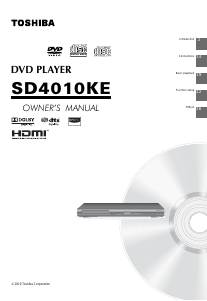
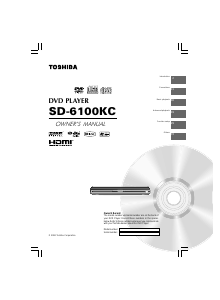
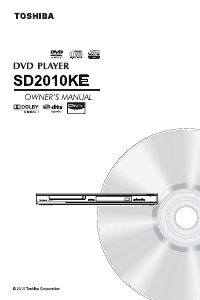
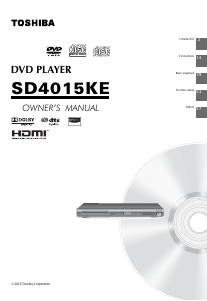
Manual Toshiba SD4015 DVD Player

Need a manual for your Toshiba SD4015 DVD Player? Below you can view and download the PDF manual for free in English. This product currently has 2 frequently asked questions, 0 comments and has 0 votes. If this is not the manual you want, please contact us.

Is your product defective and the manual offers no solution? Go to a Repair Café for free repair services.

Manual

Loading…
3
Introduction
1. Read these instructions.
2. Keep these instructions.
3. Read all warnings.
4. Follow all instructions.
5. Do not use this appliance near water.
6. Clean only with a dry cloth.
7. Do not block any of the ventilation openings. Install in accordance with the manufacturer’s instructions.
8. Do not install near any heat sources such as radiators, heat registers, stoves, or other apparatus (including
amplifi ers)
that produce heat.
9. Protect the power cord from being walked on or pinched particularly at plugs, convenience receptacles, and the point
where they exit from the apparatus.
10. Only use attachments/accessories specifi ed by the manufacturer.
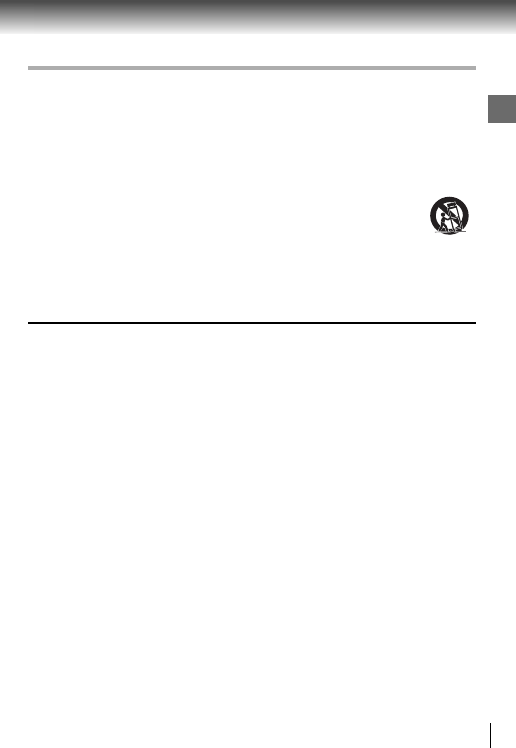
11. Use only with the cart, stand, tripod, bracket, or table specifi ed by the manufacturer, or sold with the
apparatus. When a cart is used, use caution when moving the cart/apparatus combination to avoid
injury from tip-over.
12.
Unplug this apparatus during lightning storms or when unused for long periods of time.
13. Refer all servicing to qualifi ed service personnel. Servicing is required when the apparatus has been damaged in
any way, such as the power-supply cord or plug is damaged, liquid has been spilled or objects have fallen into the
apparatus, the apparatus has been exposed to rain or moisture, does not operate normally, or has been dropped.
IMPORTANT SAFETY INSTRUCTIONS
Portable Cart
Warning
14. Do not overload wall outlets; extension cords, or integral convenience receptacles as this can result in a risk of fi re
or electric shock.
15. Never expose the apparatus to dripping or splashing or place items such as vases, aquariums, any other item fi lled
with liquid, or candles on top of the unit.
16. Keep your fi ngers well clear of the disc tray as it is closing. Neglecting to do so may cause serious personal injury.
17. Do not place anything on top of this unit.
18. Do not place the apparatus on amplifi ers or equipment that may produce heat.
19. Never block or cover the slots or openings in the unit.
Never place the unit:
on a bed, sofa, rug or similar surface;
too close to drapes, curtains, or walls; or
in a confi ned space such as a bookcase, built-in cabinet, or any other place with poor ventilation.
The slots and openings are provided to protect the unit from overheating and to help maintain reliable operation.
20. Do not use a cracked, deformed, or repaired disc. These discs are easily broken and may cause serious personal
injury and apparatus malfunction.
21. If the apparatus should emit smoke or an unusual odor, immediately disconnect the power cord from the wall outlet.
Wait until the smoke or smell stops, then ask your dealer for a check and repair. Neglecting to do so may cause
re.
22. During thunderstorms, do not touch the connecting cables or the apparatus.
23. Warning: To prevent spread of fi re, keep candles or other open fl ames away from this product at all times.
ADDITIONAL SAFETY INSTRUCTIONS
SOME DOS AND DON’TS ON THE SAFE USE OF EQUIPMENT
This equipment has been designed and manufactured to meet international safety standards but, like any electrical
equipment, care must be taken if you are to obtain the best results and safety is to be assured. So, please read the points
below for your own safety. They are of a general nature, intended to help you with all your electronic consumer products
and some points may not apply to the goods you have just purchased.
**************
DO read the operating instructions before you attempt to use the equipment.
DO ensure that all electrical connections (including the mains plug, extension leads and inter- connections between the
pieces of equipment) are properly made and in accordance with the manufacturer’s instructions. Switch off and withdraw
the mains plug before making or changing connections.
DO consult your dealer if you are ever in doubt about the installation, operation or safety of your equipment.
DO be careful with glass panels or doors on equipment
**************
Download manual in English (PDF, 0.98 MB)
(Consider the environment and only print this manual if it is really necessary)

Loading…

Rating

Let us know what you think about the Toshiba SD4015 DVD Player by leaving a product rating. Want to share your experiences with this product or ask a question? Please leave a comment at the bottom of the page.
Are you satisfied with the Toshiba SD4015 DVD Player?
Yes No
Be the first to rate this product
0 votes

Join the conversation about this product

Here you can share what you think about the Toshiba SD4015 DVD Player. If you have a question, first carefully read the manual. Requesting a manual can be done by using our contact form.

More about this manual

We understand that it’s nice to have a paper manual for your Toshiba SD4015 DVD Player. You can always download the manual from our website and print it yourself. If you would like to have an original manual, we recommend you contact Toshiba. They might be able to provide an original manual. Are you looking for the manual of your Toshiba SD4015 DVD Player in a different language? Choose your preferred language on our homepage and search for the model number to see if we have it available.

Specifications

Brand Toshiba
Model SD4015
Category DVD Players
File type PDF
File size 0.98 MB

All manuals for Toshiba DVD Players
More manuals of DVD Players

Frequently Asked Questions about Toshiba SD4015 DVD Player

Our support team searches for useful product information and answers to frequently asked questions. If you find an inaccuracy in our frequently asked questions, please let us know by using our contact form.

Can a DVD player also play CD's? Verified

Yes, almost all DVD players are capable of playing CD's.

This was helpful (202) Read more

Can I repair scratches on a DVD myself? Verified

Scratches prevent de laser from reading the disc correctly. When the scratches are only superficial it is possible to repair them yourself by polishing the disc with a slightly abrasive compound. Ideally you use a professional abrasive compound but it’s also possible to use regular toothpaste. After polishing the disc it needs to be washed and let to dry. There are specialised businesses that can do this.

This was helpful (93) Read more
Manual Toshiba SD4015 DVD Player

Related products

Related categories

×
Download