
3
SmartLabels .................................................................................................32
Settings ............................................................................................................. 33
Phone settings ..............................................................................................33
Settings available in administrator mode .............................................34
Settings available in user mode ...........................................................35
Display settings ............................................................................................36
Adjusting the backlight on the phone’s display .....................................36
Adjusting the color and opacity on the phone’s display ........................37
Adjusting the theme on the phone’s display .........................................39
The phone’s web interface ............................................................................40
Opening the web interface ...................................................................41
How the web interface works ...............................................................42
User mode/administrator mode .........................................................................44
Directories .......................................................................................................46
Directory ...........................................................................................................46
Denitions, explanations ...............................................................................46
Directory entries ..................................................................................46
Contact Types ......................................................................................47
Outgoing identity .................................................................................47
Group ...................................................................................................47
Ringtones .....................................................................................................47
Adding/Editing Entries on the Phone ............................................................48
Adding new entry manually ..................................................................48
Adding new entry from call list .............................................................48
Adding current caller ...........................................................................49
Sorting entries ..................................................................................... 49
Editing existing entry ...........................................................................50
Deleting an entry .................................................................................51
Adding/editing entries on the web interface .................................................53
Adding new entry ................................................................................. 53
Editing an entry ....................................................................................54
Deleting entry on web interface ...........................................................55
Dialing from phone directory ........................................................................55
Deleting whole directory ...............................................................................55
Importing/Exporting Directory ......................................................................56
External directories ...........................................................................................56
LDAP ............................................................................................................. 56
Contacts .......................................................................................................56


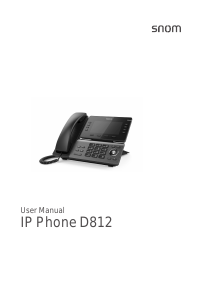


Join the conversation about this product
Here you can share what you think about the Snom D812 IP Phone. If you have a question, first carefully read the manual. Requesting a manual can be done by using our contact form.