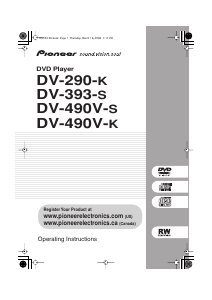
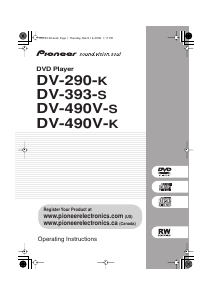
Manual Pioneer DV-290-K DVD Player

Need a manual for your Pioneer DV-290-K DVD Player? Below you can view and download the PDF manual for free in English. This product currently has 2 frequently asked questions, 0 comments and has 0 votes. If this is not the manual you want, please contact us.

Is your product defective and the manual offers no solution? Go to a Repair Café for free repair services.

Manual

Loading…
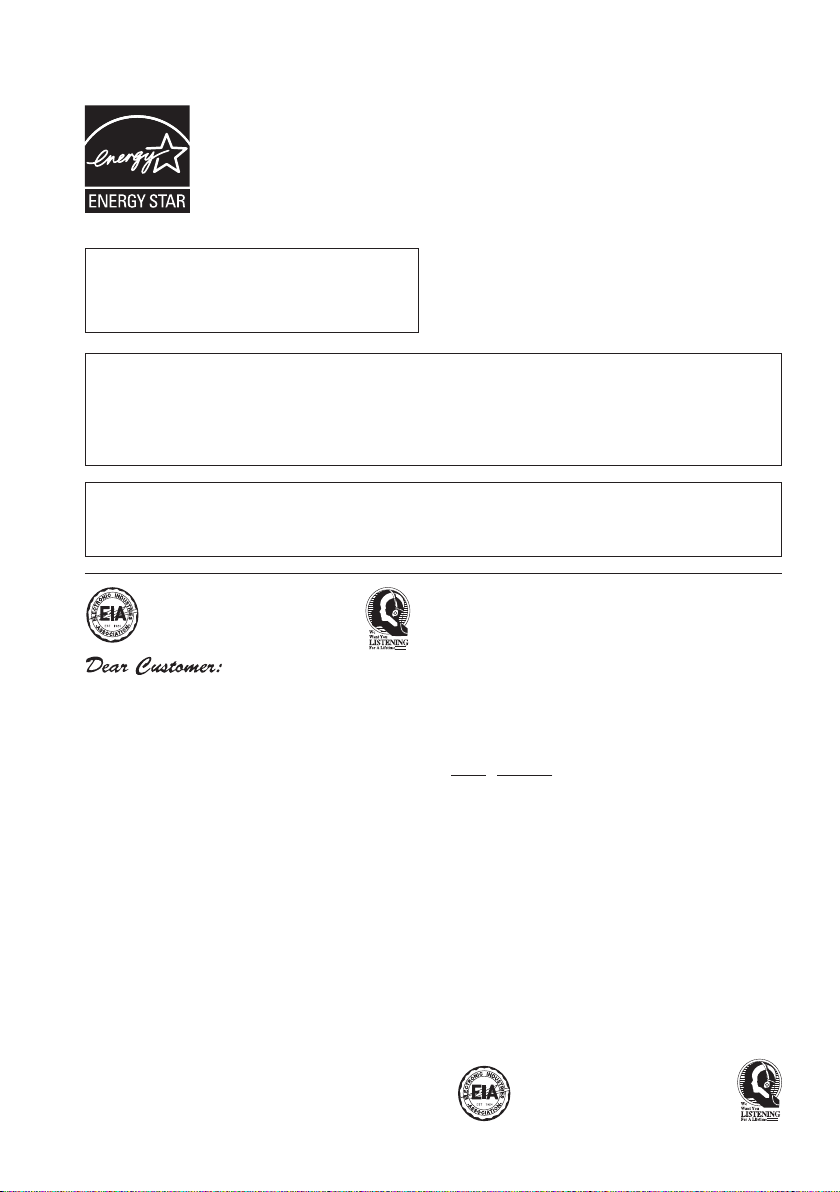
This product is for general household purposes. Any failure due to use for other than household
purposes (such as long-term use for business purposes in a restaurant or use in a car or ship) and
which requires repair will be charged for even during the warranty period. K041_En
For U.S. and Australia Model
C67-7-3_En
S001_En
Selecting fine audio equipment such as the unit
you’ve just purchased is only the start of your
musical enjoyment. Now it’s time to consider how
you can maximize the fun and excitement your
equipment offers. This manufacturer and the
Electronic Industries Association’s Consumer
Electronics Group want you to get the most out of
your equipment by playing it at a safe level. One that
lets the sound come through loud and clear without
annoying blaring or distortion-and, most importantly,
without affecting your sensitive hearing.
Sound can be deceiving. Over time your hearing
“comfort level” adapts to higher volumes of sound.
So what sounds “normal” can actually be loud and
harmful to your hearing. Guard against this by
setting your equipment at a safe level BEFORE your
hearing adapts.
To establish a safe level:
Start your volume control at a low setting.
Slowly increase the sound until you can hear it
comfortably and clearly, and without distortion.
Once you have established a comfortable sound
level:
Set the dial and leave it there.
Taking a minute to do this now will help to prevent
hearing damage or loss in the future. After all, we
want you listening for a lifetime.
We Want You Listening For A Lifetime
Used wisely, your new sound equipment will
provide a lifetime of fun and enjoyment. Since
hearing damage from loud noise is often
undetectable until it is too late, this manufacturer
and the Electronic Industries Association’s
Consumer Electronics Group recommend you avoid
prolonged exposure to excessive noise. This list of
sound levels is included for your protection.
Decibel
Level Example
30 Quiet library, soft whispers
40
Living room, refrigerator, bedroom away from traffic
50 Light traffic, normal conversation, quiet office
60 Air conditioner at 20 feet, sewing machine
70 Vacuum cleaner, hair dryer, noisy restaurant
80
Average city traffic, garbage disposals, alarm clock
at two feet.
THE FOLLOWING NOISES CAN BE DANGEROUS
UNDER CONSTANT EXPOSURE
90
Subway, motorcycle, truck traffic, lawn mower
100 Garbage truck, chain saw, pneumatic drill
120 Rock band concert in front of speakers,
thunderclap
140 Gunshot blast, jet plane
180 Rocket launching pad
Information courtesy of the Deafness Research Foundation.
POWER-CORD CAUTION
Handle the power cord by the plug. Do not pull out the
plug by tugging the cord and never touch the power
cord when your hands are wet as this could cause a
short circuit or electric shock. Do not place the unit, a
piece of furniture, etc., on the power cord, or pinch the
cord. Never make a knot in the cord or tie it with other
cords. The power cords should be routed such that they
are not likely to be stepped on. A damaged power cord
can cause a fire or give you an electrical shock. Check
the power cord once in a while. When you find it
damaged, ask your nearest PIONEER authorized
service center or your dealer for a replacement.
S002_En
This product includes FontAvenue
®
fonts
licenced by NEC corporation. FontAvenue is
a registered trademark of NEC Corporation.
This product incorporates copyright protection technology that is protected by method claims of
certain U.S. patents and other intellectual property rights owned by Macrovision Corporation and
other rights owners. Use of this copyright protection technology must be authorized by Macrovision
Corporation, and is intended for home and other limited viewing uses only unless otherwise
authorized by Macrovision Corporation. Reverse engineering or disassembly is prohibited.
DV393 KU.book Page 4 Thursday, March 16, 2006 1:17 PM
Download manual in English (PDF, 1.31 MB)
(Consider the environment and only print this manual if it is really necessary)

Loading…

Rating

Let us know what you think about the Pioneer DV-290-K DVD Player by leaving a product rating. Want to share your experiences with this product or ask a question? Please leave a comment at the bottom of the page.
Are you satisfied with the Pioneer DV-290-K DVD Player?
Yes No
Be the first to rate this product
0 votes

Join the conversation about this product

Here you can share what you think about the Pioneer DV-290-K DVD Player. If you have a question, first carefully read the manual. Requesting a manual can be done by using our contact form.

More about this manual

We understand that it’s nice to have a paper manual for your Pioneer DV-290-K DVD Player. You can always download the manual from our website and print it yourself. If you would like to have an original manual, we recommend you contact Pioneer. They might be able to provide an original manual. Are you looking for the manual of your Pioneer DV-290-K DVD Player in a different language? Choose your preferred language on our homepage and search for the model number to see if we have it available.

Specifications

Brand Pioneer
Model DV-290-K
Category DVD Players
File type PDF
File size 1.31 MB

All manuals for Pioneer DVD Players
More manuals of DVD Players

Frequently Asked Questions about Pioneer DV-290-K DVD Player

Our support team searches for useful product information and answers to frequently asked questions. If you find an inaccuracy in our frequently asked questions, please let us know by using our contact form.

Can a DVD player also play CD's? Verified

Yes, almost all DVD players are capable of playing CD's.

This was helpful (200) Read more

Can I repair scratches on a DVD myself? Verified

Scratches prevent de laser from reading the disc correctly. When the scratches are only superficial it is possible to repair them yourself by polishing the disc with a slightly abrasive compound. Ideally you use a professional abrasive compound but it’s also possible to use regular toothpaste. After polishing the disc it needs to be washed and let to dry. There are specialised businesses that can do this.

This was helpful (92) Read more
Manual Pioneer DV-290-K DVD Player

Related products

Related categories

×
Download