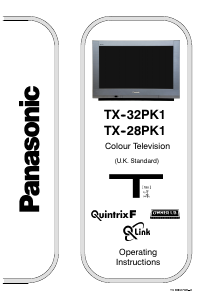
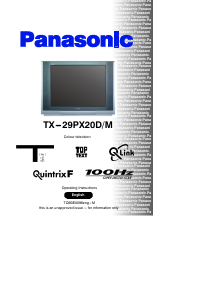
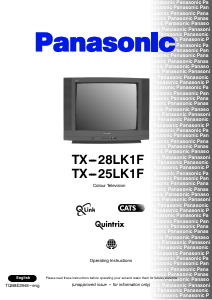
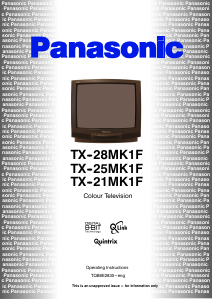
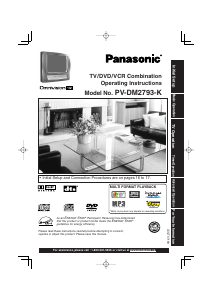
Manual Panasonic PV-DM2793-K Television

Need a manual for your Panasonic PV-DM2793-K Television? Below you can view and download the PDF manual for free in English. This product currently has 5 frequently asked questions, 0 comments and has 0 votes. If this is not the manual you want, please contact us.

Is your product defective and the manual offers no solution? Go to a Repair Café for free repair services.

Manual

Loading…
2
Important Safeguards and Pre cau tions
OUTDOOR ANTENNA INSTALLATION
USING THE UNIT
INSTALLATION
1 POWER SOURCE CAUTION
Operate only from power source indicated on unit
or in this manual. If uncertain, have your Electric
Utility Service Company or Video Products Dealer
verify your home power source.
2 POWER CORD PLUG
For safety, this unit has a polarized type plug (one
wide blade), or a three-wire grounding type plug.
Always hold the plug fi rmly and make sure your
hands are dry when plugging in or unplugging the AC
power cord.
Regularly remove dust, dirt, etc. from the plug.
POLARIZED PLUG CAUTION:
The plug fi ts into outlet only one way. If it cannot be fully
inserted, try reversing it. If it still will not fi t, have an
electrician install the proper wall outlet. Do not tamper
with the plug.
GROUNDING PLUG CAUTION:
The plug requires a three-hole grounding outlet.
If necessary, have an electrician install the proper
outlet. Do not tamper with the plug.
3 POWER CORD
To avoid unit malfunction, and to protect against
electrical shock, fi re or personal injury:
- Keep power cord away from heating appliances and
walking traffi c. Do not rest heavy objects on, or roll
such objects over the power cord.
- Do not tamper with the cord in any way.
- An extension cord should have the same type plug
(polarized or grounding) and must be securely
connected.
- Overloaded wall outlets or extension cords are fi re
hazards.
- Frayed cords, damaged plugs, and damaged or
cracked wire insulation are hazardous and should
be replaced by a qualifi ed electrician.
4 DO NOT BLOCK VENTILATION HOLES
Ventilation openings in the cabinet release heat
generated during operation. If blocked, heat
build-up may result in a fi re hazard or heat
damage to cassettes or discs.
For your protection:
a.Never cover ventilation slots while unit is ON,
or operate unit while placed on a bed, sofa, rug,
or other soft surface.
b.Avoid built-in installation, such as a book case
or rack, unless properly ventilated.
5 AVOID EXTREMELY HOT LOCATIONS OR
SUDDEN TEMPERATURE CHANGES
Do not place unit over or near a heater or radiator, in
direct sunlight, inside closed ve hi cles, in high
temperature [over 95 °F (35 °C)], or in over 75%
humidity. If unit is suddenly moved from a cold place
to a warm one, moisture may con dense in unit and on
the tape causing dam age. Never sub ject unit to
vibration, im pact, or place it so that the sur face is tilted
as in ter nal parts may be se ri ous ly dam aged.
6 TO AVOID PERSONAL INJURY
Never place unit on support or
stand that is not fi rm, level, and
adequately strong. The unit could
fall causing serious injury to a
child or adult and damage to the
unit.
Move any appliance and cart
combination with care.
Quick stops, excessive force, and uneven surfaces
may cause objects to overturn.
Carefully follow all operating instructions.
Before unit is brought out of storage or moved to a new location,
refer again to the INSTALLATION section of these safe guards.
1 KEEP UNIT WELL AWAY FROM WATER OR MOISTURE,
such as vases, sinks, tubs, etc.
2 IF EXPOSED TO RAIN, MOISTURE, OR STRONG IMPACT,
unplug unit and have it inspected by a qualifi ed service
technician before use.
3 ELECTRICAL STORMS
During a lightning storm, or before leaving unit unused for
extended periods of time, disconnect all equipment from the
power source as well as the antenna and cable system.
4 WHEN UNIT IS PLUGGED IN
• DO NOT OPERATE IF:
- liquid has spilled into unit.
- unit was dropped or otherwise damaged.
- unit emits smoke, odours, or noises.
Immediately unplug unit, and have it inspected by a service
technician to avoid potential fi re and shock hazards.
Never drop or push any object through openings in unit.
Touching internal parts may cause electric shock or fi re
hazard. Do not put any foreign object on the tray.
Keep magnetic objects, such as speakers, away from unit to
avoid electrical interference.
5 USING ACCESSORIES
Use only accessories recommended by the manufacturer to
avoid risk of fi re, shock, or other hazards.
6 CLEANING UNIT
Unplug unit. Use a clean, dry, chemically untreated cloth to
gently remove dust or debris. DO NOT USE cleaning fl uids,
aerosols, or forced air that could over-spray, or seep into unit
and cause electrical shock. Any substance, such as wax,
adhesive tape, etc. may mar the cabinet surface. Exposure to
greasy, humid, or dusty areas may adversely affect internal
parts.
READ AND RETAIN ALL SAFETY AND
OPERATING INSTRUCTIONS. HEED ALL
WARNINGS IN THE MANUAL AND ON UNIT
SERVICE
1 DO NOT SERVICE PRODUCT YOURSELF
If, after carefully following detailed operating in struc tions, the unit
does not operate properly, do not attempt to open or remove
covers, or make any adjustments not described in the manual.
Unplug unit and contact a qualifi ed service tech ni cian.
2 REPLACEMENT OF PARTS
Make sure the service technician uses only parts specifi ed by the
manufacturer, or have equal safety char ac ter is tics as original
parts. The use of unauthorized substitutes may result in fi re,
electric shock, or other hazards.
3 SAFETY CHECK AFTER SERVICING
After unit is serviced or repaired, request that a thorough safety
check be done as described in the manufacturer’s service
literature to ensure video unit is in safe operating condition.
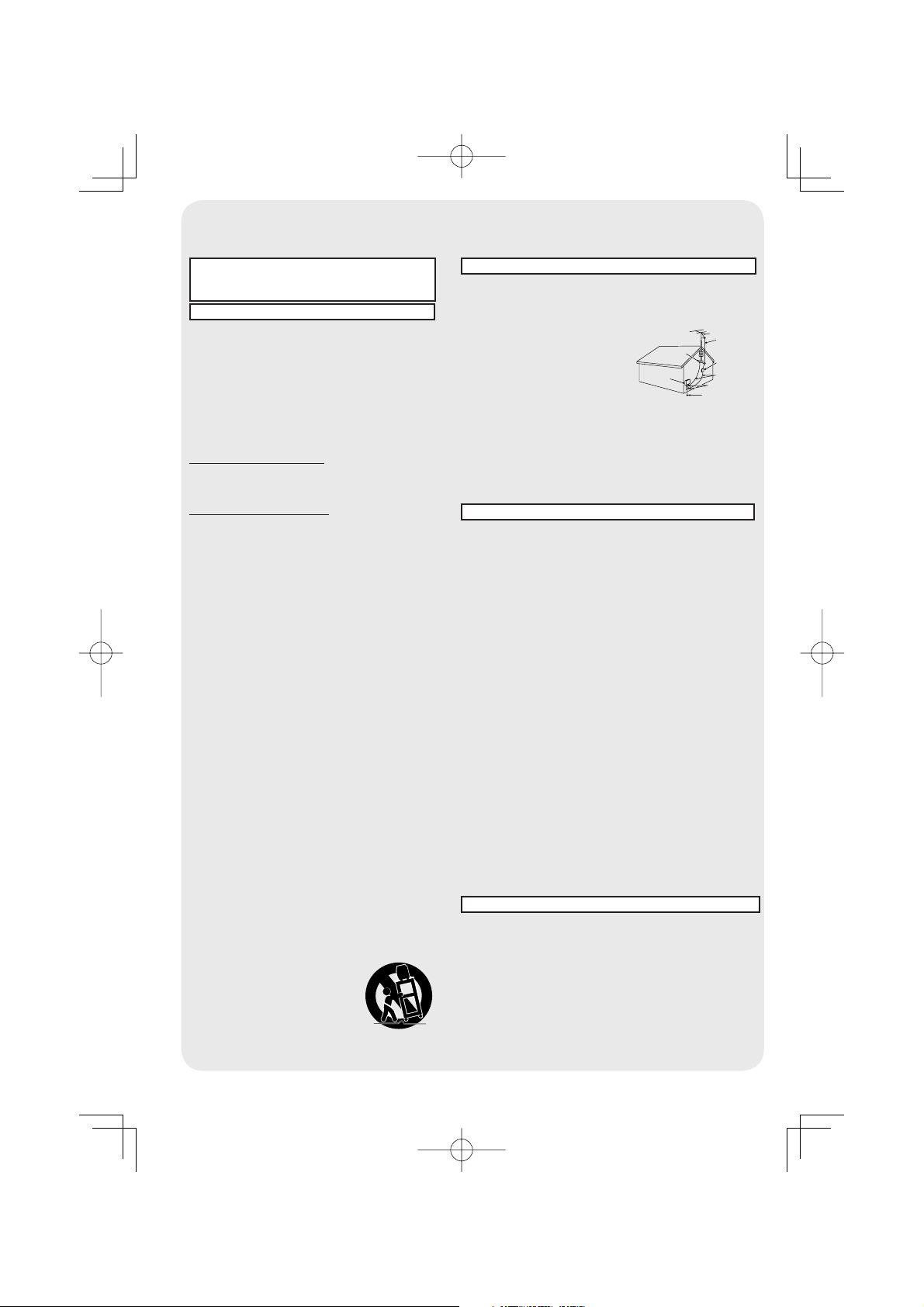
1 SAFE ANTENNA AND CABLE CONNECTION
An outside antenna or cable system must be properly grounded
to provide some protection against built up static charges and
voltage. Section 810 of the National Electrical Code, ANSI/NFPA
70 (in Canada, part 1 of the Canadian Electrical Code) provides
information regarding proper
grounding of the mast and supporting
structure, grounding of the lead-in
wire to an antenna discharge unit,
size of grounding conductors,
location of antenna discharge unit,
connection to grounding electrodes,
and requirements for the grounding
electrode.
2 KEEP ANTENNA CLEAR OF HIGH VOLTAGE POWER LINES
OR CIRCUITS
Locate an outside antenna system well away from power lines
and electric light or power circuits so it will never touch these
power sources should it ever fall. When installing antenna,
absolutely never touch power lines, circuits or other power
sources as this could be fatal.
GROUND
CLAMP
ELECTRIC
SERVICE
EQUIPMENT
ANTENNA
LEAD IN
WIRE
ANTENNA
DISCHARGE UNIT
(NEC SECTION 810-20)
GROUNDING CONDUCTORS
(NEC SECTION 810-21)
GROUND CLAMPS
POWER SERVICE GROUNDING
ELECTRODE SYSTEM
(NEC ART 250, PART H)
NEC
- NATIONAL ELECTRICAL CODE
Download manual in English (PDF, 8.0 MB)
(Consider the environment and only print this manual if it is really necessary)

Loading…

Rating

Let us know what you think about the Panasonic PV-DM2793-K Television by leaving a product rating. Want to share your experiences with this product or ask a question? Please leave a comment at the bottom of the page.
Are you satisfied with the Panasonic PV-DM2793-K Television?
Yes No
Be the first to rate this product
0 votes

Join the conversation about this product

Here you can share what you think about the Panasonic PV-DM2793-K Television. If you have a question, first carefully read the manual. Requesting a manual can be done by using our contact form.

More about this manual

We understand that it’s nice to have a paper manual for your Panasonic PV-DM2793-K Television. You can always download the manual from our website and print it yourself. If you would like to have an original manual, we recommend you contact Panasonic. They might be able to provide an original manual. Are you looking for the manual of your Panasonic PV-DM2793-K Television in a different language? Choose your preferred language on our homepage and search for the model number to see if we have it available.

Specifications

Brand Panasonic
Model PV-DM2793-K
Category Televisions
File type PDF
File size 8.0 MB

All manuals for Panasonic Televisions
More manuals of Televisions

Frequently Asked Questions about Panasonic PV-DM2793-K Television

Our support team searches for useful product information and answers to frequently asked questions. If you find an inaccuracy in our frequently asked questions, please let us know by using our contact form.

How do I measure the inches of my television? Verified

Measuring the inches on your television is done by measuring the diagonal distance between for example the upper left corner and the lower right corner of the screen (not the edge). One inch equals 2,54 centimeter, so when you measure 99 centimeter, this means your television is 39 inches.

This was helpful (74) Read more

Why are there letters next to the numbers on the remote control? Verified

Certain television settings may require you to enter letters. There are usually three letters or other characters on a button. When letter input is required, you can press that button once for the first letter, press twice for the second letter and press 3 times for the third letter. This way, text can be written with a minimum number of buttons.

This was helpful (46) Read more

What is the optimal viewing distance for my television? Verified

This partially depends on personal preference, but as a rule of thumb the optimal viewing distance is about 3x the diagonal screen size of the television. For a television of 60 inch (152cm) the optimal viewing distance would be 180 inch or about 4.5 meter.

This was helpful (39) Read more

What is the contrast ratio? Verified

The contrast ratio tells how far the whitest white is from the blackest black. A contrast ratio of for example 400:1 means that the blackest black on screen is 400 times darker than the whitest white. A high contrast ratio contributes to the sharpness of the image.

This was helpful (30) Read more

How can I properly clean my television? Verified

Turn off the television and wipe dust and dirt off the screen with a microfiber cloth. Do not use paper, this can cause scratches. Do not apply too much pressure or you might cause damage to pixels. Use a specialized detergent or make one by mixing 1 part vinegar with 1 part water. Moisten the cloth with the detergent and clean the screen. Make sure the cloth is not too wet. Remove stains by making rotating movements. Dry the screen with a second microfiber cloth to prevent stripes.

This was helpful (29) Read more
Manual Panasonic PV-DM2793-K Television

Related products

Related categories

×
Download