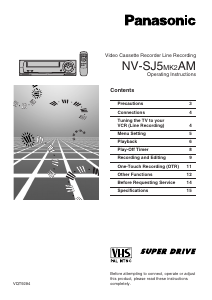
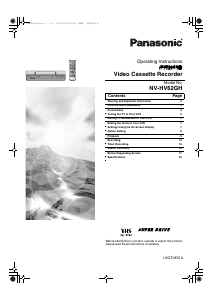
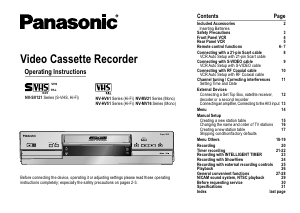
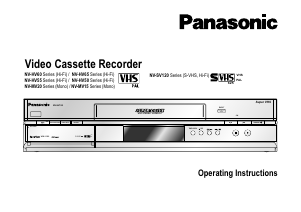
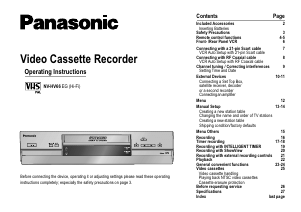
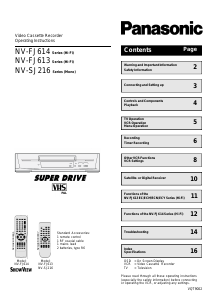
Manual Panasonic NV-SJ430PMP Video recorder

Need a manual for your Panasonic NV-SJ430PMP Video recorder? Below you can view and download the PDF manual for free in English. This product currently has 0 frequently asked questions, 0 comments and has 0 votes. If this is not the manual you want, please contact us.

Is your product defective and the manual offers no solution? Go to a Repair Café for free repair services.

Manual

Loading…
2
AUTO CHANNEL SET
PROCEEDING
END : MENU
2
Dear Customer
Thank you for purchasing this Panasonic Video
Cassette Recorder.
We strongly suggest that you carefully study
the Operating Instructions before attempting to
operate the VCR, and that you note the listed
precautions.
CVC (Crystal View Control)
Indicator
The crystal view control function ensures that
you always obtain the optimum picture quality
so that you get the best picture automatically.
While the VCR is turned on, the CVC indication
is always displayed to show that the Crystal
View Control is activated.
Longrun Head System
This longrun head system enables
approximately 8,000 hours of recording/
playback with high quality images. Newly
developed head cylinder with narrower head
windows and tapered cylinder design
effectively protects heads from dust and
prevents head clogging. Plus, “Alumina” Head
Cleaner further enhanced cleaning efficiency.
Based on in-house tests with Panasonic
video cassettes. Actual head life may vary
according to conditions of use, tape type,
temperature, humidity, etc.
The serial number of this product can be
found on the rear panel. No others have the
same serial number as yours. You should
record the number and other vital
information here and retain this book as a
permanent record of your purchase to aid
identification in case of theft.
Date of Purchase
Dealer purchased from
Dealer Address
Dealer Phone No.
Model No. NV-FJ630PMP/
NV-SJ430PMP
Serial No.
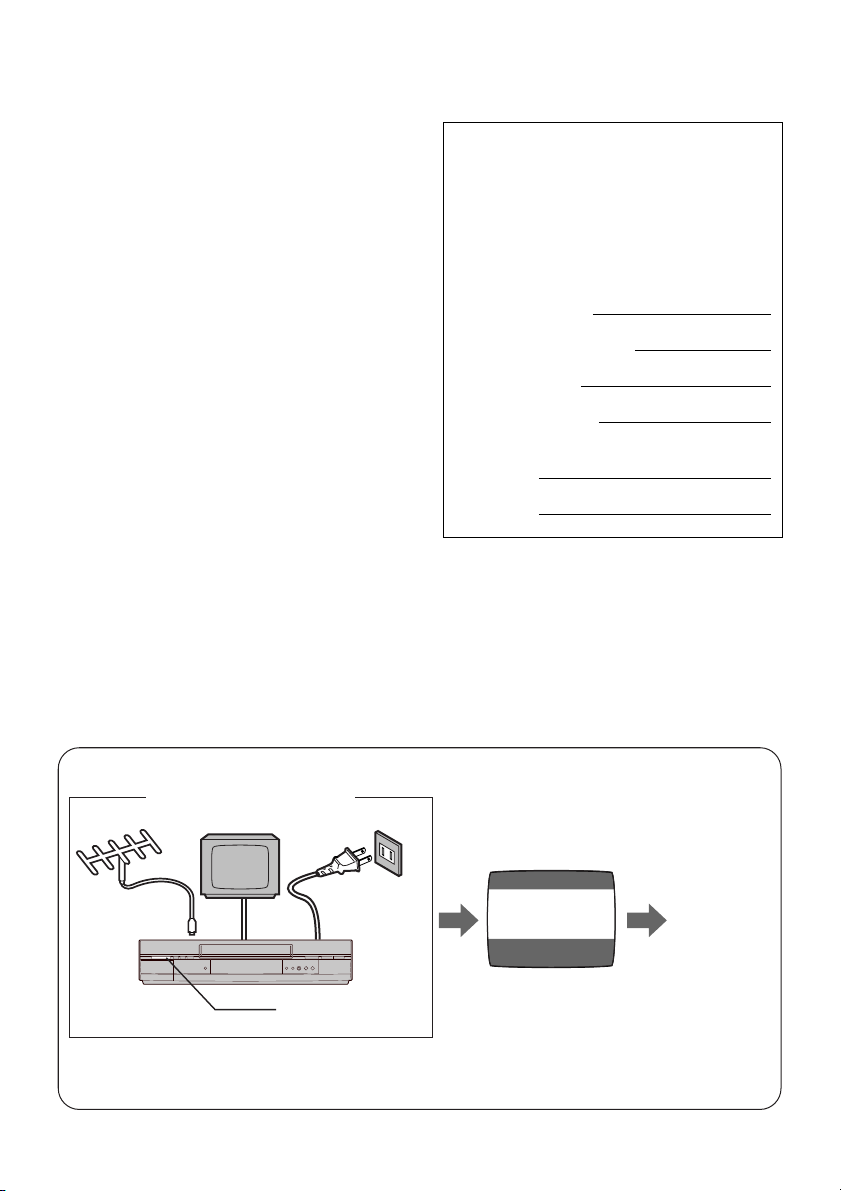
Press POWER Í/I (POWER Í) to switch the
VCR from on to standby mode or vice versa. In
standby mode, the VCR is still connected to the
main AC power.
Plug in Auto Tuning
Setting image illustration
TV
1 Connect the
Antenna
cable.
2 Connect the
AC power
cord.
3 Press POWER
Í/I button.
Plug in Auto
Tuning is
completed.
All broadcasting stations that can be received in the area are automatically tuned and stored in
memory.
Do not turn off the VCR halfway. (See pages 11–14.)
Antenna
On Screen display
Download manual in English (PDF, 0.6 MB)
(Consider the environment and only print this manual if it is really necessary)

Loading…

Rating

Let us know what you think about the Panasonic NV-SJ430PMP Video recorder by leaving a product rating. Want to share your experiences with this product or ask a question? Please leave a comment at the bottom of the page.
Are you satisfied with the Panasonic NV-SJ430PMP Video recorder?
Yes No
Be the first to rate this product
0 votes

Join the conversation about this product

Here you can share what you think about the Panasonic NV-SJ430PMP Video recorder. If you have a question, first carefully read the manual. Requesting a manual can be done by using our contact form.

More about this manual

We understand that it’s nice to have a paper manual for your Panasonic NV-SJ430PMP Video recorder. You can always download the manual from our website and print it yourself. If you would like to have an original manual, we recommend you contact Panasonic. They might be able to provide an original manual. Are you looking for the manual of your Panasonic NV-SJ430PMP Video recorder in a different language? Choose your preferred language on our homepage and search for the model number to see if we have it available.

Specifications

Brand Panasonic
Model NV-SJ430PMP
Category Video recorders
File type PDF
File size 0.6 MB

All manuals for Panasonic Video recorders
More manuals of Video recorders
Manual Panasonic NV-SJ430PMP Video recorder

Related products

Related categories

×
Download