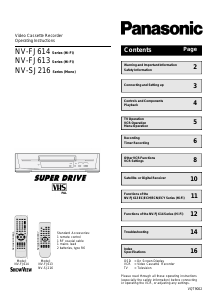
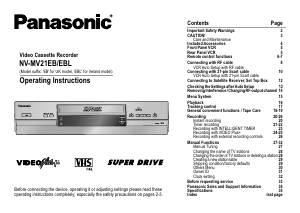
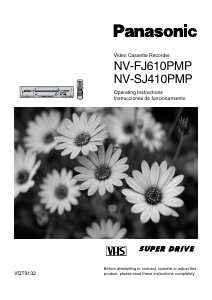
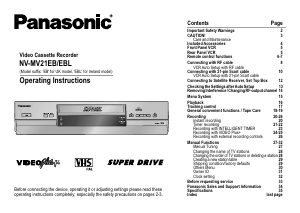
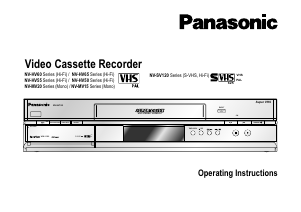
Manual Panasonic NV-SJ216EGNK Video recorder

Need a manual for your Panasonic NV-SJ216EGNK Video recorder? Below you can view and download the PDF manual for free in English. This product currently has 0 frequently asked questions, 0 comments and has 0 votes. If this is not the manual you want, please contact us.

Is your product defective and the manual offers no solution? Go to a Repair Café for free repair services.

Manual

Loading…
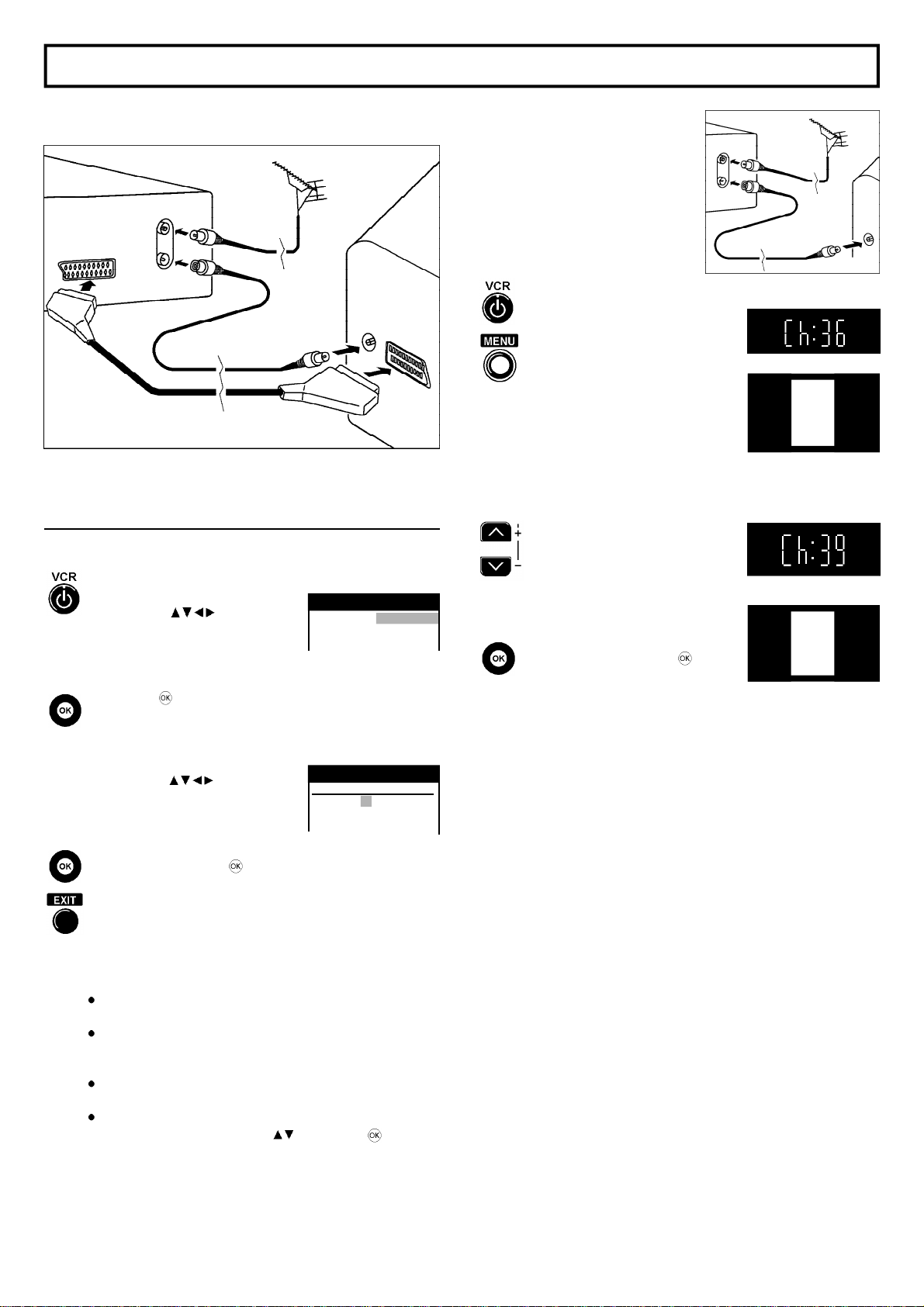
Connecting and Setting up
VCR
TV
Aerial
(not supplied)
21-pin Scart cable
(not supplied)
RF Coaxial Cable
(supplied)
Note:
The RF (radio frequency) coaxial cable must be connected for TV reception,
even if the video recorder is already connected with a 21-pin Scart cable.
Set up the connections shown here, and connect the mains lead (supplied)
to your AC mains.
If you want to connect the TV only
with a RF Coaxial Cable (supplied),
you must ensure that the video output
channel is adjusted to the input channel of
the TV.
For this purpose, please also read the
operating instructions for your TV.
Switch on the VCR
Press the MENU Button for about 7
seconds until the number of the channel
appears on the VCR display
(the pre-setting is channel 36).
Tune the TV until the test screen appears.
On Screen Display
VCR
Ch:36
VCR display
VQT9002
3
Automatic Setting
Switch on the VCR
and the [Country] setting menu will appear.
Use the cursors on the
remote control to select your country.
(Operation of cursors see Menu Operation
on page 5.)
After pressing , all the TV stations
which can be received will be tuned
automatically in about 5 minutes.
When the menu [Clock setting] appears,
use the cursors on
the remote control to select
the Time and Date manually.
To end this procedure, press .
Press this button to exit the Settings.
Notes:
More information about the remote control, see page 4-5.
If the selection for the Country menu does not appear
after switching on the VCR, you can restart the Automatic Setting;
see VCR Settings on page 8.
An incorrect setting of Time or Date (observe summer- and wintertime)
will influence the Timer recording.
If you select the country [Suisse] the menu [Power save] will appear.
Select the settings with the cursors and store with .
More information see on page 9.
On Screen Display
Panasonic VCR
Country
Belgien Deutschland
Belgique Österreich
Belgiê Portugal
A distorted picture on the channel can be
reduced, by adjusting the VCR and the TV
to another channel.
Use this button to select
the channel number (e.g. channel 39).
Tune the TV until the test screen appears.
To store this adjustment, press .
After that, please continue with the Automatic Setting
with the [Country] setting menu.
Panasonic VCR
Clock setting
Clock setting : MAN.
Time : 20:30:24
Date : 21.03.01
RF Coaxial Cable
(supplied)
TV
VCR
AV
RF in
RF out
VCR
Ch:39
Download manual in English (PDF, 0.51 MB)
(Consider the environment and only print this manual if it is really necessary)

Loading…

Rating

Let us know what you think about the Panasonic NV-SJ216EGNK Video recorder by leaving a product rating. Want to share your experiences with this product or ask a question? Please leave a comment at the bottom of the page.
Are you satisfied with the Panasonic NV-SJ216EGNK Video recorder?
Yes No
Be the first to rate this product
0 votes

Join the conversation about this product

Here you can share what you think about the Panasonic NV-SJ216EGNK Video recorder. If you have a question, first carefully read the manual. Requesting a manual can be done by using our contact form.

More about this manual

We understand that it’s nice to have a paper manual for your Panasonic NV-SJ216EGNK Video recorder. You can always download the manual from our website and print it yourself. If you would like to have an original manual, we recommend you contact Panasonic. They might be able to provide an original manual. Are you looking for the manual of your Panasonic NV-SJ216EGNK Video recorder in a different language? Choose your preferred language on our homepage and search for the model number to see if we have it available.

Specifications

Brand Panasonic
Model NV-SJ216EGNK
Category Video recorders
File type PDF
File size 0.51 MB

All manuals for Panasonic Video recorders
More manuals of Video recorders
Manual Panasonic NV-SJ216EGNK Video recorder

Related products

Related categories

×
Download