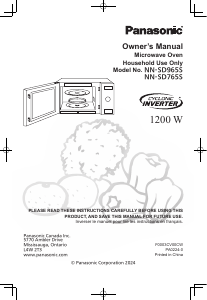
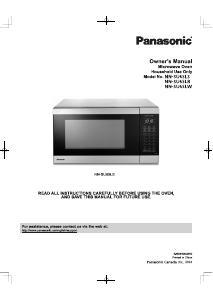
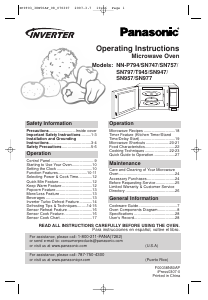
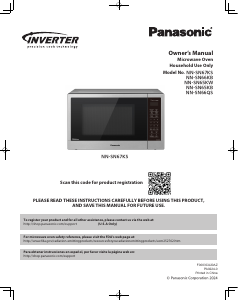
Manual Panasonic NN-SN67KS Microwave

Need a manual for your Panasonic NN-SN67KS Microwave? Below you can view and download the PDF manual for free in English. This product currently has 7 frequently asked questions, 0 comments and has 0 votes. If this is not the manual you want, please contact us.

Is your product defective and the manual offers no solution? Go to a Repair Café for free repair services.

Manual

Loading…
5
IMPORTANT SAFETY INSTRUCTIONS (continued)
Installation and Grounding Instructions
Examine Your Oven
Unpack oven, remove all packing material and examine the oven
for any damage such as dents, broken door latches or cracks in the
door. Notify dealer immediately if oven is damaged. DO NOT install
if oven is damaged.
Placement of Oven
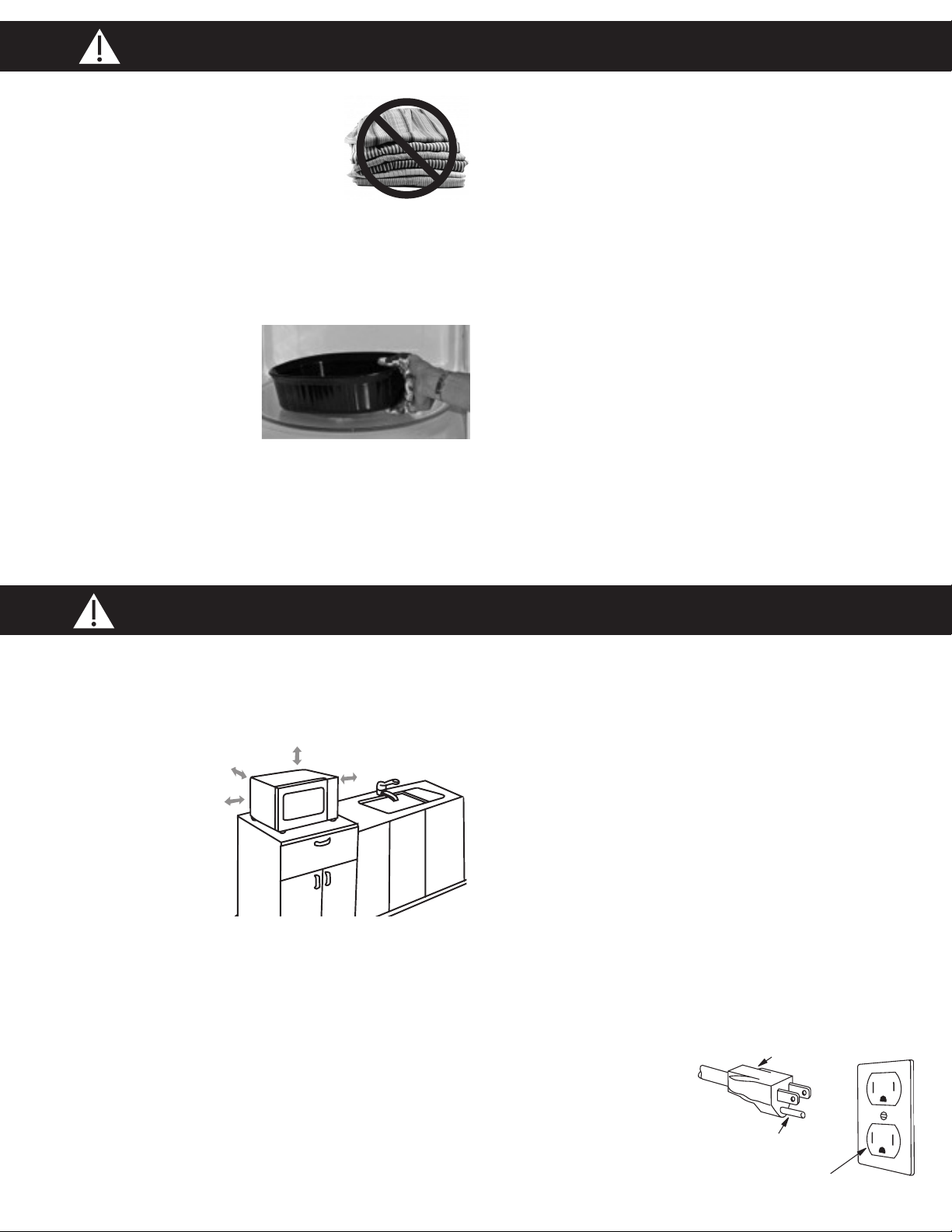
1. The oven must be placed
on a flat, stable surface.
Place the front surface of
the door 3 inches
(7.6 cm) or more from
the counter top edge to
avoid accidental tipping
of the microwave oven
during normal use. For
proper operation, the oven must have sufficient airflow. Allow
3 inches (7.6 cm) of space on both sides of the oven and 1 inch
(2.5 cm) of space on top of the oven.
(a) DO NOT block air vents. If they are blocked during
operation, the oven may overheat and be damaged.
(b) DO NOT place oven near a hot, damp surface such as a
gas or electric range, sink, or dishwasher.
(c) DO NOT operate oven when room humidity is excessive.
2. This oven is manufactured for household use only. It is not
approved or tested for mobile vehicle, marine, or commercial
use.
Installation
1. DO NOT block air vents. If they are blocked during operation,
the oven may overheat. If the oven overheats, a thermal safety
device will turn the oven off. The oven will remain inoperable
until it has cooled.
2. The oven is designed for installation into a wall cabinet by using
the proper trim kit available from a local Panasonic dealer,
follow all instructions packed with the kit.
WARNING: IMPROPER USE OF THE GROUNDING
PLUG CAN RESULT IN A RISK OF ELECTRIC SHOCK.
Consult a qualified electrician or service person if the grounding
instructions are not completely understood, or if doubt exists as to
whether the appliance is properly grounded. If it is necessary to use
an extension cord, use only a three-wire extension cord that has a
three-prong polarized grounding plug, and a three-slot receptacle
that will accept the plug of the appliance. The marked rating of the
extension cord should be equal to or greater than the electrical
rating of the appliance.
Grounding Instructions
THIS APPLIANCE MUST BE GROUNDED.
In the event of an electrical
short circuit, grounding
reduces the risk of electric
shock by providing an
escape wire for the electric
current. This appliance is
equipped with a cord having
a grounding wire with a
grounding plug.
3. DO NOT dry clothes, newspapers or other
materials in the oven, or use newspaper or
paper bags for cooking.
4. DO NOT hit or strike Control Panel. Damage
to controls may occur.
5. DO NOT use recycled paper products
unless the paper product is labeled as safe for microwave oven
use. Recycled paper products may contain impurities, which may
cause sparking.
TO AVOID THE RISK OF SCALDING:
POT HOLDERS should always be used when removing items from
the oven. Heat is transferred from
the HOT food to the cooking
container and from the container
to the Glass Tray. The Glass
Tray can also be very HOT after
removing the cooking container
from the oven.
Glass Tray
1. DO NOT operate the oven without the Roller Ring and the Glass
Tray in place.
2. DO NOT operate the oven without the Glass Tray fully engaged
on the drive hub. Improper cooking or damage to the oven
could result. Verify that the Glass Tray is properly engaged and
rotating by observing its rotation when you press Start.
Note: The Glass Tray can turn in either direction.
3. Use only the Glass Tray specifically designed for this oven.
DO NOT substitute any other Glass Tray.
4. If the Glass Tray is hot, allow to cool before cleaning or placing
in water.
5. DO NOT cook directly on the Glass Tray. Always place food in
a microwave safe dish, or on a rack set in a microwave safe dish.
6. If food or utensil on the Glass Tray touches oven walls, causing
the tray to stop moving, the tray will automatically rotate in the
opposite direction.
Roller Ring
1. The Roller Ring and oven floor should be cleaned frequently to
prevent excessive noise.
2. Always replace the Roller Ring and the Glass Tray in their proper
positions.
3. The Roller Ring must always be used for cooking along with the
Glass Tray.
3-Pronged Plug
Ground Plug
3-Prong Receptacle
For proper use of your oven, read remaining safety cautions and operating instructions.
Download manual in English (PDF, 9.76 MB)
(Consider the environment and only print this manual if it is really necessary)

Loading…

Rating

Let us know what you think about the Panasonic NN-SN67KS Microwave by leaving a product rating. Want to share your experiences with this product or ask a question? Please leave a comment at the bottom of the page.
Are you satisfied with the Panasonic NN-SN67KS Microwave?
Yes No
Be the first to rate this product
0 votes

Join the conversation about this product

Here you can share what you think about the Panasonic NN-SN67KS Microwave. If you have a question, first carefully read the manual. Requesting a manual can be done by using our contact form.

More about this manual

We understand that it’s nice to have a paper manual for your Panasonic NN-SN67KS Microwave. You can always download the manual from our website and print it yourself. If you would like to have an original manual, we recommend you contact Panasonic. They might be able to provide an original manual. Are you looking for the manual of your Panasonic NN-SN67KS Microwave in a different language? Choose your preferred language on our homepage and search for the model number to see if we have it available.

Specifications

Brand Panasonic
Model NN-SN67KS
Category Microwaves
File type PDF
File size 9.76 MB

All manuals for Panasonic Microwaves
More manuals of Microwaves

Frequently Asked Questions about Panasonic NN-SN67KS Microwave

Our support team searches for useful product information and answers to frequently asked questions. If you find an inaccuracy in our frequently asked questions, please let us know by using our contact form.

My microwave won't start when I press the start-button, what can I do? Verified

In many cases the door of the microwave hasn't closed properly. Open and close the door and try again.

This was helpful (3605) Read more

Can I use my microwave when the turntable doesn't work? Verified

The turntable makes sure the heat is distributed evenly. When it's not working, the microwave cannnot be properly used. Have it repaired.

This was helpful (2142) Read more

The microwave is on but is not working. Why is that? Verified

It's possible that the door does not close properly. To ensure safety a microwave will not workj until the door is completely closed. Sometimes this can be fixed by adjusting the door hinge.

This was helpful (1603) Read more

The mica/cardboard plate inside the microwave came off. Can I still use the microwave? Verified

No, absolutely not. The mica/cardboard plate is the waveguide that distributes the microwaves. Put it back or get a replacement.

This was helpful (1407) Read more

My microwave keeps making noise, even after it has finished. Is this normal? Verified

Yes, this is a normal sound. The fan cools the microwave after use. The duration depends on how long the microwave has operated.

This was helpful (1179) Read more

Can I boil water in the microwave? Verified

No, absolutely not. Water can get superheated. This means that the water can reach a temperature of above 100℃ without boiling. When this water then touchs any object it can instantly boil and splash up, causing burns.

This was helpful (906) Read more

Why can't I put metal in my microwave? Verified

Metal doesn't let the microwaves through but bounces them back. When these microwaves are bounced back at the same spot, this can cause sparks.

This was helpful (905) Read more
Manual Panasonic NN-SN67KS Microwave

Related products

Related categories

×
Download