Noctua NH-D15S |
Installation Manual | LGA115x
LGA115x
!
Even with high-grade products and strict quality control, the
possibility of defects cannot be eliminated entirely. Therefore,
we aim at providing the highest possible level of reliability and
convenience by offering a warranty period of 6 years and direct, fast
and straightforward RMA service.
Should you encounter any problems with your NH-D15S, please
Please also consult the FAQ section on our website:
www.noctua.at/faqs.
Warranty, Support and FAQs
As it is not possible to reliably calculate or control the forces
that act upon a system during transport (e.g. in shipping), we gen-
erally recommend, for safety reasons, taking the cooler off. Noctua
cannot be held responsible for any damage that may arise due to
excessive stress during transport if you keep the heatsink installed.
Transporting your system!
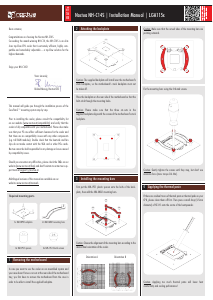
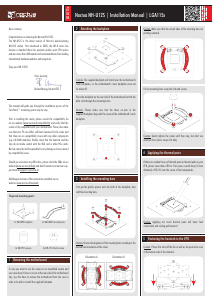
Connect the fan to the motherboard’s CPU fan header. Depending
on your CPU and the temperature inside the case, you may
interconnect the supplied NA-RC7 Low-Noise Adapter (L.N.A.)
in order to further reduce the fan’s operating noise.
Caution: Never use one adaptor for both fans by putting it before
the y-split cable.
Caution: When using the L.N.A.s, check the temperature of your
CPU using appropriate software (e.g. the respective applications
of your motherboard manufacturer), in order to evade automatic
throttling of the CPU due to the increased temperature. If the
cooling performance is insufficient, please increase case ventilation
or remove the L.N.A.s.
Motherboard Fans
Low-Noise Adaptor Y-Split Cable
Y-Split Cable Low-Noise Adaptors
3.
2.
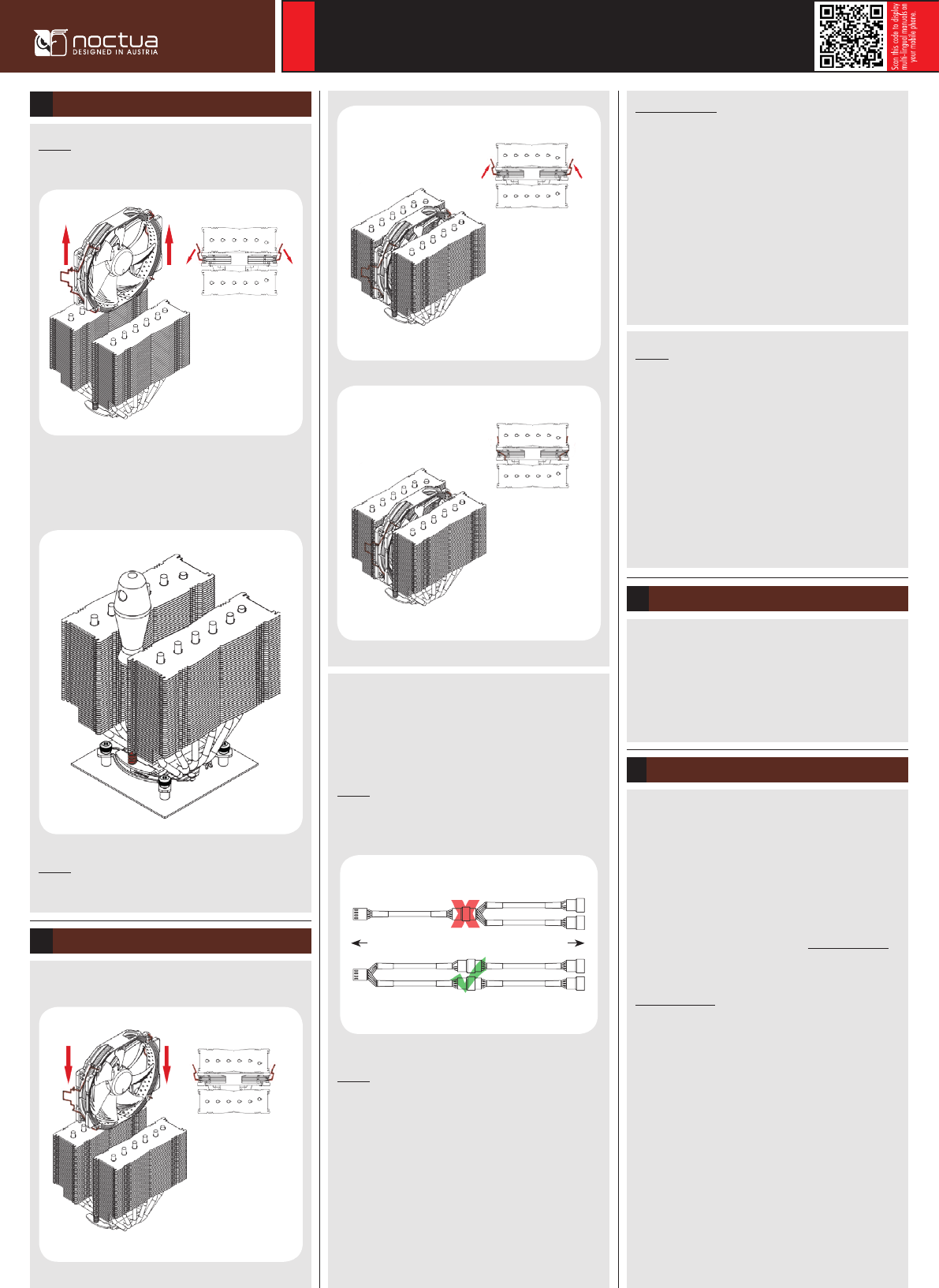
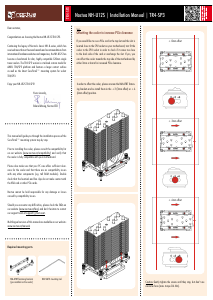
Reattach the fan using the supplied steel clips:
Fan Setup6
Caution: Please first take off the fan as well as the protection
cover at the bottom side of the heatsink.
Caution: Gently tighten the screws until they stop, but don’t use
excessive force (max. torque 0.6 Nm).
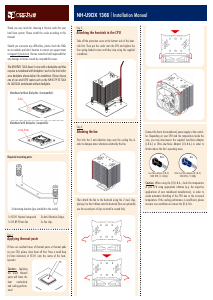
Fastening the heatsink to the CPU5
Then put the heatsink onto the CPU and screw it to the screw
threads of the mounting bars. Perform 2-3 turns on each screw,
then repeat until both are fully tightened.
1.
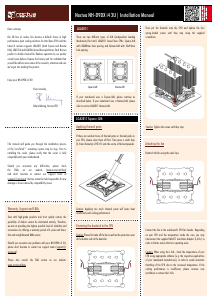
Adding a second fan
The NH-D15S includes an extra set of fan clips for installing a
second fan to the front fin stack in push/pull mode in order to
further improve cooling performance. The fan clips support:
• Round frame 140mm fans with 120mm mounting (105mm hole
spacing) such as the NF-A15 PWM or the NF-P14r redux models
• Standard 120mm fans (105mm hole spacing) such as the
NF-A12, NF-F12 or NF-P12 redux models
Caution:
• It is not possible to install 140mm fans with square frames
(124.5mm hole spacing) such as the NF-A14 or NF-P14s redux.
• If you add a second fan to the front fin stack, it will sit above
the RAM modules. Please verify that you have sufficient room
inside your case before adding a second fan. For example, if you
add a 140mm fan and use RAM modules that are 50mm high, you
will need 190mm of clearance, adding a 120mm fan while using
50mm RAM requires 170mm, etc.


Join the conversation about this product
Here you can share what you think about the Noctua NH-D15S CPU Cooler. If you have a question, first carefully read the manual. Requesting a manual can be done by using our contact form.