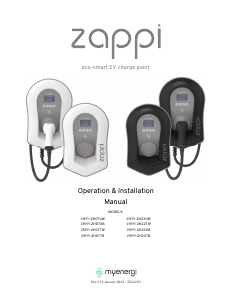
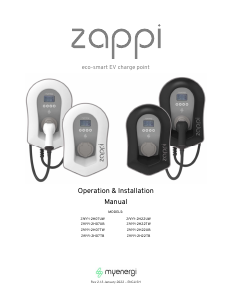
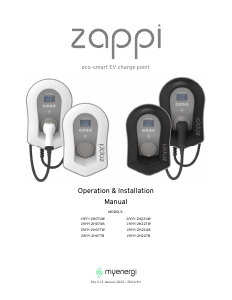
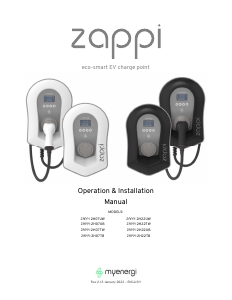
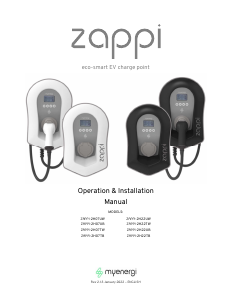
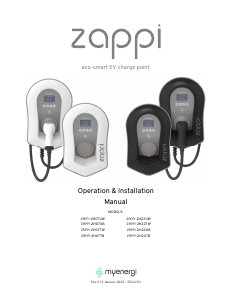
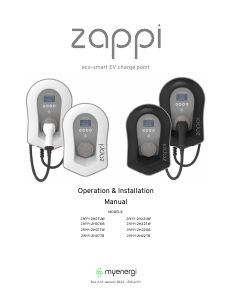
Manual MyEnergi ZAPPI-2H07TW Charging Station

Need a manual for your MyEnergi ZAPPI-2H07TW Charging Station? Below you can view and download the PDF manual for free in English. This product currently has 0 frequently asked questions, 0 comments and has 0 votes. If this is not the manual you want, please contact us.

Is your product defective and the manual offers no solution? Go to a Repair Café for free repair services.

Manual

Loading…
Operation
8
zappi
operation and installation manual
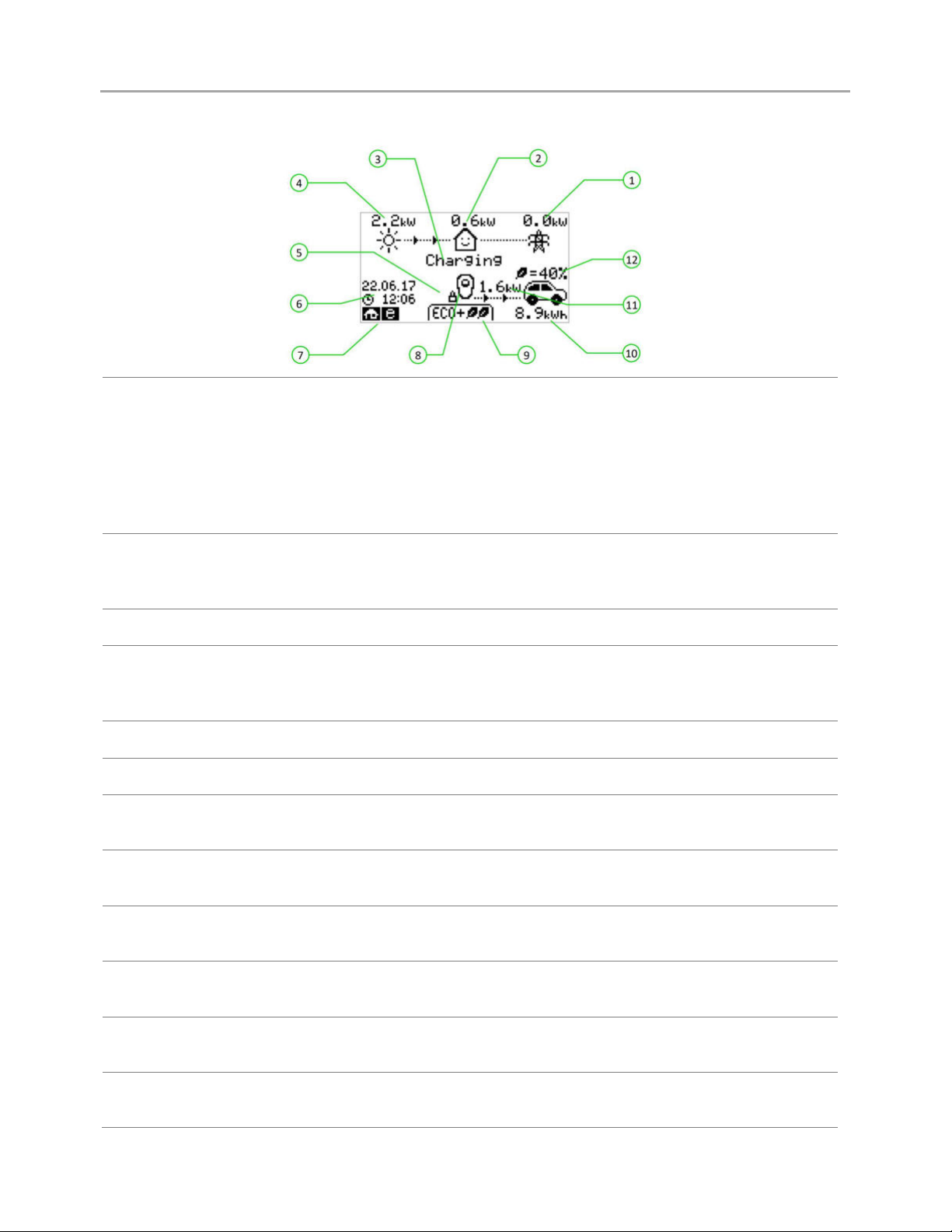
Display
1. Import / Export Power
The power being either imported or exported from or to the grid (kW). The
direction of the arrows indicates if the property is currently importing
power (left) or exporting power (right).
The size of the arrows is proportionate to the level of power being imported
/ exported, When the property is neither importing or exporting power the
figure will be 0.0kW and there will no animated arrows. The property is then
said to be 'in balance'.
2. House Load Power
The power that the property is currently using in kW. (Note: This is displayed
only when the Generation Sensor is installed directly to a CT input or a
harvi
or other
myenergi
device)
3. Status Text The current status is displayed here (see Status Screens Page 12).
4. Generation Power
The power being generated at this time in kW. (Note: This is displayed only
when the CTs are installed either hard wired to the CT inputs of the
zappi
or
wirelessly to a
harvi
or other
myenergi
device)
5. Lock Icon Operation lock is active.
6. Date & Time The current date and time.
7. Mode Icons
These icons indicate that the import limiting is active (house), Demand Side
Response (~) or the eSense input is live (e) see page 44.
8. zappi Icon If you see wavy lines above the zappi icon, the unit is thermally limiting!
The output power is temporarily reduced.
9. Charge Mode
Shows the selected Charging Mode; FAST, ECO or ECO+ (see Charging
Modes page 14).
10. Charge Delivered to EV
The accumulated charge energy that has been sent to EV in this charge
session.
11. Current Charging Power
When the EV is charging, arrows will show here along with the charging
power in kW.
12. Green Level of Last Charge
This is the percentage of 'Green' energy for the last charge session, this is
shown at the end of a charge or when the EV is unplugged.
Download manual in English (PDF, 1.67 MB)
(Consider the environment and only print this manual if it is really necessary)

Loading…

Rating

Let us know what you think about the MyEnergi ZAPPI-2H07TW Charging Station by leaving a product rating. Want to share your experiences with this product or ask a question? Please leave a comment at the bottom of the page.
Are you satisfied with the MyEnergi ZAPPI-2H07TW Charging Station?
Yes No
Be the first to rate this product
0 votes

Join the conversation about this product

Here you can share what you think about the MyEnergi ZAPPI-2H07TW Charging Station. If you have a question, first carefully read the manual. Requesting a manual can be done by using our contact form.

More about this manual

We understand that it’s nice to have a paper manual for your MyEnergi ZAPPI-2H07TW Charging Station. You can always download the manual from our website and print it yourself. If you would like to have an original manual, we recommend you contact MyEnergi. They might be able to provide an original manual. Are you looking for the manual of your MyEnergi ZAPPI-2H07TW Charging Station in a different language? Choose your preferred language on our homepage and search for the model number to see if we have it available.

Specifications

Brand MyEnergi
Model ZAPPI-2H07TW
Category Charging Stations
File type PDF
File size 1.67 MB

All manuals for MyEnergi Charging Stations
More manuals of Charging Stations
Manual MyEnergi ZAPPI-2H07TW Charging Station

Related products

Related categories

×
Download