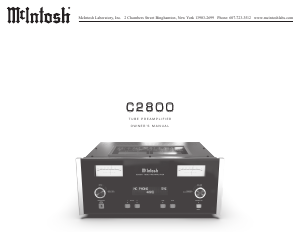
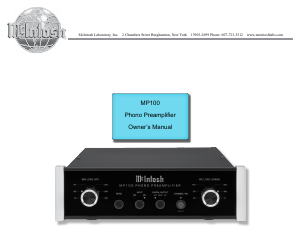
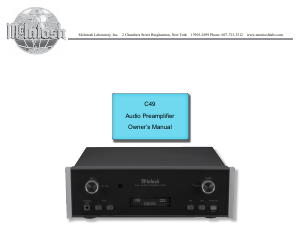
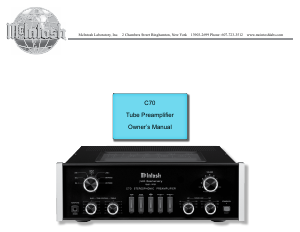
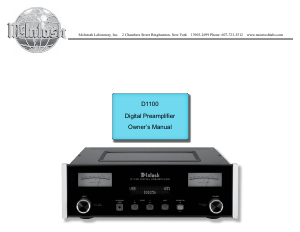
Manual McIntosh D1100 Pre-amplifier

Need a manual for your McIntosh D1100 Pre-amplifier? Below you can view and download the PDF manual for free in English. This product currently has 2 frequently asked questions, 0 comments and has 0 votes. If this is not the manual you want, please contact us.

Is your product defective and the manual offers no solution? Go to a Repair Café for free repair services.

Manual

Loading…
8
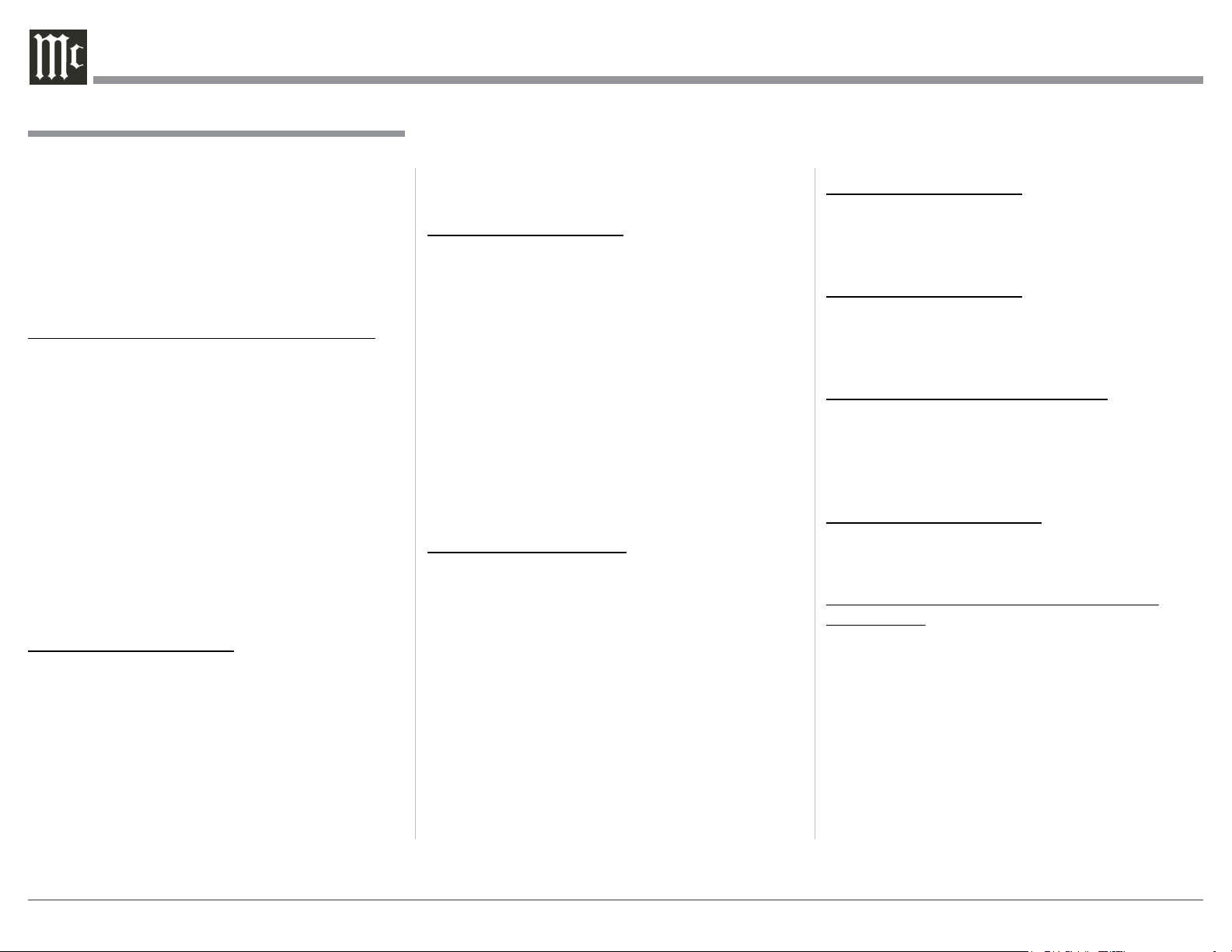
Connecting Components
The D1100 has two modes of operation. The first
mode is as a Preamplifier. The second operating mode
is as a DAC (Digital-to-Analog Converter) when con-
nected to a compatible Analog only Preamplifier with
a special control interface.
The first set of connecting instructions is for con-
necting the D1100 for use as a DAC and the second set
is for when the D1100 is used as a Preamplifier.
D1100 CONNECTIONS FOR DAC OPERATION:
The connection instructions below, together with the
D1100 Input/Output/Control Connection Diagrams,
are located on the separate folded sheets “Mc1A and
Mc2A. Your system may vary from this, however the
actual components would be connected in a similar
manner. For additional information refer to “Connec-
tor and Cable Information” on page 3.
Notes: 1. The D1100 allows renaming of the Audio Inputs
Names as indicated on the Front Panel Informa-
tion Display. Example, “MCT” may be changed
to “CD- 1” or your own personal preference.
Refer to Setup “Renaming Input” on page 14.
2. For convenience, an “Input Assignment Chart”
on a separate sheet “Mc5B” has been provided
to keep track of changes.
Power Control Connections:
1. Connect a Control Cable from the D1100 POWER
CONTROL TRIG 1 Jack to the Digital Audio
Player Trigger In Jack.
2. Connect a Control Cable from the Digital Audio
Player Trigger Out Jack to the SACD Transport
Power Control In Jack.
3. Connect a Control Cable from the SACD Trans-
port Power Control Out Jack to the Tuner Power
Control In Jack.
4. Connect a Control Cable from the Tuner Power
Control Out Jack to the Media Server Pwr Ctrl
(Power Control) In Jack.
5. Connect any additional Components in a similar
manner, as outlined in steps 1 thru 4.
Data Control Connections:
6. Connect a Control Cable from the D1100 DATA
PORTS 2 Jack to the TUNER Data In Jack.
Note: To have source components (e.g. Tuner) respond
only to their specific “Function Commands
issued by the Remote Control, it is first neces-
sary change the Data Ports Default settings for
the “Tuner” Input. Refer to Setup “Data Port
Assignment”on page 17.
7. Connect a Control Cable from the D1100 CD
DATA PORT 3 Jack to the SACD/CD Transport
Data In Jack.
8. Connect a Control Cable from the D1100 DATA
PORT 1 Jack to the Media Server Data In Jack.
9. Connect any additional McIntosh Components in a
similar manner, as outlined in steps 6 thru 8.
Digital Audio Connections:
10. Connect a Digital Coaxial Cable from the D1100
DIGITAL AUDIO INPUT COAX 1 Connector to
the Digital Audio Player Digital Coax Output Jack.
11. Using the “DIN Cable-Twisted Pair” cable (sup-
plied with a MCT Transport) from the D1100
MCT DIGITAL AUDIO INPUT Connector to the
SACD/CD Transport DIN Output Connector.
12. Connect a Digital Optical Cable from the D1100
DIGITAL AUDIO INPUT OPTI 2 Connector to
the AM/FM Tuner Digital OPTICAL Output Con-
nector.
13. Connect a Digital Coaxial Cable from the D1100
DIGITAL AUDIO INPUT OPTI 1 Connector to
the Media Server Digital Optical Output Connec-
tor.
14. Connect any additional McIntosh Components in a
similar manner, as outlined in steps 10 thru 13.
Optional USB Connection:
15. Connect a USB cable with (type A to type B) con-
nectors from the D1100 USB DIGITAL AUDIO
INPUT Connector to an available USB connector
on the computer.
Audio Output Connection:
16. Connect XLR Audio Cables from the D1100
FIXED Balanced RIGHT and LEFT OUTPUTs to
the Analog only Preamplifier Balanced Number 6
(Left and Right) Inputs.
Preamplifier Control Interconnection:
17. Connect the Data Control Cable (supplied with
the compatible Analog only Preamplifier) from
the D1100 EXTERNAL CONTROL ANALOG
PREAMPLIFIER connector to the Analog only
Preamplifier Digital Preamplifier Connector.
AC Power Cord Connections:
18. Connect the D1100 to a live AC Outlet using the
supplied Power Supply Cord.
D1100 CONNECTIONS FOR PREAMPLIFIER
OPERATION:
The D1100 has the ability to automatically switch
power On/Off to Source Components via the Power
Control connections. The Data Port Connections allow
for the remote operation of basic functions using the
D1100 Remote Control HR085. With an external sen-
sor connected to the D1100, remote control operation
of the system is possible from another room and/or
when the D1100 is located in a cabinet with the doors
closed.
The connection instructions below, together with
the D1100 Input/Output/Control Connection Dia-
grams located on the separate folded sheets “Mc1B
Download manual in English (PDF, 4.66 MB)
(Consider the environment and only print this manual if it is really necessary)

Loading…

Rating

Let us know what you think about the McIntosh D1100 Pre-amplifier by leaving a product rating. Want to share your experiences with this product or ask a question? Please leave a comment at the bottom of the page.
Are you satisfied with the McIntosh D1100 Pre-amplifier?
Yes No
Be the first to rate this product
0 votes

Join the conversation about this product

Here you can share what you think about the McIntosh D1100 Pre-amplifier. If you have a question, first carefully read the manual. Requesting a manual can be done by using our contact form.

More about this manual

We understand that it’s nice to have a paper manual for your McIntosh D1100 Pre-amplifier. You can always download the manual from our website and print it yourself. If you would like to have an original manual, we recommend you contact McIntosh. They might be able to provide an original manual. Are you looking for the manual of your McIntosh D1100 Pre-amplifier in a different language? Choose your preferred language on our homepage and search for the model number to see if we have it available.

Specifications

Brand McIntosh
Model D1100
Category Pre-amplifiers
File type PDF
File size 4.66 MB

All manuals for McIntosh Pre-amplifiers
More manuals of Pre-amplifiers

Frequently Asked Questions about McIntosh D1100 Pre-amplifier

Our support team searches for useful product information and answers to frequently asked questions. If you find an inaccuracy in our frequently asked questions, please let us know by using our contact form.

Wat is the difference betwee an amplifier and a pre-amplifier? Verified

An amplifier is often an integrated amplifier, with pre-amplifier and power amplifier in one device. A pre-amplifier regulates volume and sometimes balance and tone and lets you choose what source is used (cd, tape, turntable, etc). A pre-amplifier often provides a little amplification, just enough for the power amplifier. This is an active pre-amplifier. Sometimes a pre-amplifier does not amplify, making it a passive pre-amplifier.

This was helpful (6) Read more

Can I connect a speaker to a pre-amplifier? Verified

No, a speaker can only be connect to a power amplifier or integrated amplifier.

This was helpful (4) Read more
Manual McIntosh D1100 Pre-amplifier

Related products

Related categories

×
Download