Manual Jonsbo CR-3000 CPU Cooler

Need a manual for your Jonsbo CR-3000 CPU Cooler? Below you can view and download the PDF manual for free in English. This product currently has 0 frequently asked questions, 0 comments and has 0 votes. If this is not the manual you want, please contact us.

Is your product defective and the manual offers no solution? Go to a Repair Café for free repair services.

Manual

Loading…
K
(1700)
(1700)
(1700)
(1700)
(1700)
3
AMD
Intel LGA1366 / 1200 / 115X / 1700
K
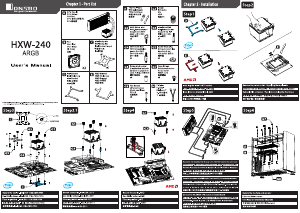
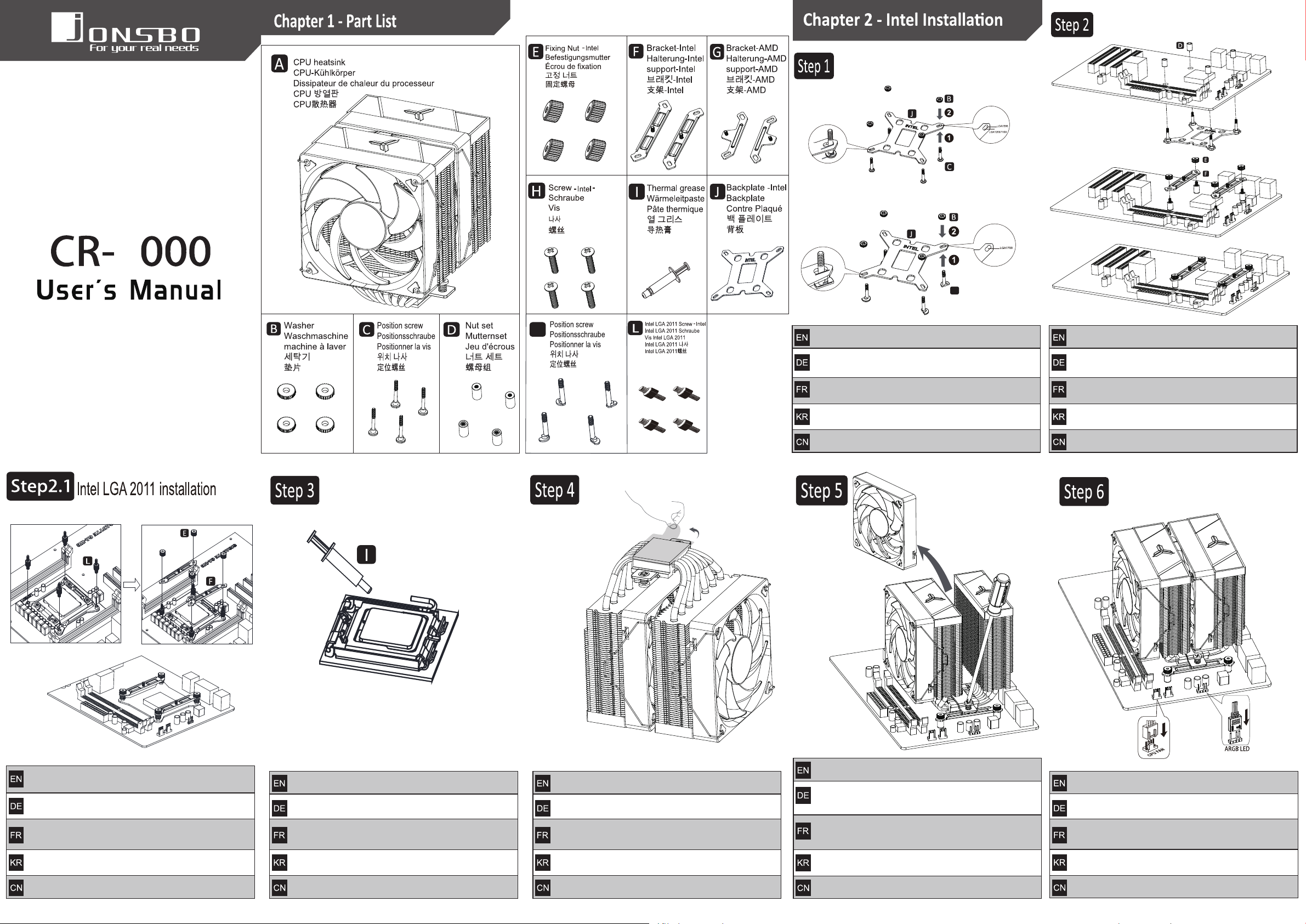
将定位螺丝置入Intel背板的对应孔位中,再套入垫片
安装背板和扣具
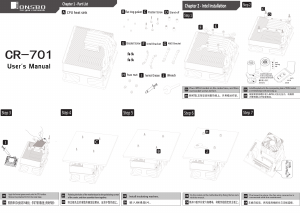
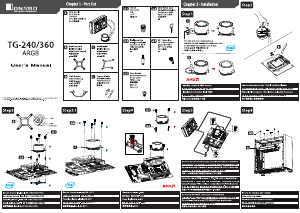
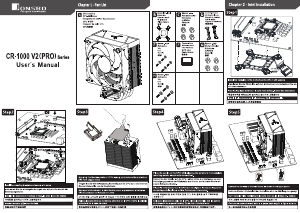
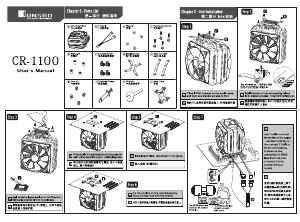
Install the back plate and fastener
Montage der Rückplatte und des Befestigungselements
Installation de panneaux arrière et de fermoirs
후면 패널 설치
Place the set screw in the corresponding hole position of the Intel bracket,
and then insert the gasket
Setzen Sie die Einstellschraube in die entsprechende Lochposition
der Intel-Halterung ein und setzen Sie dann die Dichtung ein
Placez la vis de positionnement dans le trou correspondant
du support Intel, réenregistrez la cale
포지셔닝 나사를 Intel 브래킷의 해당 구멍에 넣은 다음 개스킷에 장착
将2011螺丝安装到CPU支架上,装上扣具并用螺母固定
去除铜底保护膜
Remove copper bottom protective film
Schutzfolie des Kupferbodens entfernen
Enlever le film de protection de fond en cuivre
구리 바닥 보호막 제거
在CPU上涂导热膏
Apply heat conduction paste on the CPU
Warmeleitpaste auf die CPU auftragen
Appliquer une pate conductrice de chaleur sur le CPU
CPU 열전도제를 바르다
Install the 2011 screw onto the CPU bracket, install the fastener
and fix it with nuts
Installieren Sie die 2011 Schraube auf die CPU Halterung, installieren
Sie den Befestigungselement und befestigen Sie es mit Muttern
Monter la vis 2011 sur le support du CPU, monter la fixation et
la fixer avec un écrou
2011 나사를 CPU 장착 브래킷에 장착하고 장착 너트로 고정
将散热器放在CPU上,并固定到安装扣具上
依上图将风扇导线与主板连接
Connect the fan lead to the main board according to the figure above
Verbinden Sie das Lüfterkabel entsprechend der Abbildung
oben mit der Hauptplatine
Connectez le fil du ventilateur à la carte mère selon l'image ci - dessus
그림에서 컨덕터를 마더보드에 연결
Place the heat sink on the CPU and fix it on the installation fastener
Setzen Sie den Kühlkurper auf die CPU und befestigen Sie
ihn am Installationsbefestiger
Placez le radiateur sur le CPU et fixez - le au fermoir de montage
CPU 히트싱크를 놓고 장착 탭에 고정
安装散热器前,请卸下风扇
Remove the fan before installing the heat sink
Entfernen Sie den Lüfter vor dem Einbau des Kühlkorpers
Retirez le ventilateur avant d'installer le radiateur
히트싱크를 설치하기 전에 팬을 분리하십시오
尺寸A3 128G双铜,风琴4折+再
Download manual in English (PDF, 7.9 MB)
(Consider the environment and only print this manual if it is really necessary)

Loading…

Rating

Let us know what you think about the Jonsbo CR-3000 CPU Cooler by leaving a product rating. Want to share your experiences with this product or ask a question? Please leave a comment at the bottom of the page.
Are you satisfied with the Jonsbo CR-3000 CPU Cooler?
Yes No
Be the first to rate this product
0 votes

Join the conversation about this product

Here you can share what you think about the Jonsbo CR-3000 CPU Cooler. If you have a question, first carefully read the manual. Requesting a manual can be done by using our contact form.

More about this manual

We understand that it’s nice to have a paper manual for your Jonsbo CR-3000 CPU Cooler. You can always download the manual from our website and print it yourself. If you would like to have an original manual, we recommend you contact Jonsbo. They might be able to provide an original manual. Are you looking for the manual of your Jonsbo CR-3000 CPU Cooler in a different language? Choose your preferred language on our homepage and search for the model number to see if we have it available.

Specifications

Brand Jonsbo
Model CR-3000
Category CPU Coolers
File type PDF
File size 7.9 MB

All manuals for Jonsbo CPU Coolers
More manuals of CPU Coolers
Manual Jonsbo CR-3000 CPU Cooler

Related products

Related categories

×
Download