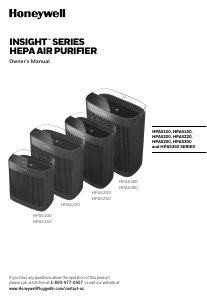
Manual Honeywell HPA5200BV1R1 Air Purifier

Need a manual for your Honeywell HPA5200BV1R1 Air Purifier? Below you can view and download the PDF manual for free in English. This product currently has 1 frequently asked question, 0 comments and has 0 votes. If this is not the manual you want, please contact us.

Is your product defective and the manual offers no solution? Go to a Repair Café for free repair services.

Manual

Loading…
6
OPERATION
a
1. Ensure that the plastic wrap has been removed from the filters and the filters are replaced in the unit. Next,
plug the power cord into a working electrical outlet.
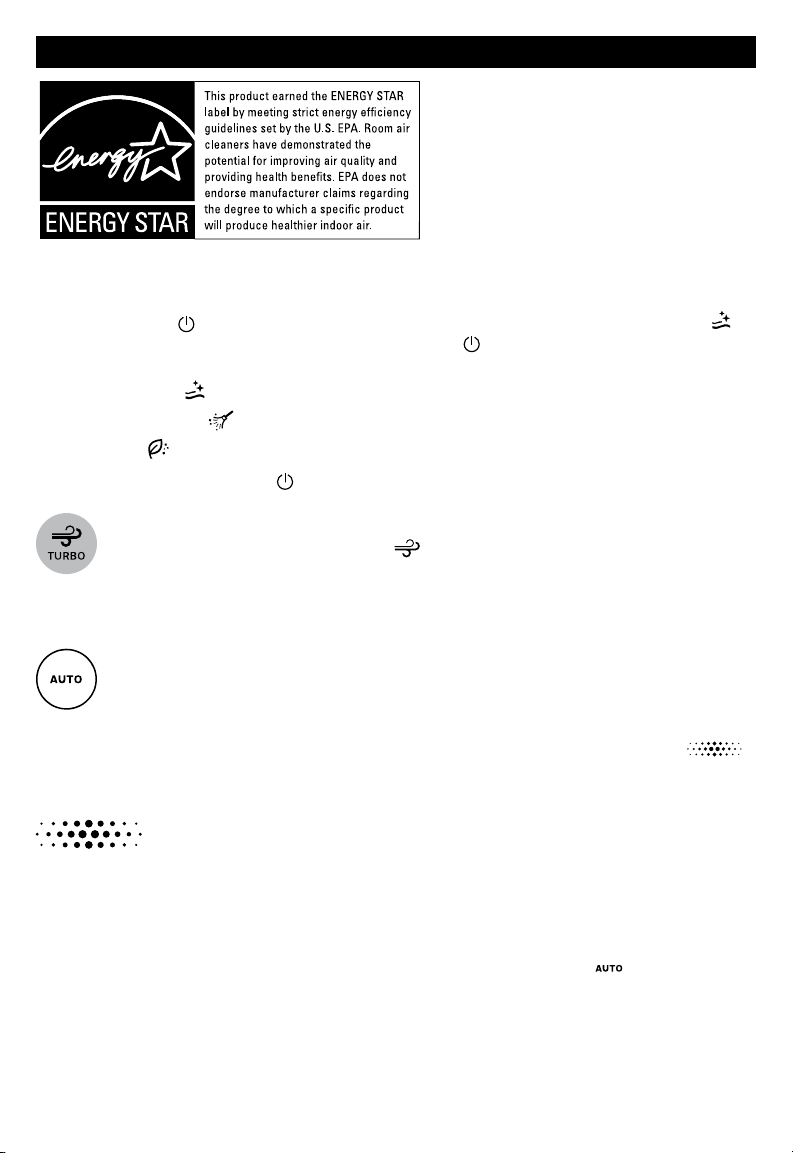
2. Tap Power Button
to turn on the air purifier. The air purifier will start automatically on the Quiet Clean
setting until another cleaning level is selected. Continue tapping
to choose a different cleaning level. With
each tap, one of the cleaning level icons will illuminate on the InSight Display.
QUIET CLEAN
: quietest setting and optimized to capture small particles.
GENERAL CLEAN
: recommended for dust and general, everyday air cleaning.
POLLEN
: optimizes pollen capturing performance during pollen season.
3. To shut off, tap the Power Button until the air purifier shuts off.
TURBO MODE
When Turbo mode is selected, the Turbo icon will illuminate on the InSight Display. This setting
operates the air purifier at the highest cleaning level and maximizes its ability to help clean the air and
help reduce odors and VOCs quickly. Tapping the Turbo button again will return the air purifier to the
previous cleaning setting.
AUTOMATIC CLEANING MODE & AIR QUALITY INDICATOR
(only available in the HPA5200, HPA5250, HPA5300 and HPA5350 Series)
These select air purifier models are equipped with VOC Sensors that detect the level of VOCs in the room
and provide a visual display to indicate air quality. The Air Quality Indicator color display is located on the
InSight Display. The VOC Sensor is constantly monitoring the air and the Air Quality Indicator
light will illuminate either green, yellow, or red depending on the level of VOCs detected in the room:
Green Good air quality. There is a low level of VOCs detected.
Yellow – Moderate air quality. There is a moderate level of VOCs detected.
Red – Poor air quality. There is an elevated level of VOCs detected.
VOCs are gases that are emitted from certain household cleaning, home improvement, and even common home
decor products.
When the Auto mode is activated, the air purifier will automatically operate at the appropriate cleaning level to
reduce the VOCs that are detected in the room. To select this mode, tap the Auto button and the icon will
illuminate on the InSight Display to indicate the setting has been activated.
NOTE: Upon start up, the unit may take a few minutes to calibrate and measure the air quality. During this time,
the Air Quality Indicator will pulse between green, yellow, and red until the air quality is determined. When the
appropriate reading is determined, the indicator will then remain a solid color.
The energy efficiency of this ENERGY STAR
certified model is measured based on a ratio
between the model’s CADR for Smoke and the
electrical energy it consumes, or CADR/Watt.
Download manual in English (PDF, 5.66 MB)
(Consider the environment and only print this manual if it is really necessary)

Loading…

Rating

Let us know what you think about the Honeywell HPA5200BV1R1 Air Purifier by leaving a product rating. Want to share your experiences with this product or ask a question? Please leave a comment at the bottom of the page.
Are you satisfied with the Honeywell HPA5200BV1R1 Air Purifier?
Yes No
Be the first to rate this product
0 votes

Join the conversation about this product

Here you can share what you think about the Honeywell HPA5200BV1R1 Air Purifier. If you have a question, first carefully read the manual. Requesting a manual can be done by using our contact form.

More about this manual

We understand that it’s nice to have a paper manual for your Honeywell HPA5200BV1R1 Air Purifier. You can always download the manual from our website and print it yourself. If you would like to have an original manual, we recommend you contact Honeywell. They might be able to provide an original manual. Are you looking for the manual of your Honeywell HPA5200BV1R1 Air Purifier in a different language? Choose your preferred language on our homepage and search for the model number to see if we have it available.

Specifications

Brand Honeywell
Model HPA5200BV1R1
Category Air Purifiers
File type PDF
File size 5.66 MB

All manuals for Honeywell Air Purifiers
More manuals of Air Purifiers

Frequently Asked Questions about Honeywell HPA5200BV1R1 Air Purifier

Our support team searches for useful product information and answers to frequently asked questions. If you find an inaccuracy in our frequently asked questions, please let us know by using our contact form.

Does an air purifier also remove regular dust from the air? Verified

Yes, air purifiers also remove dust from the air that otherwise would need to be removed by dusting and cleaning. It depends on the air purifier up to what size of dust can be removed from the air.

This was helpful (260) Read more
Manual Honeywell HPA5200BV1R1 Air Purifier

Related products

Related categories

×
Download