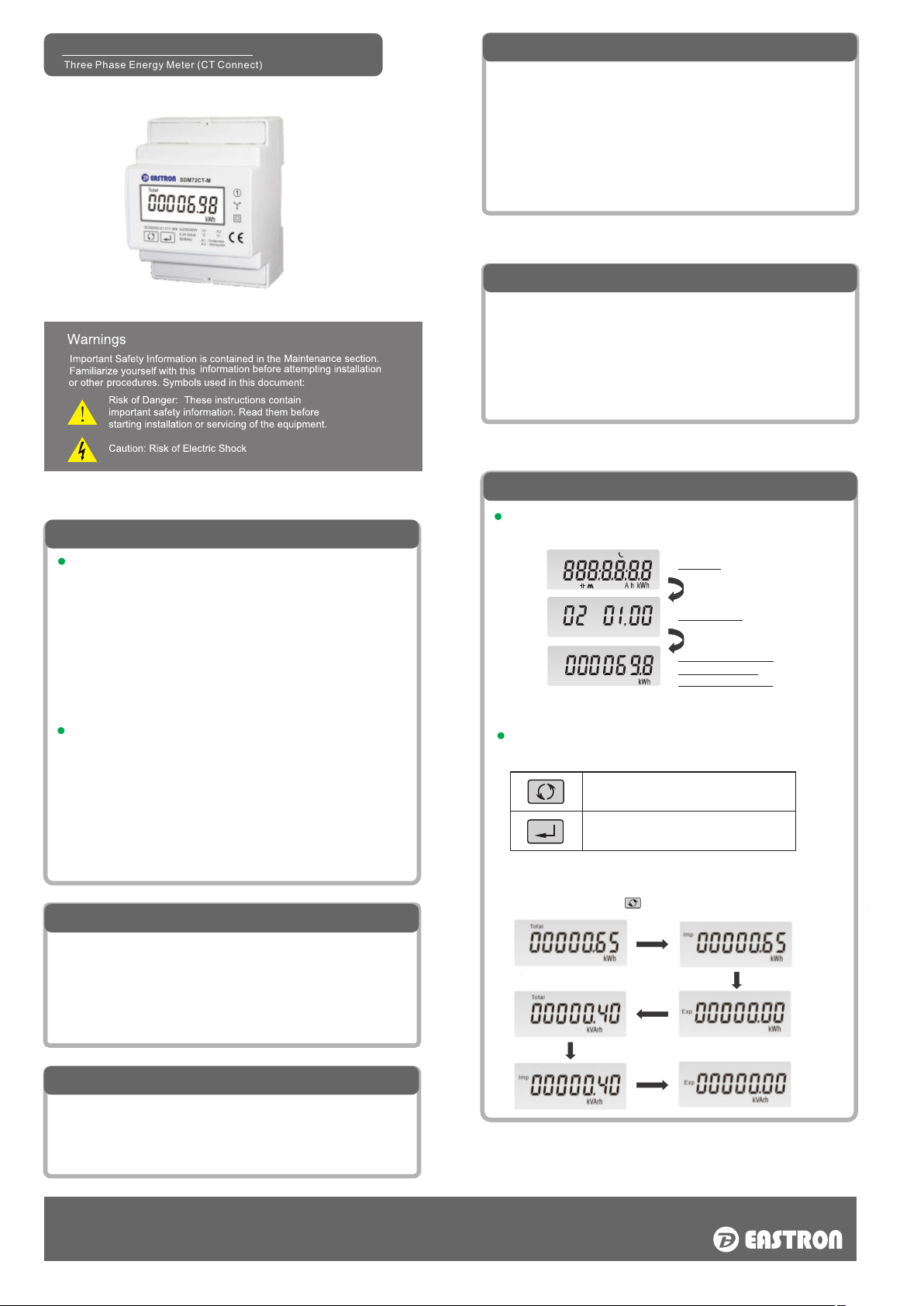
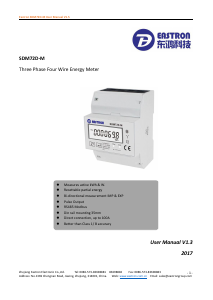
SDM72CT-M
Three Phase Energy Meter (CT Connect)
Technical Data
Performance criteria
Operating humidity
Storage humidity
Operating temperature
Storage temperature
Active energy accuracy
Protection against penetration
of dust and water
Insulating encased meter of
protective class
Warm up time
Mechanical environment
Electromagnetic environment
Degree of pollution
≤ 90%
≤ 95%
-25°C - +55°C
-40°C - +70°C
Class 1 IEC 62053-21
IP51
II
6S
M1
E2
2
Specications
Nominal voltage(Un)
Operational voltage
Insulation capabilities
- AC voltage withstand
- Impulse voltage withstand
Nominal current (In)
Maximum rated current (Imax)
Operational current range
Over current withstand
Operational frequency range
Internal power consumption
Pulse output 1
Pulse output 2
Display
Max. Reading
230V/400V AC(3~)
80%~120% Un
4KV for 1 minute
6KV-1.2/50µS
1A/5A
6A
0.4% In~Imax
20Imax for 0.01s
50Hz/60Hz
≤ 2W/10VA/phase
1000imp/kWh
1000imp/kWh
LCD with backlit
999999.9kWh
ZHEJIANG EASTRON ELECTRONIC CO., LTD.
Add: No.1369 Chengnan Road, Nanhu, Jiaxing, Zhejiang, 314001, China
Tel: +86-573-83698881 /83698882 Fax: +86-573-83698883
Email:sales@eastrongroup.com Web:www.eastron.com.cn www.eastrongroup.com
RS 485 Output for Modbus RTU
The meter provides a RS485 port for remote communication. Modbus
RTU is the protocol applied. For Modbus RTU, the following RS485
communication parameters can be congured from the Set-up menu:
Baud rate 1200,2400, 4800, 9600
Parity none (default)/odd/even
Stop bits 1 or 2
RS485 network address nnn – 3-digit number, 001 to 247
Modbus™ Word order Hi/Lo byte order is set automatically to
normal or reverse. It cannot be congured from the set-up menu.
Note:For Modbus protocol, please contact EASTRON sales
team for assistance or go to www.eastrongroup.com
Introduction
This document provides operating, maintenance and installation
instructions. This unit measures and displays the characteristics of single
phase two wires(1p2w) and three phase four wires(3p4w) networks. The
measuring parameters include voltage(V), import, export and total
energy(kWh/kvArh), frequency(Hz), current(A), power(kW/Kva/Kvar).
SDM72CTM can be congured to work with a wide range of CTs. Built-in
interfaces provide pulse and RS485 Modbus RTU outputs. Conguration
is password protected.
Unit Characteristics
Multifunction measurements
Bi-directional measurement IMP & EXP
Two pulse outputs
RS485 Modbus RTU
Password protected set-up
Backlighted LCD
Operation
Initialization display
When the meter is powered on, it will initialize and do self-checking:
After the self-checking program, the meter display will show the total
active energy (kWh)
Scroll display
Scroll Display by Button
There are two buttons on the front panel.
Full Screen
Software Version
Total Active Energy(kWh)
L2
L3
Total
Min
dmd
Total
Total=Import+ Export
Max. read:999999.9 kWh
>Scroll the display for data checking.
>Changing option at Set-up mode
>Exit the Set-up mode
>Set-up mode entry
>Conrmation
After initialization and selfchecking program, the meter displaythe measured
values. The default page is total kWh. If the user wants to check other information,
please press the scroll button on the front panel.
Pulse Outputs
The meter provides two pulse outputs. Both pulse outputs
are passive type.
Pulse output 1 can be set to generate pulses to represent
total / import/export kWh or kVarh.
The pulse constant can be set to generate 1 pulse per:
0.001/0.01/0.1/1kWh/kVarh (default is 0.001 export kWh).
Pulse width: 200/100/60ms
Pulse output 2 is non-congurable. It is xed up with active
kwh (Imp). The constant is 1000imp/kWh.


Join the conversation about this product
Here you can share what you think about the Eastron SDM72CT-M Energy Meter. If you have a question, first carefully read the manual. Requesting a manual can be done by using our contact form.