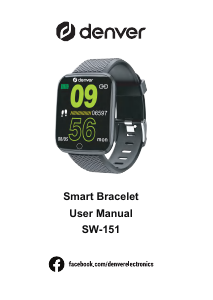
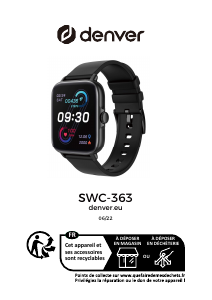
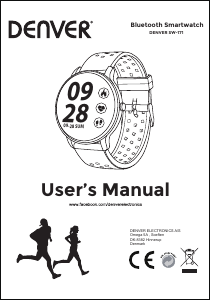
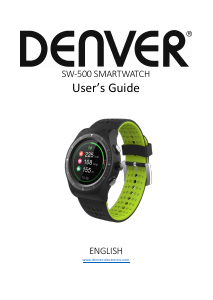
Manual Denver SW-161 Smart Watch

Need a manual for your Denver SW-161 Smart Watch? Below you can view and download the PDF manual for free in English. This product currently has 0 frequently asked questions, 48 comments and has 99 votes with an average product rating of 34/100. If this is not the manual you want, please contact us.

Is your product defective and the manual offers no solution? Go to a Repair Café for free repair services.

Manual

Loading…
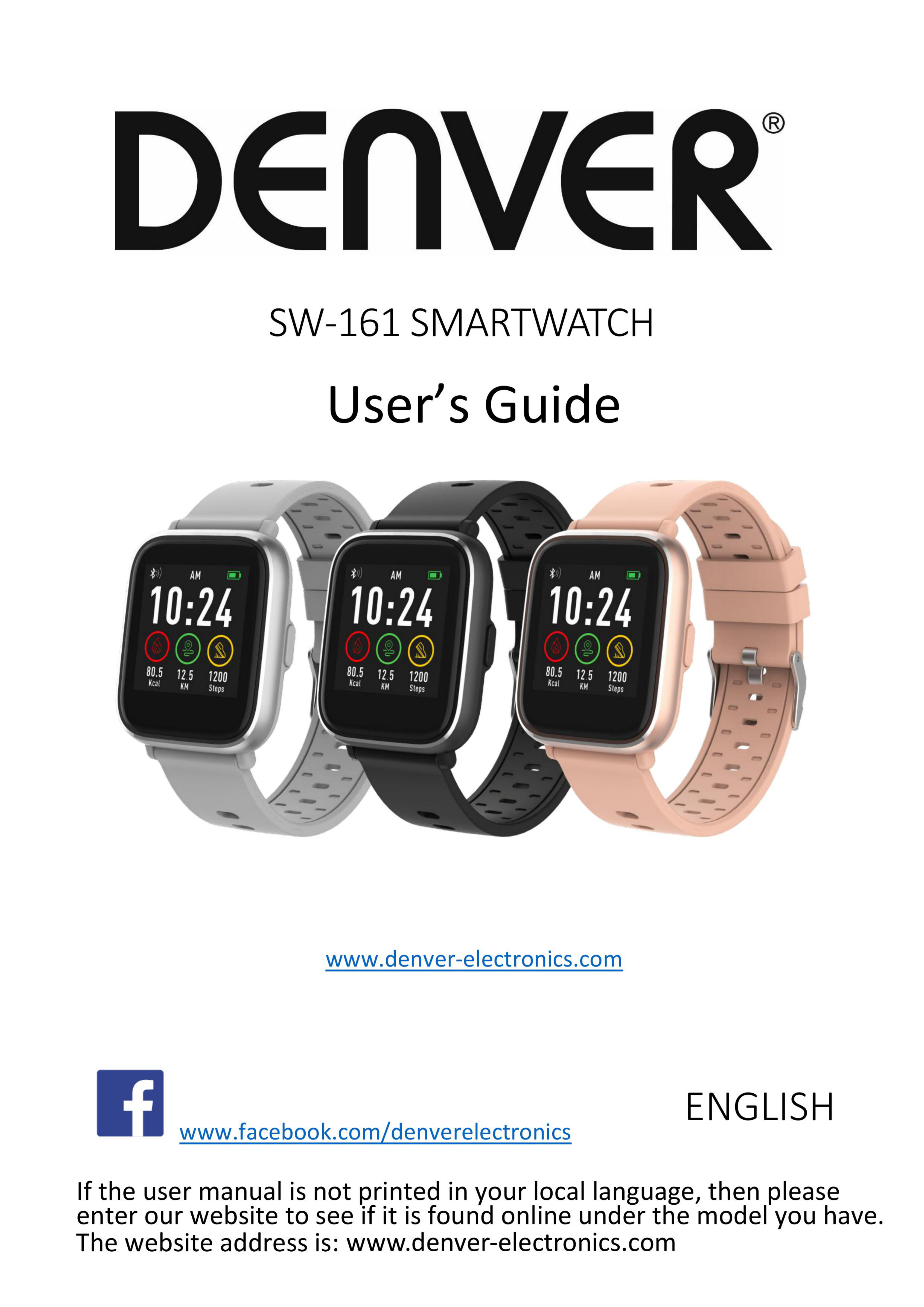
Download manual in English (PDF, 15.34 MB)
(Consider the environment and only print this manual if it is really necessary)

Loading…

Rating

Let us know what you think about the Denver SW-161 Smart Watch by leaving a product rating. Want to share your experiences with this product or ask a question? Please leave a comment at the bottom of the page.
Are you satisfied with the Denver SW-161 Smart Watch?
Yes No
34%
66%
99 votes

Join the conversation about this product

Here you can share what you think about the Denver SW-161 Smart Watch. If you have a question, first carefully read the manual. Requesting a manual can be done by using our contact form.

Marina 21-10-2020
I wonder how to change the date and time of the clock? It says that it changes automatically when you connect to Bluetooth, but it still shows errors, which is quite annoying when you use the watch to see the time ..

reply | This was helpful (119) Read more (Translated by Google)
Joachim Siegmann 19-01-2022
The watch syncs with the phone's APP

This was helpful (13) (Translated by Google)
Jörg Tausgraf 25-10-2020
How do I set the time?

reply | This was helpful (90) (Translated by Google)
Sabine 25-12-2020
How to set the time and date

reply | This was helpful (83) Read more (Translated by Google)
[email protected] 24-01-2021
How to set the time

This was helpful (61) (Translated by Google)
Simon Schmidt 02-04-2023
This is only possible by connecting the SW with the hand.

This was helpful (4) (Translated by Google)
Henry G. 13-12-2020
My Denver SW 161 is no longer recording sleep data? What can you do?

reply | This was helpful (81) (Translated by Google)
Anniqua Karlsson 03-11-2020
How long to charge the first time

reply | This was helpful (64) (Translated by Google)

Loading…

Ursula 06-11-2020
There are no more steps and no sleep markings count, just your pulse? What can you do there?

reply | This was helpful (47) (Translated by Google)
M K 26-10-2020
How do I get my Denver SV 161 to switch to winter time ????

reply | This was helpful (36) (Translated by Google)
Gunnar Bengtsson 22-09-2021
I wonder how to change the date and time of the clock? It says that it changes automatically when you connect to Bluetooth, but it still shows errors, which is quite annoying when you use the watch to see the time ..

reply | This was helpful (35) (Translated by Google)
Melanie 10-05-2021
A cup always appears in the display. How can I turn this off or what is this ad for?

reply | This was helpful (24) (Translated by Google)
Inge Löw 16-03-2021
I would like the operating instructions in German, but they are always in English

reply | This was helpful (21) (Translated by Google)
Yvonne Malin-Hult 16-10-2020
How this clock counts steps just too much it collects. I don't get the pulse working either.

reply | This was helpful (15) (Translated by Google)
Jochen 05-04-2021
Steps are wrong!

reply | This was helpful (13) (Translated by Google)
kraus frank 15-07-2021
How do I set the time and date

reply | This was helpful (12) Read more (Translated by Google)
Frank 15-07-2021
how do i set the time and date

This was helpful (20) (Translated by Google)
M K 11-07-2020
The Denver SV 161 smartwatch is otherwise a good device, except for the quality of sleep it does not measure.

reply | This was helpful (11) (Translated by Google)
eric rondelez 25-07-2020
pedometer is not correct, measure at least 3 times the distance. What should I do

reply | This was helpful (11) (Translated by Google)
Henri Bettinelli 12-10-2021
how can i set the clock

reply | This was helpful (10) (Translated by Google)
Hannes Lampimäki 09-10-2020
The watch does not have a proper, readable instruction manual. Reading would require a microscope.

reply | This was helpful (9) Read more (Translated by Google)
HL 09-10-2020
No help was found here.

This was helpful (1) (Translated by Google)
Pernilla Thur 20-11-2021
Hey! We have just started up two Denver sw161s. Notices do not work on any of them. Tips on what's wrong?

reply | This was helpful (7) (Translated by Google)
Sterzl Monika 15-09-2021
Hello, I have a problem. There are 36 boxes on the display, one of which is green. It also says: V1. 0 4F89 y When I stroke the display, there are also red lines. I hope someone can help me. Greetings Moni

reply | This was helpful (5) Read more (Translated by Google)
Henry G. 15-09-2021
It is best to restart if there are problems. Delete the app, reinstall it and then reconnect to the smartphone.

This was helpful (1) (Translated by Google)
Paulina Wiklund 13-10-2021
How to change the time?

reply | This was helpful (5) Read more (Translated by Google)
Patty 16-02-2023
About the app

This was helpful (0) (Translated by Google)
Diqna 14-11-2021
The clock can no longer be switched on

reply | This was helpful (5) (Translated by Google)
Jaana Lehtonen 12-10-2020
There is no point in using this manual, you can't read it here! And not found here in the wrong languages! Pe% * & # le!

reply | This was helpful (4) (Translated by Google)
Linnea 10-10-2020
It is very affordable and has many functions

reply | This was helpful (3) (Translated by Google)
Philipp Knapp 14-07-2021
How can I change the time format from 12 hours to 24 hours?

reply | This was helpful (3) Read more (Translated by Google)
Elke Hermann 02-01-2022
I can't get the time set in the usual 24-hour rhythm either. Is properly connected, a correct time is not displayed and the date is tomorrow. What should I do?????

This was helpful (9) (Translated by Google)
Maja Karlsson 04-11-2021
How to change what time it is on a sw-161?

reply | This was helpful (3) (Translated by Google)
Robert 04-11-2021
Hello, how can you listen to music? Greetings and thanks

reply | This was helpful (1) (Translated by Google)
Marcel Huyers 07-05-2021
Can't set hours!

reply | This was helpful (0) Read more (Translated by Google)
Angelique 30-05-2021
I can't steal

This was helpful (1) (Translated by Google)
Adam hansen 20-07-2021
Hi I have a smart watch sw 161 I can not answer calls on it can not you help me? Mvh Adam

reply | This was helpful (0) (Translated by Google)
Aad Ripmeester 18-08-2021
Manual way too small. Not legible.

reply | This was helpful (0) (Translated by Google)
uthmann jonas 31-10-2021
good morning, i have changed the time.

reply | This was helpful (0) (Translated by Google)
Horst Albert 02-11-2021
Does my SW 161 have no radio changeover from summer to winter time, because I did not have it.

reply | This was helpful (0) Read more (Translated by Google)
Henry G. 02-11-2021
The watch has to be connected to the smartphone again and again. and synchronize the data. So also the time.

This was helpful (0) (Translated by Google)
Josef 03-11-2021
Can you call it?

reply | This was helpful (0) (Translated by Google)
Robert 04-11-2021
Hello how can i listen to music Greetings and thanks

reply | This was helpful (0) (Translated by Google)
ärsyttää 05-11-2021
the clock display does not respond to touch which would help ???

reply | This was helpful (0) (Translated by Google)
Diana 14-11-2021
The clock can no longer be switched on

reply | This was helpful (0) (Translated by Google)
gemma 02-06-2022
I don't stop getting the message "discover by searching nearby devices" on my watch, what can I do?

reply | This was helpful (0) (Translated by Google)
CC 04-12-2022
The number of steps is incorrect. After about 100 steps, the pedometer will show about 1000 steps. I've already increased the step length and set it from 60 to 100 cm. Did not help.

reply | This was helpful (0) (Translated by Google)
Tonni 01-05-2023
How to turn on the clock

reply | This was helpful (0) (Translated by Google)

More about this manual

We understand that it’s nice to have a paper manual for your Denver SW-161 Smart Watch. You can always download the manual from our website and print it yourself. If you would like to have an original manual, we recommend you contact Denver. They might be able to provide an original manual. Are you looking for the manual of your Denver SW-161 Smart Watch in a different language? Choose your preferred language on our homepage and search for the model number to see if we have it available.

Specifications

Brand Denver
Model SW-161
Category Smart Watches
File type PDF
File size 15.34 MB

All manuals for Denver Smart Watches
More manuals of Smart Watches
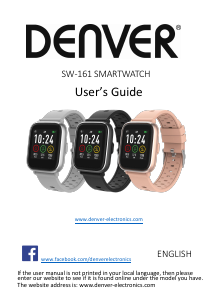
Manual Denver SW-161 Smart Watch

Related products

Related categories

×
Download