Important Safety Instructions
-3-
Introduction
1. Read Instructions
All the safety and operating instructions should be read
before the product is operated.
2. Retain Instructions
The safety and operating instructions should be
retained for future reference.
3. Heed Warnings
All warnings on the product and in the operating
instructions should be adhered to.
4. Follow Instructions
All operating instructions should be followed.
5. Cleaning
Unplug this product from the wall outlet before cleaning.
Do not use liquid cleaners or aerosol cleaners. Use a
damp cloth for cleaning.
6. Attachments
Do not use attachments not recommended by the
product manufacturer as they may cause hazards.
7. Water and Moisture
Do not use this product near water for example, near
a bathtub, wash bowl, kitchen sink, or laundry tub; in a
wet basement; or near a swimming pool; and the like.
8. Accessories
Do not place this product on an unstable cart, stand,
tripod, bracket, or table. The product may fall, causing
serious injury to a child or adult, and serious damage
to the product. Use only with a cart, stand, tripod,
bracket, or table recommended by the manufacturer, or
sold with the product. Any mounting of the product
should follow the manufacturer's instructions, and
should use a mounting accessory recommended by
the manufacturer.
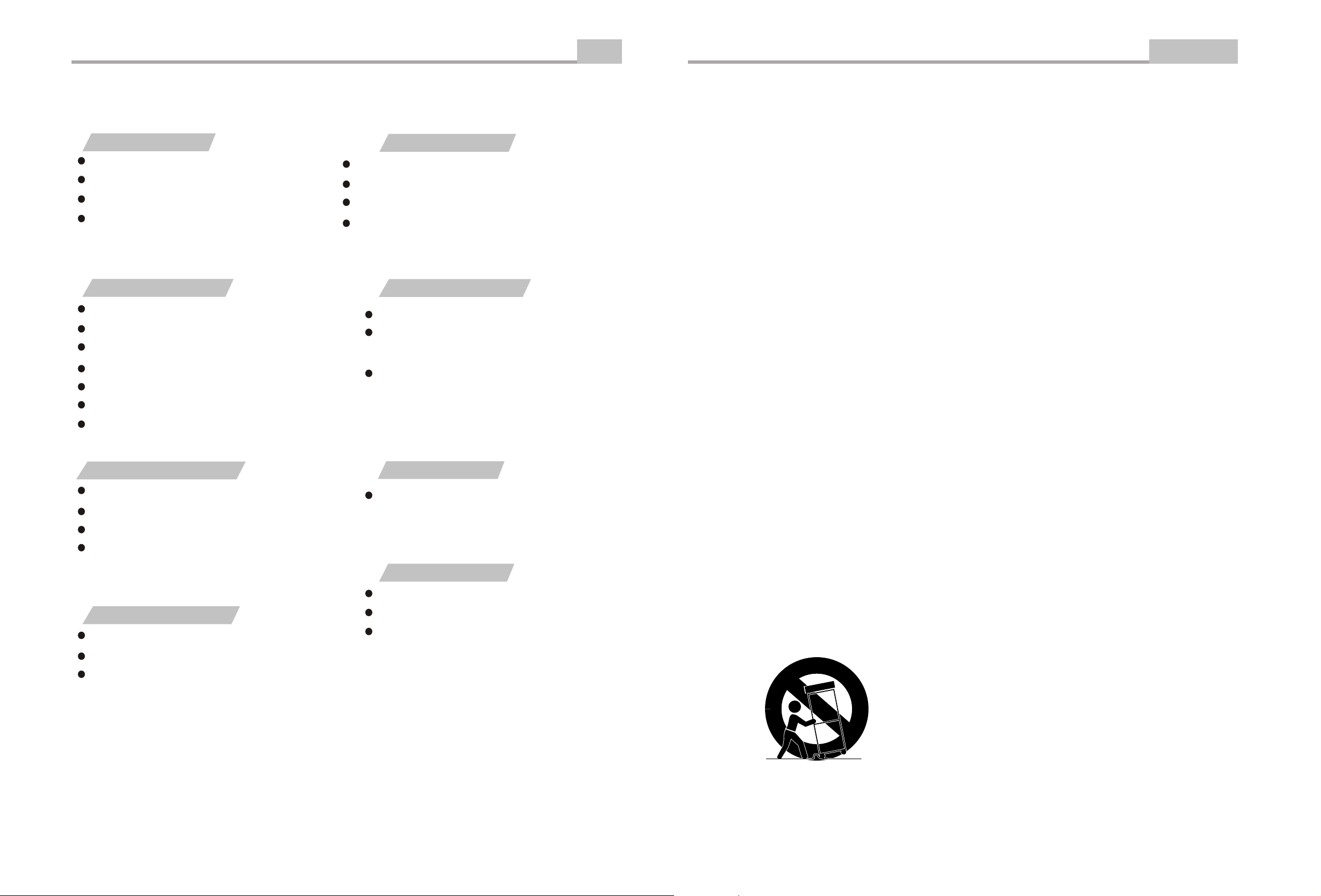
9. Portable Cart Warning
A product and cart combination should be moved with
care. Quick stop, excessive force, and uneven
surface may cause the product and cart combination
to overturn.
10. Ventilation
Slots and openings in the cabinet are provided for
ventilation and to ensure reliable operation of the
product and to protect it from overheating, and these
openings must not be blocked or covered. The
openings should never be blocked by placing the
product on a bed, sofa, rug, or other similar surface.
This product should not be placed in a built-in
installation such as a bookcase or rack unless proper
ventilation is provided or the manufacturer's
instructions have been adhered to.
11. Power Sources
This product should be operated only from the type of
power source indicated on the marking label. If you are
not sure of the type of power supply to your home,
consult your product dealer or local power company.
For products intended to operate from battery power
or other sources, refer to the operating instructions.
12. Grounding or Polarization
This product may be equipped with a polarized
alternating current line plug (a plug having one blade
wider than the other). This plug will fit into the power
outlet only one way. This is a safety feature. If you are
unable to insert the plug fully into the outlet, try
reversing the plug. If the plug should still fail to fit,
contact your electrician to replace your obsolete outlet.
Do not defeat the safety purpose of the polarized plug.
13. Power Cord Protection
Power supply cords should be routed so that they are
not likely to be walked on or pinched by items placed
upon or against them, paying particular attention to
cords at plugs, convenience receptacles, and the point
where they exit from the product.
(Symbol provided by RETAC)
-26-
"BAD DISC" DISPLAYED
Ensure the disc is not warped, damaged or deformed.
Ensure the disc is not badly stained or damaged.
Ensure the disc format is compatible with the player.
Please check whether you have tried to play a software CD.
If so, please restart the player.
NO PICTURE OR SOUND
Ensure the power button is on.
Ensure the power outlet is operational.
Ensure the power cord is not damaged.
Ensure the power plug is connected firmly to the
outlet.
"NO DISC" DISPLAYED
Ensure you have put the disc on the tray.
Ensure the disc is not upside down.
Ensure the disc is not distorted, stained or
scratched.
Ensure the audio jacks are securely connected.
Ensure the audio connector is not damaged.
Ensure the volume is turned up in VOL/CH setup.
Ensure you have set the player's AUDIO settings correctly.
Ensure you have ENTERed the correct AV input for your TV.
Ensure the audio is not set to mute.
In TV mode , ensure the tv system is correct,press N/P key to
change.
POOR PICTURE OR SOUND
Ensure you have set the player's AUDIO settings correctly.
Ensure the disc is not scratched or stained.
Ensure the AV connector or the output terminal is not
damaged.
Ensure the video jacks are securely connected.
Ensure you have ENTERed the correct AV input for your TV.
Ensure the video connector is not damaged.
Ensure you have set the player's VIDEO settings correctly.
REMOTE NOT WORKING
Ensure the remote batteries are working.
Point the remote control directly at the player's IR
sensor.
Remove any obstacles between the remote and
the IR sensor.
UNIT NOT WORKING
Turn off the power, and then turn it on again.
SOUND BUT NO PICTURE
PICTURE BUT NO SOUND
If you have any questions, please consult the troubleshooting guide below.
Troubleshooting
Other



Join the conversation about this product
Here you can share what you think about the Curtis DVD8078 DVD Player. If you have a question, first carefully read the manual. Requesting a manual can be done by using our contact form.