Manual Canon Digital Photo Professonal 4.15 (macOS)

Need a manual for your Canon Digital Photo Professonal 4.15 (macOS)? Below you can view and download the PDF manual for free in English. This product currently has 0 frequently asked questions, 0 comments and has 0 votes. If this is not the manual you want, please contact us.

Is your product defective and the manual offers no solution? Go to a Repair Café for free repair services.

Manual

Loading…
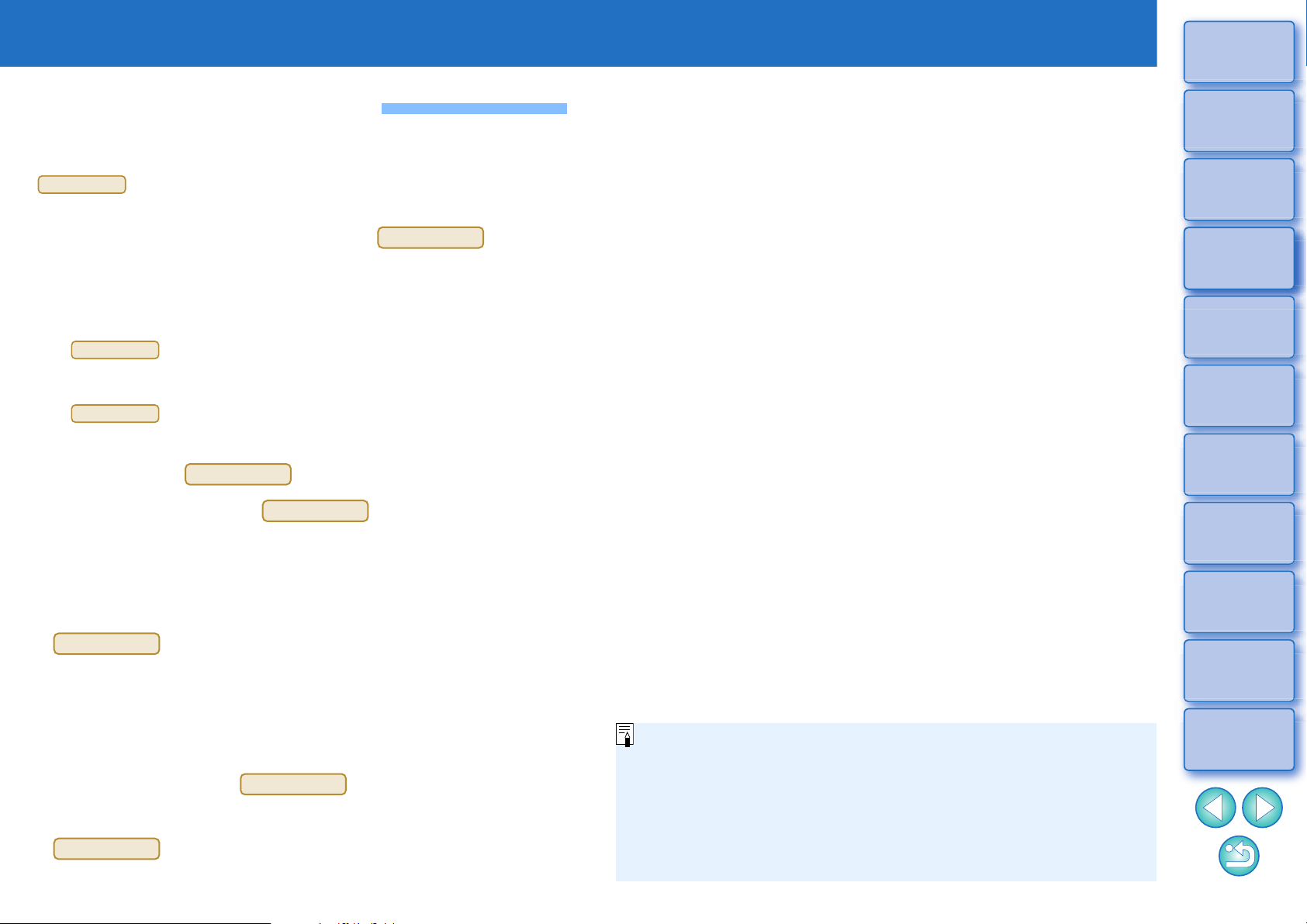
2
3
Sorting
Images
1
2
4
5
Downloading
Images
Viewing
Images
Printing
Images
Editing
Images
6
Processing
Large Numbers
of RAW Images
7
Remote
Shooting
10
HDR PQ
Mode
8
Playing Back
Movies and Saving
Still Photos
11
Specifying
Preferences
9
Handling
RAW Movies
Introduction
Main Features of DPP
Following are the main tasks you can perform with images you have
downloaded to your computer.
* indicates processing that can be performed with JPEG or
TIFF images as well as RAW images.
l View and organize images
l Play back movies and save still photos
l Adjust an image
l Various image adjustments while maintaining the original image
l Freely apply a Picture Style
l View your image before and after adjustment in the same window
l Trim and adjust the angle of an image
(trimming)
l Resize an image
l Correction of lens aberration
l Digital Lens Optimizer
l Automatic/manual dust erasure processing
l Convert from a RAW image to a JPEG or
TIFF image and save
l Process large numbers of RAW images in batches
l Transfer the image to image editing software
l Print an image
l Link with EOS Utility for remote shooting
JPEG/TIFF
JPEG/TIFF
JPEG/TIFF
JPEG/TIFF
JPEG/TIFF
JPEG/TIFF
JPEG/TIFF
JPEG/TIFF
JPEG/TIFF
l Color management compatibility
l CMYK simulation for commercial printing
In DPP Ver. 4.8.20 or later, clicking [Check for updates] in the
[Digital Photo Professional 4] menu allows you to check for update
files on the server and download any update files that are available.
To use this function, an environment with Internet access
(subscription to a provider and an in-place line connection) is
required. Internet Service Provider (ISP) connection fees or access
point connection fees may apply.
Download manual in English (PDF, 32.82 MB)
(Consider the environment and only print this manual if it is really necessary)

Loading…

Rating

Let us know what you think about the Canon Digital Photo Professonal 4.15 (macOS) by leaving a product rating. Want to share your experiences with this product or ask a question? Please leave a comment at the bottom of the page.
Are you satisfied with the Canon Digital Photo Professonal 4.15 (macOS)?
Yes No
Be the first to rate this product
0 votes

Join the conversation about this product

Here you can share what you think about the Canon Digital Photo Professonal 4.15 (macOS). If you have a question, first carefully read the manual. Requesting a manual can be done by using our contact form.

More about this manual

We understand that it’s nice to have a paper manual for your Canon Digital Photo Professonal 4.15 (macOS). You can always download the manual from our website and print it yourself. If you would like to have an original manual, we recommend you contact Canon. They might be able to provide an original manual. Are you looking for the manual of your Canon Digital Photo Professonal 4.15 (macOS) in a different language? Choose your preferred language on our homepage and search for the model number to see if we have it available.

Specifications

Brand Canon
Model Digital Photo Professonal 4.15 (macOS)
Category Software
File type PDF
File size 32.82 MB

All manuals for Canon Software
More manuals of Software
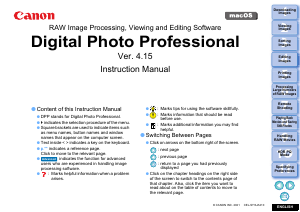
Manual Canon Digital Photo Professonal 4.15 (macOS)

Related products

Related categories

×
Download