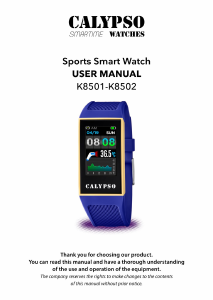
Manual Calypso K8502 Smart Watch

Need a manual for your Calypso K8502 Smart Watch? Below you can view and download the PDF manual for free in English. This product currently has 0 frequently asked questions, 12 comments and has 15 votes with an average product rating of 13/100. If this is not the manual you want, please contact us.

Is your product defective and the manual offers no solution? Go to a Repair Café for free repair services.

Manual

Loading…
2
Product includes:
Package*1,
Smart watch*1,
Smart band*2
1. Description of bracelet
function
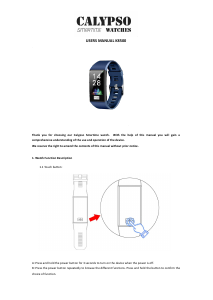
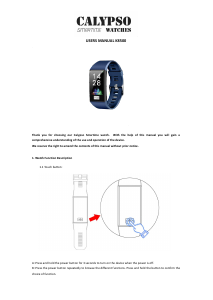
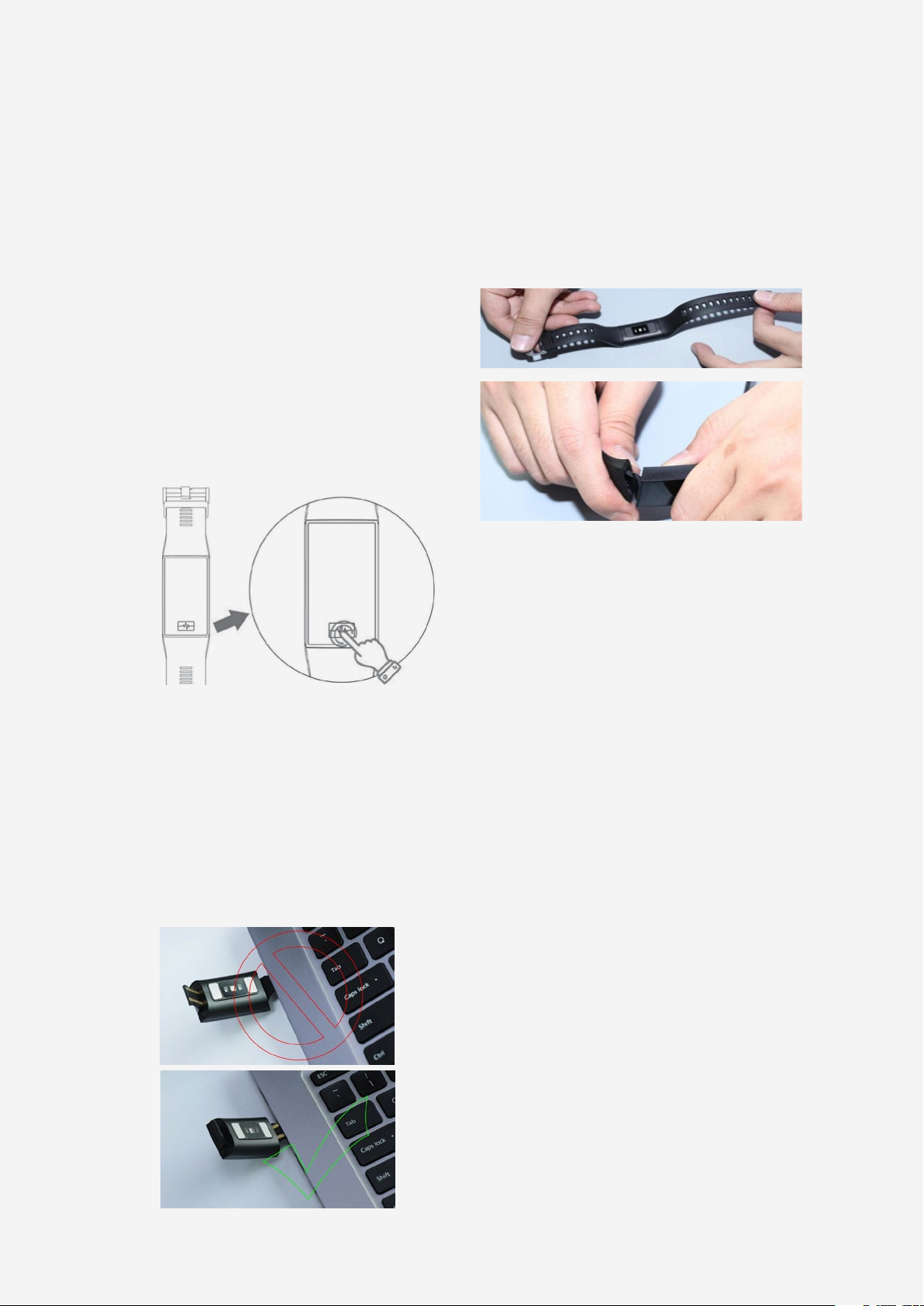
1.1 Description of touch key
A: Press and hold for 3 seconds to boot.
B: Click: select function downwards.
Press and hold: conrm.
1.2 Charging instructions:
Please pay attention to the charging direc-
tion.
*Please be aware that the two contacts of
charging cannot contact the conductor at
the same time, or it may cause the burning
of circuit.
1.3 Watch strap disassembly and
assembly instructions:
1.4 Standby dial plate interface:
1.4.1 Dial plate interface
Hold on the dial to enter into the dial preview
interface, press and hold on the touch key to
select and conrm the dial.
1.4.2 Temperature
Enter into the temperature interface, hold on
to activate the temperature detection. (Aer
wearing the bracelet for the rst time hold
your wrist for 5 minutes, the skin temperature
and body temperature can be detected.)
1.4.3 Push message
Open the push message interface, bind the
bracelet to the app. When notication per-
mission is enabled, the new message recei-
ved in the notication bar of the mobile pho-
ne will be pushed to the bracelet. A total of
8 messages can be saved, and the message
received aer 8 will overwrite previously re-
ceived messages.
1.4.4 Health
1) Heart rate, correctly wears the bracelet (le
hand/right hand) on the wrist, enter the heart
rate menu, the heart rate detection will be au-
tomatically activated in 2 seconds. The heart
rate data will be synchronized to the APP
when the bracelet is bound to the APP.
2) Blood pressure, correctly wears the brace-
let (le hand/right hand) on the wrist, enter
Download manual in English (PDF, 1.52 MB)
(Consider the environment and only print this manual if it is really necessary)

Loading…

Rating

Let us know what you think about the Calypso K8502 Smart Watch by leaving a product rating. Want to share your experiences with this product or ask a question? Please leave a comment at the bottom of the page.
Are you satisfied with the Calypso K8502 Smart Watch?
Yes No
13%
87%
15 votes

Join the conversation about this product

Here you can share what you think about the Calypso K8502 Smart Watch. If you have a question, first carefully read the manual. Requesting a manual can be done by using our contact form.

gabriele 25-09-2022
hello my watch KC8502 / 1 does not have a touch button. How do you turn this on ?

reply | This was helpful (18) (Translated by Google)
brigitte knafel 08-06-2022
I bought this watch in Spain but I can't set the time and connect it

reply | This was helpful (9) Read more (Translated by Google)
Doina 16-08-2023
I can't put the time or other options... I'm extremely disappointed

This was helpful (0) (Translated by Google)
Giuseppe di franco 10-09-2021
Just purchased, but the saleswoman did not explain anything more, it came out so drained that it does not even turn on .. Can I recharge the watch with the mobile phone charger? What are the right voltages and how many hours does it need to be recharged?

reply | This was helpful (5) (Translated by Google)
Edeltraud Gralla-Schäfer 10-05-2022
Satisfied at first, it's just that every time you charge, the clock advances 1 minute, i.e. for 5 charges, the clock advances 5 minutes. Therefore no longer satisfied.

reply | This was helpful (3) (Translated by Google)
jordi arenas calvet 18-08-2023
The time of the calypso smartime K 8508 is not the real one, as on the mobile

reply | This was helpful (1) (Translated by Google)

Loading…

Lelievre Huguette 08-08-2024
The watch is never at the correct time even when connected. I disconnected it to reconnect it and hope to reset it but nothing to do. I'm really not happy with this product.

reply | This was helpful (1) (Translated by Google)
Comte sylvie 14-06-2021
notice

reply | This was helpful (0) (Translated by Google)
Lelievre Huguette 07-08-2024
It's impossible to get my watch on time, and the connection doesn't work.

reply | This was helpful (0) (Translated by Google)
Raquel Ribadulla 09-09-2024
I have the same problem as everyone from what I'm seeing, I'm not able to set the clock, it goes back a minute every so often and the instructions don't say how to reset it, the other applications don't work either, only if they You order immediately but it doesn't do it for weeks or a month, it's a bummer every time I want to set it I have to go to the store that sold it to me, I always tell them to show me how to do it and I always leave from there with him on time but without saying

reply | This was helpful (0) (Translated by Google)
YESSICA 29-01-2026
Hello From one moment to the next the watch stopped dialing a number on the minute hand or not all the data appeared on the screen.
Hello
From one moment to the next the watch stopped dialing a number on the minute hand or not all ...

reply | This was helpful (0) (Translated by Google)
×
Hello
From one moment to the next the watch stopped dialing a number on the minute hand or not all ...
YESSICA 29-01-2026
Hello From one moment to the next the watch stopped dialing a number on the minute hand or not all the data appeared on the screen.
Hello
From one moment to the next the watch stopped dialing a number on the minute hand or not all ...

reply | This was helpful (0) (Translated by Google)
×
Hello
From one moment to the next the watch stopped dialing a number on the minute hand or not all ...

More about this manual

We understand that it’s nice to have a paper manual for your Calypso K8502 Smart Watch. You can always download the manual from our website and print it yourself. If you would like to have an original manual, we recommend you contact Calypso. They might be able to provide an original manual. Are you looking for the manual of your Calypso K8502 Smart Watch in a different language? Choose your preferred language on our homepage and search for the model number to see if we have it available.

Specifications

Brand Calypso
Model K8502
Category Smart Watches
File type PDF
File size 1.52 MB

All manuals for Calypso Smart Watches
More manuals of Smart Watches
Manual Calypso K8502 Smart Watch

Related products

Related categories

×
Download