9
New Features of PE-DESIGN NEXT
New Features of PE-DESIGN NEXT
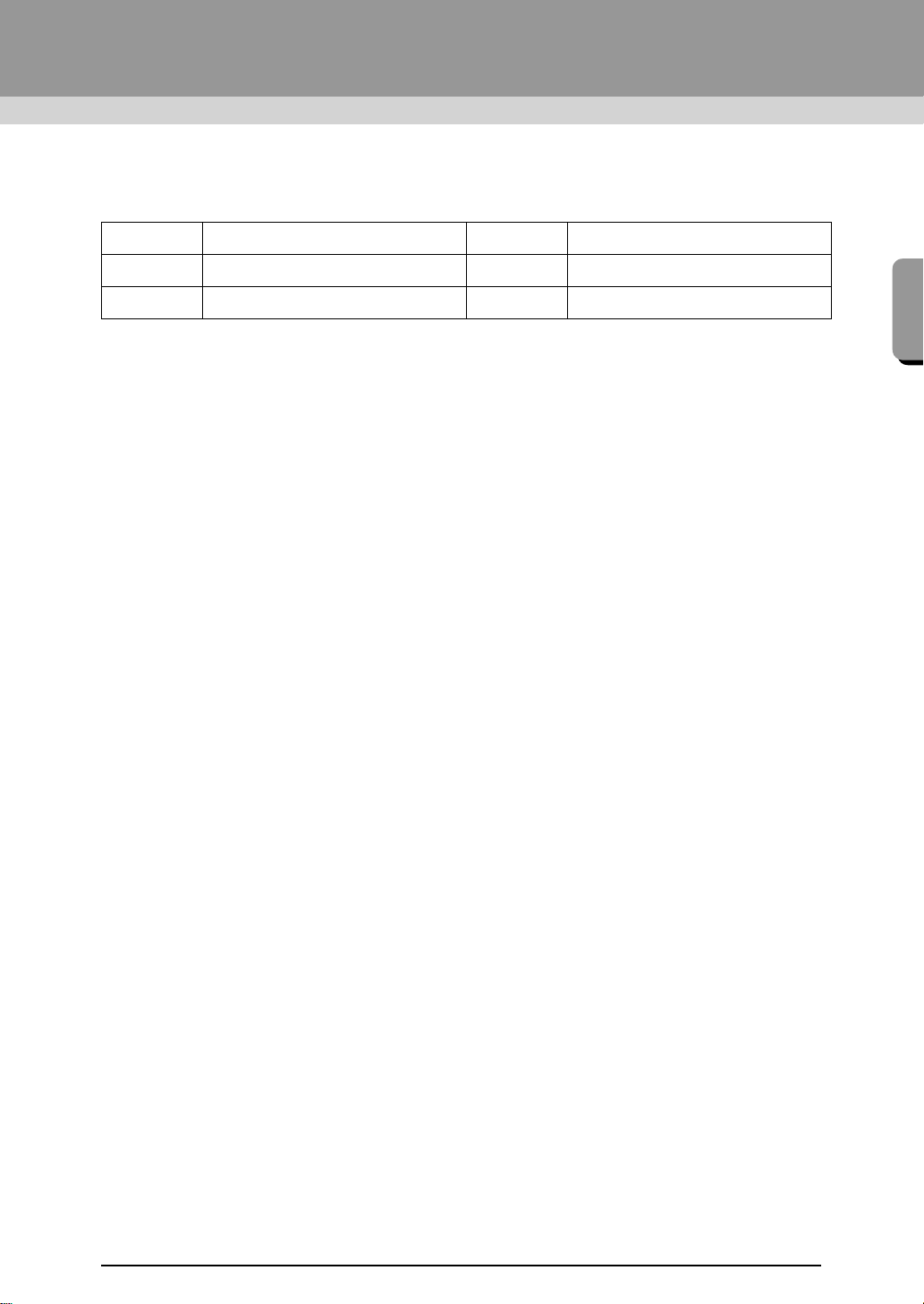
■ The name of each application is abbreviated as shown below.
■ Enhanced Functions for Creating Stitching Variations
● The stitching variations available for line sewing (Line sew type) has been increased. LE (☞p. 298)
- Stem stitch
- Candlewicking stitch
● The Create Floral Pattern command has been added. This command can be used to create floral
patterns by drawing spirals based on the selected shape. LE (
☞p. 47)
● The Mirror Copy and Circle Copy commands have been added. These commands create patterns
using horizontal/vertical mirror copies (Mirror Copy) or copies of the selected pattern arranged on a
circle (Circle Copy). LE (
☞p. 53)
● The Create Offset Lines command has been added. This command allows any number of offset lines
to be drawn inside or outside of a pattern. LE (
☞p. 49)
● The Decorative Pattern command has been added. With this command, a pattern that surrounds a
selected object can easily be added. LE (
☞p. 54)
● The Import from Vector Image command has been added. With this command, a data file in the vector
format (WMF) can simply be converted to embroidery data. LE (
☞p. 79)
● The Offset attribute has been added for motif stitch patterns. By using the Offset attribute to change the
reference position for arranging patterns, many more variations of the motif stitch can be created. LE
(
☞p. 297, p. 307)
● The default size for creating patterns with Motif Stitch and Prog. Fill Stitch can be specified. This allows
a pattern to be created while considering the size. PSC (
☞p. 243)
● A motif stitch in line sewing can be set so that motifs are not sewn twice, even when the start and end
points are moved. LE (
☞p. 300)
● By combining outlines and shapes, embossing/engraving effects can easily be created. LE (
☞p. 59)
● Functions in the Image to Stitch Wizard have been improved. LE
- Mask settings and the image size and position can be changed when Auto Punch or Cross Stitch
are selected in the wizard. (
☞p. 120, p. 130)
- A stitching frame along the outline of the mask selected in the wizard can be outputted. (☞p. 121,
p. 133)
- The stitch angle can be specified when Photo Stitch 2 is selected. (
☞p. 129)
● The Template function was added. By simply replacing text in previously designed embroidery
templates, customized embroidery designs can be created. LE (
☞p. 113)
■ Improved User Interface Is Easier To Use
● A ribbon has been incorporated into the advanced user interface. The ribbon allows users to easily find
the necessary functions and enables more intuitive operation. (LE,DC,FC,PSC) (
☞p. 19, p. 278)
LE: Layout & Editing DC: Design Center
FC: Font Creator PSC: Programmable Stitch Creator
DB: Design Database
XE8656-001.book Page 9 Monday, May 24, 2010 5:44 PM


Join the conversation about this product
Here you can share what you think about the Brother PE-Design Next. If you have a question, first carefully read the manual. Requesting a manual can be done by using our contact form.